
Adobe Illustrator CC - Advanced Course
Already comfortable with the basics of Adobe Illustrator and ready to take your skills to a professional level? This advanced course is designed for designers, illustrators, and creatives who want to work faster, smarter, and more efficiently. Whether you're self-taught or you've completed our Illustrator Essentials course, you'll discover advanced workflows, creative techniques, and the latest AI-powered tools that will elevate both your skills and your portfolio.
You'll learn step-by-step how to master Adobe Illustrator's advanced tools and professional workflows while completing creative, portfolio-ready projects. Led by Adobe Certified Instructor Daniel Walter Scott, you'll explore advanced vector illustration, typography, colour management, AI-powered features, image integration, effects, and time-saving workflows that will help you create professional-quality artwork faster while earning your Adobe Illustrator Advanced certification.
- Using Adobe Illustrator's latest AI-powered creative tools.
- Generating vector artwork, patterns, and colour variations with AI.
- Vectorising and colouring hand-drawn sketches.
- Mastering advanced Shape Builder and Pathfinder techniques.
- Drawing complex vector artwork with professional tools.
- Using the Pen, Curvature, Width, Join, Knife, Eraser, and Scissors tools efficiently.
- Creating reusable Graphic Styles and Symbols.
- Working with compound paths and live effects.
- Creating advanced gradients and blending techniques.
- Mastering colour workflows, Global Colours, and Pantone Spot Colours.
- Understanding RGB, CMYK, and colour proofing for print.
- Recolouring artwork quickly and consistently.
- Working with images, masking, and blending modes.
- Creating professional typography and advanced text effects.
- Identifying fonts and working with advanced font features.
- Building charts, graphs, and infographic elements.
- Creating 3D-style lettering and creative illustration effects.
- Using Envelope Distort, Puppet Warp, Mesh, and Transform tools.
- Creating linocut, neon, duotone, halftone, and stamp-style effects.
- Working with advanced artboards, layers, and asset management.
- Exporting artwork efficiently for print, web, and digital projects.
- Learning professional Illustrator workflows, shortcuts, and productivity techniques.
- Completing practical, portfolio-ready design projects.
- ... and more!
What’s in the course?
Hint: Get a feel for the course by watching the free lessons!
Why our students love learning with BYOL
“The advanced techniques taught with such ease are making me love the software even more.”
“Great course. Learning a great deal about illustrator.”
“I love how well Daniel breaks each section down and provides examples.I have leaerned a lot.I feel like his way of explaining really makes things click for me. He doesn’t rush through anything and takes the time to make sure every detail is clear. Plus, the examples he gives are super helpful—t”
“The Bring your own laptop courses have been so helpful and easy to learn with. I am learning more taking these courses than what I learned taking college level graphic design courses!”
“BYOL’s Illustrator Advanced course took my skills to another level. The practical techniques, professional workflows, and expert guidance made complex tools easy to understand and apply. A genuinely valuable course that has boosted both my confidence and creativity as a designer. Zabihullah Essar”
“Such an awesome course so far, dan is very clear on what he goes through and I have learnt a lot!”
“I am so glad that I decided to take this course. I did the essentials class for Illustrator and loved it. It definitely helped me use Illustrator with more confidence which in turn helped me perform better at my job. Then when I heard about the Advance class also taught by Dan, I was so excited to get started. I've learned several new tricks, lots of tips already. Can't wait to see what else is in...”
“Dan is an exceptional teacher! I am really enjoying this course, and can't wait to take more!”
“I love this instructor, and the information. It is really helpful.”
“Technical writer here (NOT a graphic designer!!), I wanted to do some drawings myself (vector graphics from pictures), this course explained very well how to achieve my goals...”
“I just finished illustrator essentials which was awesome and this course starts up where Essentials left off. So far it's just as jam packed with information as essentials was.”
“i must say as a beginner this cource is easy, convenient to understand ,i learnt lot of things and this is my 2nd cources and 1st cources was his essential cources.”
“Great course, very knowledgeable, and good real-world application scenarios.”
“I'm really enjoying this course and finding it incredibly helpful. It has been a great experience learning the advanced features of Adobe Illustrator CC, and I feel like I'm gaining a lot of valuable new skills that are truly levelling up my design work.”
“The course is fantastic! The idea of designing a solution for a fictional client was great. I was looking forward to each class project! Dan is enthusiastic, fun, and the best teacher overall! Highly recommended!”
“Absolutely loved this course - especially after taking the Essentials course first. The repetition of shortcuts and continued practice really helped everything stick. I feel so much more confident as a graphic designer, and honestly surprised by how much I didn’t know in Illustrator. I’ve picked up tons of useful tools and tricks, and would highly recommend it to anyone looking to sharpen their sk...”
“I truly enjoyed all the wonderful lectures. It was an amazing experience, and I learned so, so much. In the end, I can only express my gratitude to the amazing instructor, Mr. Daniel Walter Scott, for all his great efforts. I have also purchased the Photoshop course, and I will start studying it soon. Thank you very much once again.”
“I'm SOOO excited about this course after taking the essentials course!!”
“As usual, simply EXCELENT presentation.”
“Très pédagogique. Les cours sont basés sur des créations simples mais non basiques. Et la multiplication des exercices est très bénéfique pour se forcer à aboutir à quelque chose.”
Class projects & community

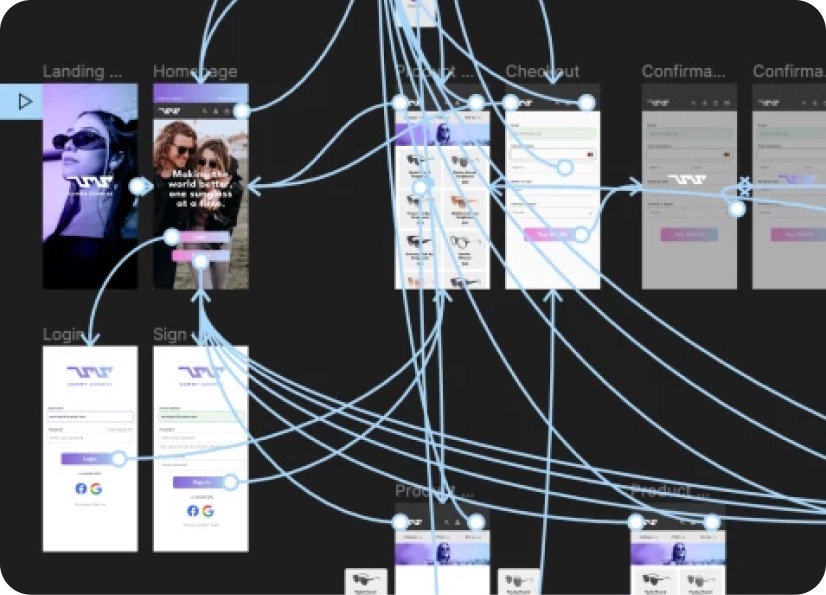
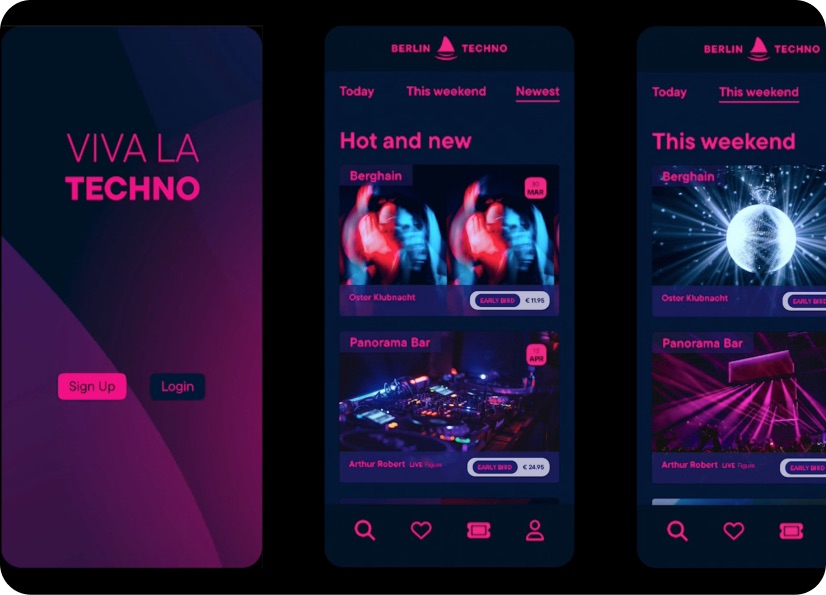
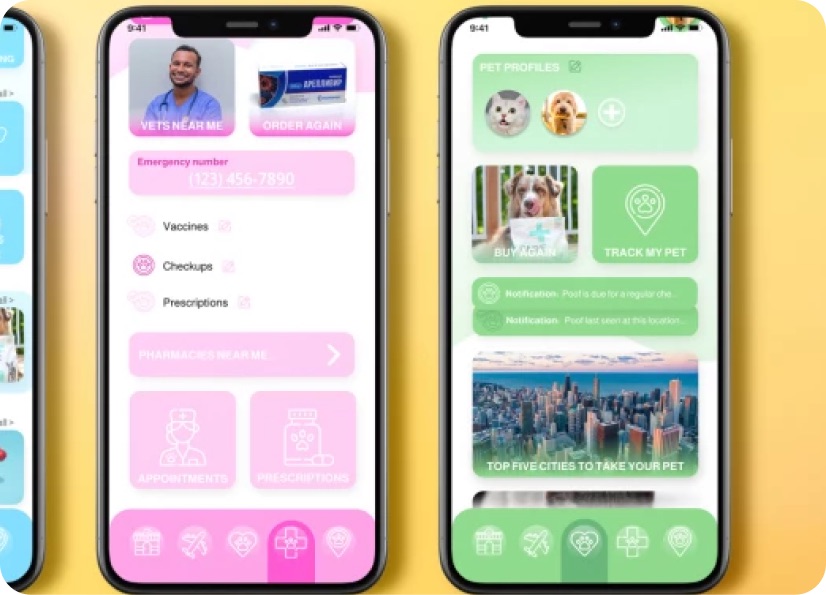
Build real world projects as you learn, create portfolio worthy work, and gain practical experience by doing - not just watching. Share your work with our global creative community, get feedback and support, and learn alongside other students every step of the way.



Meet your instructor
Daniel Walter Scott
Founder of Bring Your Own Laptop & Chief Instructor
Figma | Illustrator | Premiere Pro | Lightroom
I discovered the world of design as an art student when I stumbled upon a lab full of green & blue iMac G3’s. My initial curiosity around using the computer to create ‘art’ developed into a full-blown passion, eventually leading me to become a digital designer and founder of Bring Your Own Laptop.
Sharing and teaching are a huge part of who I am. As a certified Adobe instructor, I've had the honor of winning multiple Adobe teaching awards at their annual MAX conference. I see Bring Your Own Laptop as the supportive community I wished for when I was first starting out and intimidated by design. Through teaching, I hope to bring others along for the ride and empower my students to bring their stories, labors of love, and art into the world.
True to my Kiwi roots, I've lived in many places, and currently, I reside in Ireland with my wife and kids.


Choose your membership plan.
Get unlimited access to every BYOL course and feature. Go monthly for flexibility, or choose yearly and save with our best value option.
Yearly | Best value
- 12 months access for the price of 7
- Save $60.00 vs monthly
- Just $7.00 per month when billed yearly
- Give yourself a full year to level up
- Unlimited access to 35+ design courses
- New course launches and updates
- Take as many courses as you like
- Learn at your own pace
- Class projects & certificates
- Design challenges
- BYOL Expert support
- Private student community
Pay $84.00 today.
Auto-renews annually at $84.00.
Cancel at any time before your renewal.
Monthly | Flexible
- Unlimited access to 35+ design courses
- New course launches and updates
- Take as many courses as you like
- Learn at your own pace
- Class projects & certificates
- Design challenges
- BYOL Expert support
- Private student community
Pay $12.00 today.
Auto-renews monthly at $12.00.
Cancel at any time before your renewal.
Take your design skills to the next level.
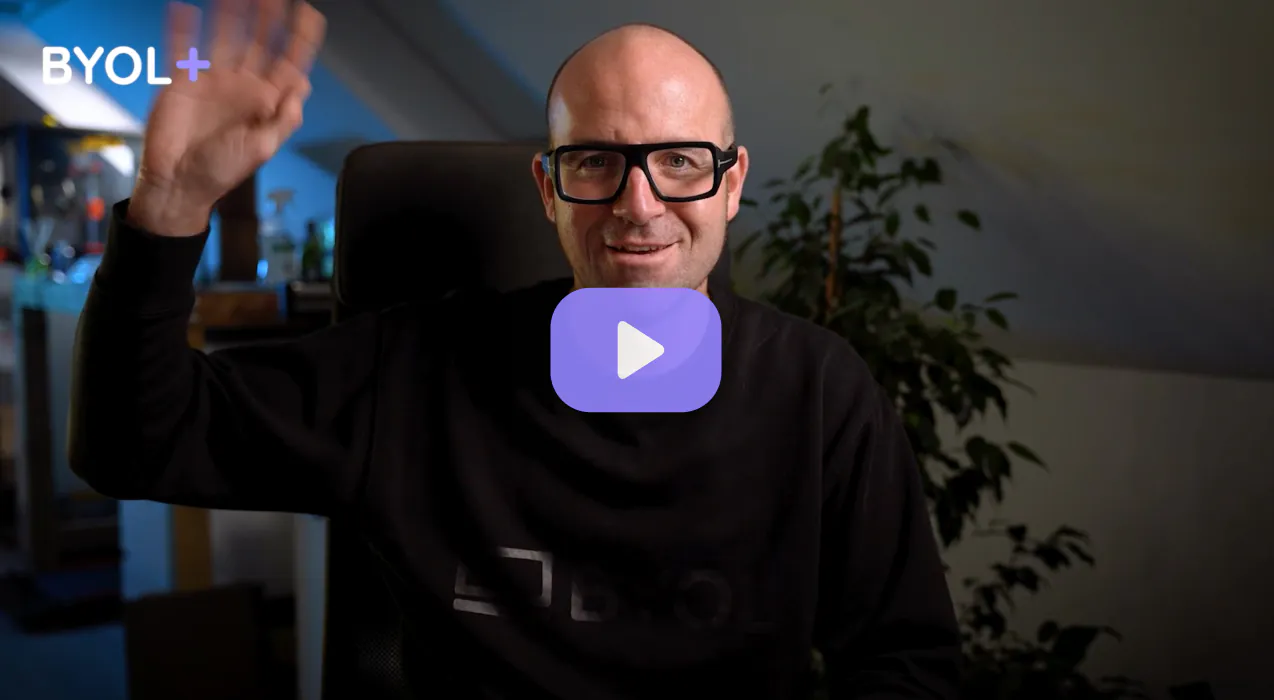
Join a private community of designers, with guaranteed feedback and small-group live sessions designed to accelerate your growth.

BYOL+ is for designers who:
- Work solo and want meaningful feedback from peers.
- Are building a freelance business and need guidance.
- Want thoughtful critique to strengthen their portfolio and unlock new opportunities.
"I love the live sessions, the advice has really helped me to move up in my career."
Charlie, BYOL+ student

Includes everything in BYOLCORE, plus:
- 💜 Exclusive BYOL+ Discord community
- ☕️ Live Office Hours with Dan
- ⚡️ Live portfolio review sessions
- 🧠 Live creative community sessions
- 🎬 Live session replay library
- ✏️ BYOL+ exclusive design challenges
- 🔥 Priority BYOL Expert support
- 💬 Priority Class Project feedback
- 📺 Download lessons to watch offline anytime
Pay $199.00 today.
Auto-renews yearly at $199.00.
Cancel at any time before your renewal
Pay $29.00 today.
Auto-renews monthly at $29.00.
Cancel at any time before your renewal
You might also like...


Be the first to hear about new courses and special offers!
