
Adobe Illustrator CC - Essentials Training
Whether you're completely new to Adobe Illustrator or you've tried learning it before and found it overwhelming, this course is designed to help you build confidence from the very beginning. We'll start with the fundamentals and work step-by-step towards creating professional vector artwork, logos, illustrations, and graphics. No previous design, drawing, or Illustrator experience is required - just basic computer skills and a willingness to learn.
You'll learn step-by-step how to use Adobe Illustrator to create professional vector artwork, logos, illustrations, branding, and marketing graphics while working on real-world projects and portfolio pieces. Led by Adobe Certified Professional and Adobe MAX Master Award winner Daniel Walter Scott, you'll develop industry-standard workflows, master Illustrator's latest features including Generative AI, build confidence through practical assignments, and earn your Adobe Illustrator certification.
- Drawing with shapes and lines.
- Creating artwork with the Shape Builder tool.
- Designing custom logos and vector graphics.
- Working with brushes, strokes, and the Width Tool.
- Mastering the Pen, Pencil, and Curvature tools.
- Working confidently with typography and fonts.
- Creating overlapping artwork using Intertwine.
- Masking images and graphics.
- Distorting, warping, bending, and liquefying artwork.
- Creating simple 3D illustrations.
- Choosing effective colour combinations.
- Designing seamless repeating patterns.
- Converting hand-drawn artwork into vector illustrations.
- Creating stencil-style artwork.
- Working with mood boards for creative inspiration.
- Creating realistic design mockups.
- Using Adobe Illustrator's Generative AI features.
- Exporting artwork for print, web, social media, and clients.
- Building a complete Farmer's Market branding project.
- Learning professional Illustrator workflows and time-saving shortcuts.
- Completing practical exercises and portfolio-ready projects.
- ... and more!
What’s in the course?
Hint: Get a feel for the course by watching the free lessons!
Why our students love learning with BYOL
“Worth the money. Very easy to follow teaching style. Also very well structured and comprehensive.”
“easy and good, clear , happy mood, thank you”
“Well, when it's Dan, there is nothing left to comment. He makes learning so much easier amd fun-filled. 😊”
“Great essentials course. Easy to follow, plenty of hands-on work, & the videos are entertaining.”
“This course is wonderful! I have ADHD but I'm always engaged, the assignments are far and varying in terms of how much you commit to them. Dan is a great teacher, hes responsive and you can tell he loves what he does.”
“Yes it was definitely a perfect match all of it that i was looking for. The class project at the end of each module or section helps improve and develop confidence and skill in a great way.”
“Great for anyone starting out or whoever want some refreshers while picking up some new knowledge along the way. Exercise files helped a lot.”
“A brilliant course, Dan was a friendly face and voice throughout the 100 or so videos together, and I now feel pretty confident with Illustrator!”
“Learning with Dan is an absolute joy! I’ve gained so much knowledge while having fun at the same time. I will continue my journey with his other courses :)”
“Learnt so many tricks and cool stuffs. Thank you so much for this wonderful course. Enrolled for the advanced course, will learn from it as well I am sure.”
“Great course with clear explanations and useful exercises. I’m learning a lot and enjoying the process so far!”
“I am really enjoying this course so far! I came into this with an intermediate skill level. The lessons provided have greatly improved my skills. Dan and team have created easy to follow lessons focused on core Illustrator concepts. This is a must try if you are a beginner or intermediate level designer!”
“I'm super excited to take this course. I am learning a lot more than I thought I would. Courses are broken down into bite-size pieces making it easy to complete while living a full and busy life. Would highly recommend”
“The Illustrator Essential course exceeded my expectations. It is well-structured, beginner-friendly, and packed with practical techniques that you can apply immediately to real projects. I learned many useful Illustrator tools, shortcuts, and professional tricks that have significantly improved my workflow and confidence. What I appreciated most was the hands-on teaching style. Instead of just exp...”
“What an amazing course! Dan was extremely engaging and made the material fun and entertaining. Definitely recommend this course if you're looking at learning Illustrator!”
“This course has been really informative and engaging. I enjoy how the quiz questions and class projects are intertwined throughout the course and not just a batch in one area. Dan has been doing good with keeping things light and I enjoy his side remarks that make it more fun. Thank you!”
“Great course! The instructor is great! (and hilarious). Everything is so clear throughout the course. Also, having lots of assignments really helped with practicing everything explained.”
“I have learned so much halfway through the class. It is very informative and takes time, but it is worth the effort.”
“best Course ever - it changed my life, I'm making great money from design now I can create anything with adobe illustrator thank you Walter!”
“Yes, the instructor has a great personality making the material seem very non-threatening”
Class projects & community

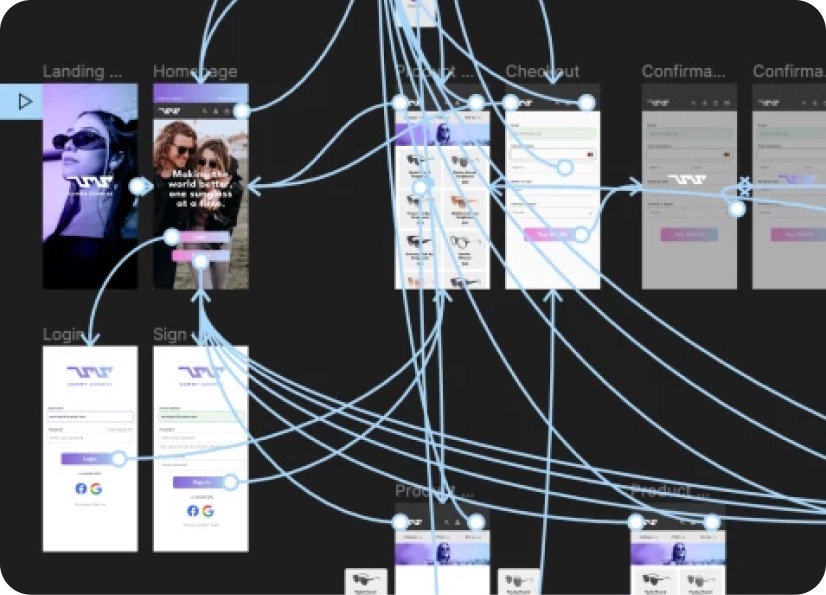
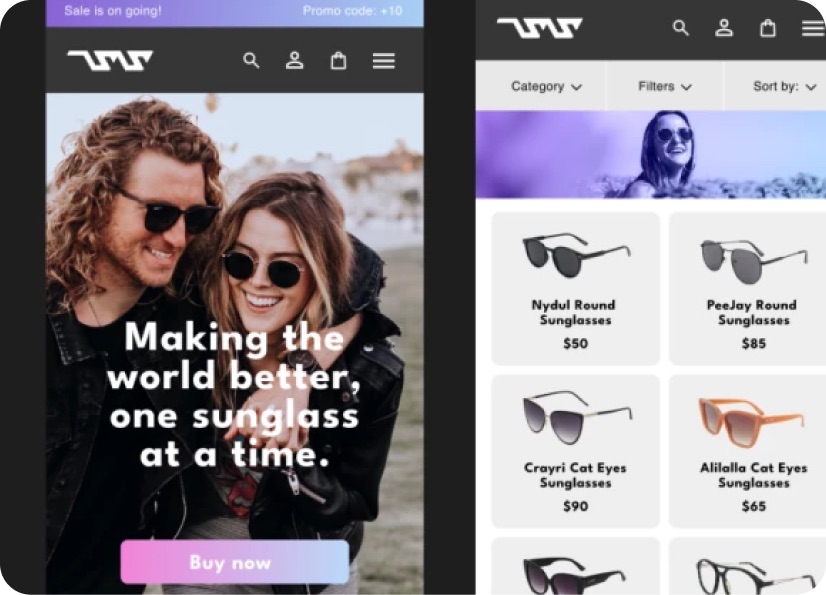
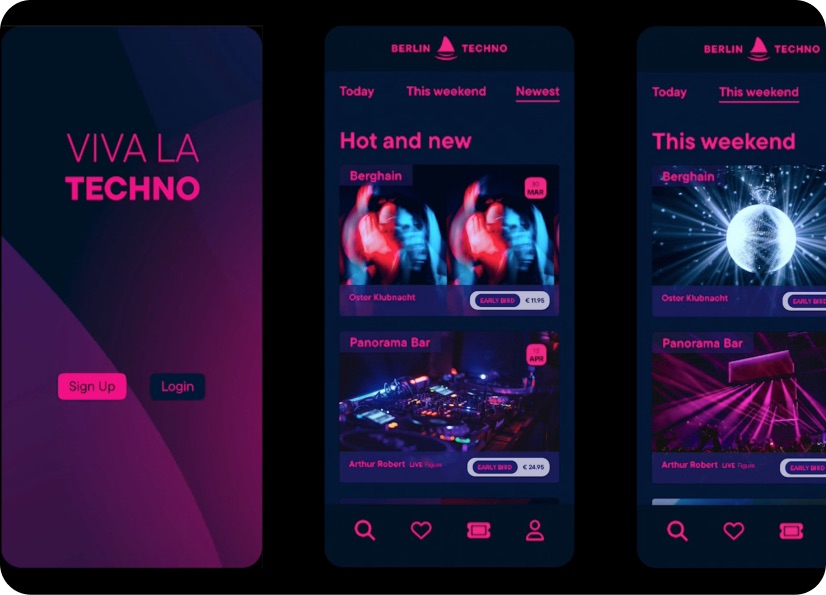
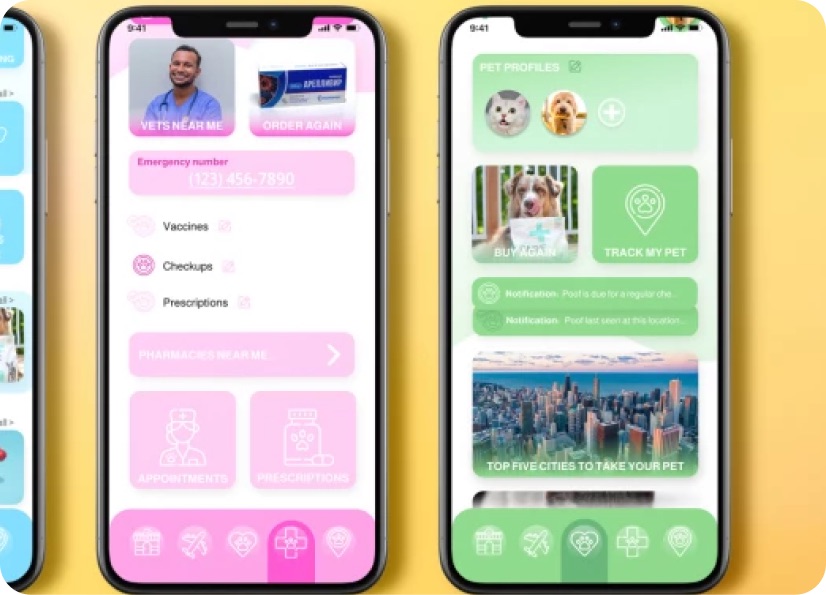
Build real world projects as you learn, create portfolio worthy work, and gain practical experience by doing - not just watching. Share your work with our global creative community, get feedback and support, and learn alongside other students every step of the way.


Meet your instructor
Daniel Walter Scott
Founder of Bring Your Own Laptop & Chief Instructor
Figma | Illustrator | Premiere Pro | Lightroom
I discovered the world of design as an art student when I stumbled upon a lab full of green & blue iMac G3’s. My initial curiosity around using the computer to create ‘art’ developed into a full-blown passion, eventually leading me to become a digital designer and founder of Bring Your Own Laptop.
Sharing and teaching are a huge part of who I am. As a certified Adobe instructor, I've had the honor of winning multiple Adobe teaching awards at their annual MAX conference. I see Bring Your Own Laptop as the supportive community I wished for when I was first starting out and intimidated by design. Through teaching, I hope to bring others along for the ride and empower my students to bring their stories, labors of love, and art into the world.
True to my Kiwi roots, I've lived in many places, and currently, I reside in Ireland with my wife and kids.


Choose your membership plan.
Get unlimited access to every BYOL course and feature. Go monthly for flexibility, or choose yearly and save with our best value option.
Yearly | Best value
- 12 months access for the price of 7
- Save $60.00 vs monthly
- Just $7.00 per month when billed yearly
- Give yourself a full year to level up
- Unlimited access to 35+ design courses
- New course launches and updates
- Take as many courses as you like
- Learn at your own pace
- Class projects & certificates
- Design challenges
- BYOL Expert support
- Private student community
Pay $84.00 today.
Auto-renews annually at $84.00.
Cancel at any time before your renewal.
Monthly | Flexible
- Unlimited access to 35+ design courses
- New course launches and updates
- Take as many courses as you like
- Learn at your own pace
- Class projects & certificates
- Design challenges
- BYOL Expert support
- Private student community
Pay $12.00 today.
Auto-renews monthly at $12.00.
Cancel at any time before your renewal.
Take your design skills to the next level.
Join a private community of designers, with guaranteed feedback and small-group live sessions designed to accelerate your growth.

BYOL+ is for designers who:
- Work solo and want meaningful feedback from peers.
- Are building a freelance business and need guidance.
- Want thoughtful critique to strengthen their portfolio and unlock new opportunities.
"I love the live sessions, the advice has really helped me to move up in my career."
Charlie, BYOL+ student

Includes everything in BYOLCORE, plus:
- 💜 Exclusive BYOL+ Discord community
- ☕️ Live Office Hours with Dan
- ⚡️ Live portfolio review sessions
- 🧠 Live creative community sessions
- 🎬 Live session replay library
- ✏️ BYOL+ exclusive design challenges
- 🔥 Priority BYOL Expert support
- 💬 Priority Class Project feedback
- 📺 Download lessons to watch offline anytime
Pay $199.00 today.
Auto-renews yearly at $199.00.
Cancel at any time before your renewal
Pay $29.00 today.
Auto-renews monthly at $29.00.
Cancel at any time before your renewal
You might also like...


Be the first to hear about new courses and special offers!
