Adobe Photoshop CC - Essentials 2.0
Join professional photographer, educator, and author Bret Malley for a hands-on introduction to Adobe Photoshop created for designers who want to expand their creative toolkit. You’ll learn by working through real-world design challenges that build practical skills like combining images, enhancing color and light, masking and compositing, and integrating type and effects. Along the way, you’ll uncover essential Photoshop workflows for everything from quick cleanups to imaginative transformations that bring your ideas to life. With downloadable exercise files, guided assignments, and expert techniques drawn from years of professional practice, this course helps bridge the gap between Photoshop’s complexity and real-world design work. By the end, you’ll have the confidence to take on everything from simple photo edits to full-scale creative compositions, adding a powerful new dimension to your design toolkit!
- Navigating Photoshop workspaces, tools, panels, and shortcuts
- Working confidently with layers, masks, and Smart Objects
- Removing backgrounds and editing images nondestructively
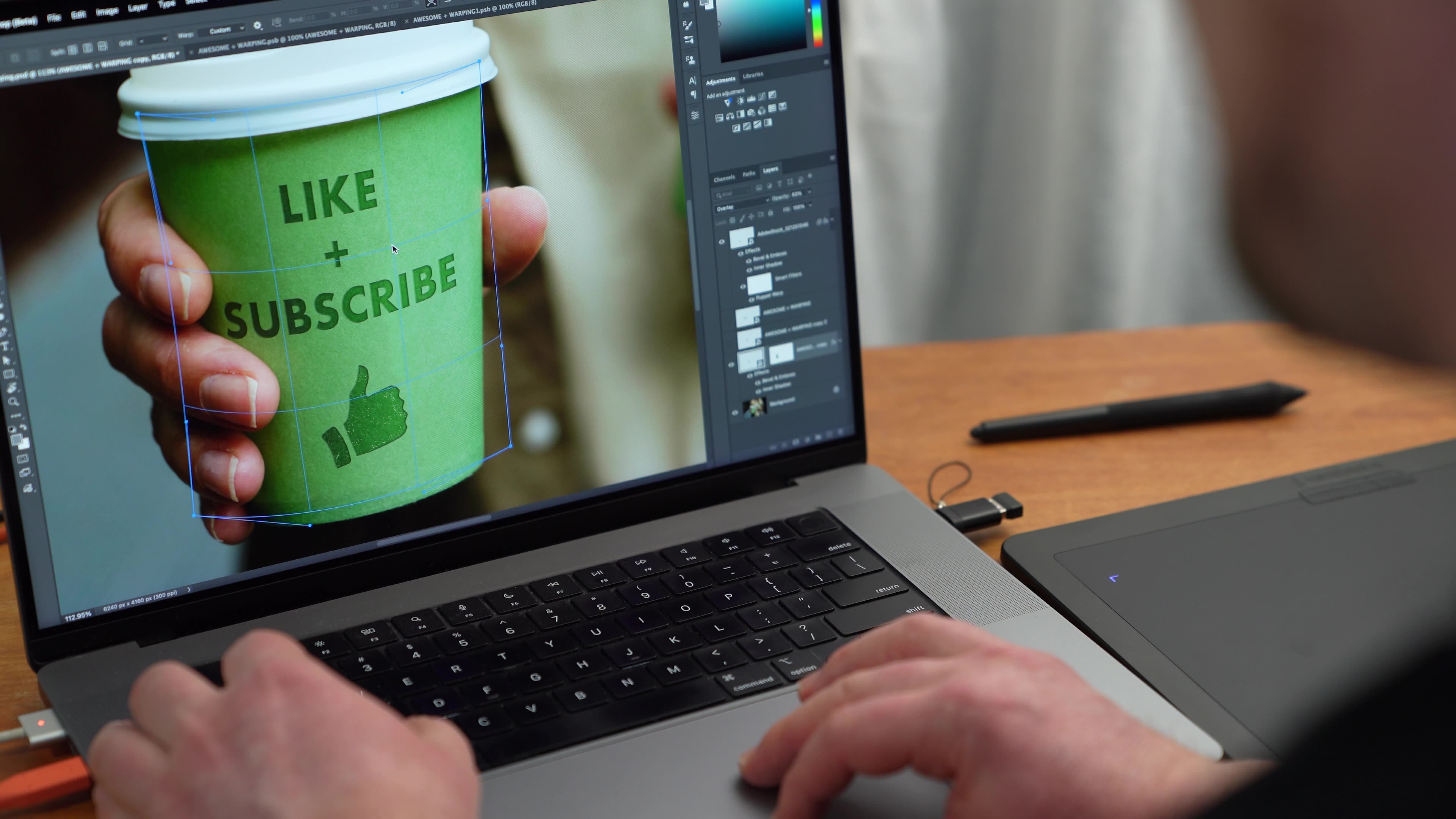
- Transforming, warping, liquifying, and puppet-warping images
- Using adjustment layers to control color, contrast, and style
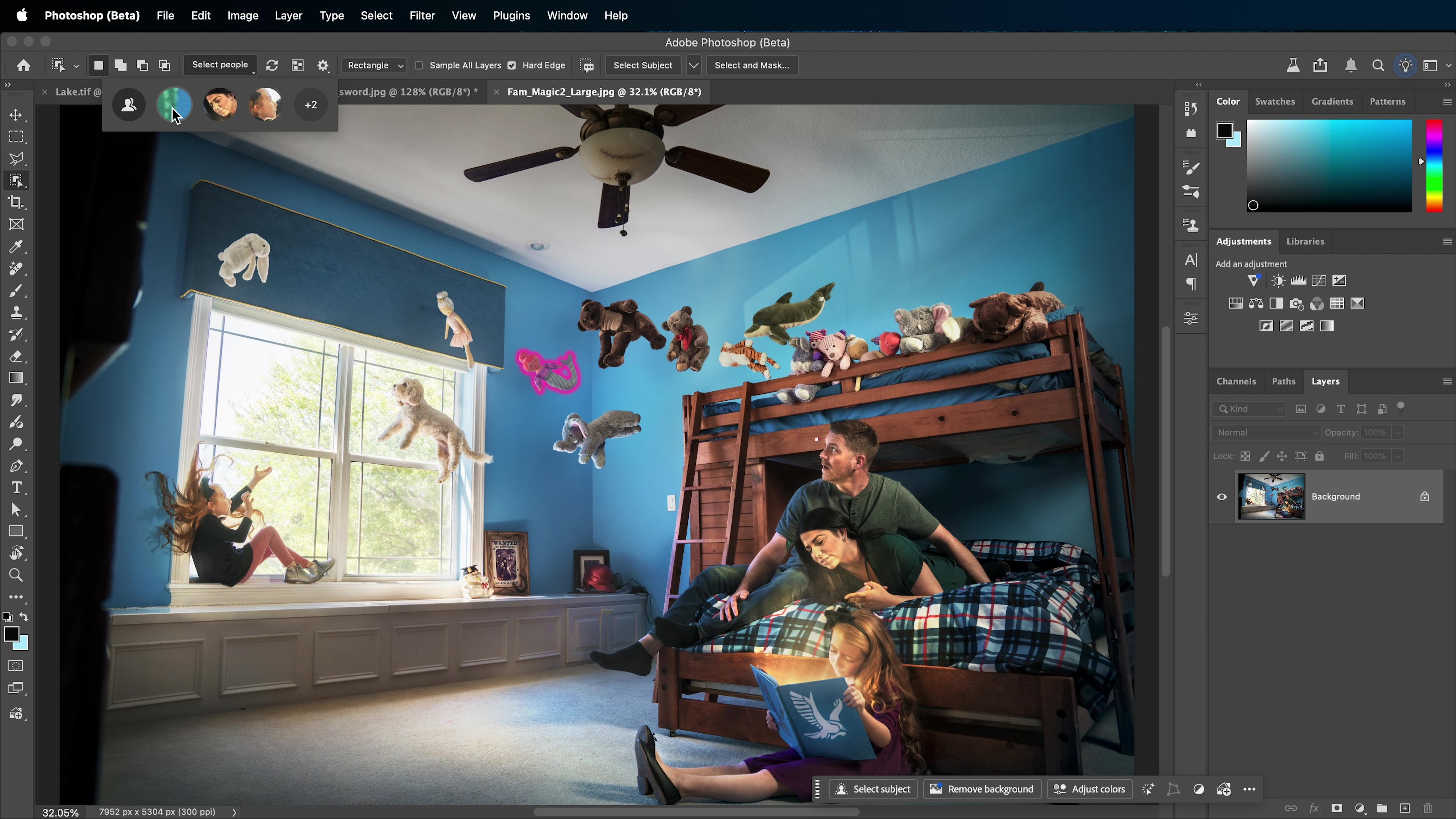
- Creating and refining selections, including hair and complex edges
- Retouching photos, removing distractions, and enhancing portraits
- Using Generative AI for fills, backgrounds, harmonizing, and upscaling
- Blending images with blending modes, Blend If, shadows, and lighting effects
- Adding typography, layer styles, shapes, gradients, and visual effects
- Creating artboards and exporting designs for web, social, and print
- and more!
1M+
STUDENTS WORLDWIDE
30+
EXPERT-LED COURSES
4.9 ⭐️
AVG. FROM 12K+ REVIEWS
Meet your instructor
Bret Malley
Photographer, Educator & Author
Photoshop
Bret Malley is an educator, speaker, professional photographer, author of Adobe Master Class; Advanced Compositing in Adobe Photoshop CC, and all around Photoshop magician specializing in surreal, epic, and imaginative image creation.
His work and articles have been featured internationally in magazines and publications such as Photoshop User magazine, Advanced Photoshop magazine, Photoshop Creative magazine, and Photography is Art magazine among others. He is a full-time college professor as well as online educator through KelbyOne, CreativeLive, Craftsy, and PixelU. He regularly presents at regional and international events such as Photoshop World, society for Photographic Education, Photoshop Virtual Summit, and various photography organizations around the world. When not presenting or exploring the creative depths of Photoshop, Bret enjoys adventuring in and around the Pacific Northwest where he lives with his wife, son, two cats, one dog (that thinks it's a cat), and a rabbit named Freckles.