Adobe After Effects CC - Essentials Training
This hands-on Adobe After Effects CC - Essentials Training course is perfect for beginners and anyone wanting to level up their skills. We've designed the course content so that anyone can start from scratch, and students with experience can expand their skills and create awesome projects for their portfolio.
You'll learn step-by-step, building confidence and professional design skills while working on real projects along with Kyle Hamrick, and earn your certificate of achievement.
- Navigating the After Effects interface with confidence
- Creating compositions and organizing projects
- Animating with keyframes and motion principles
- Building smooth loops and promotional animations
- Working with video, masks, and motion blur
- Importing Photoshop and Illustrator files
- Creating animated infographics and charts
- Using shape layers and text animators
- Applying effects and lighting techniques
- Designing cinematic scenes and motion graphics
- Motion tracking and screen replacements
- Green screen compositing workflows
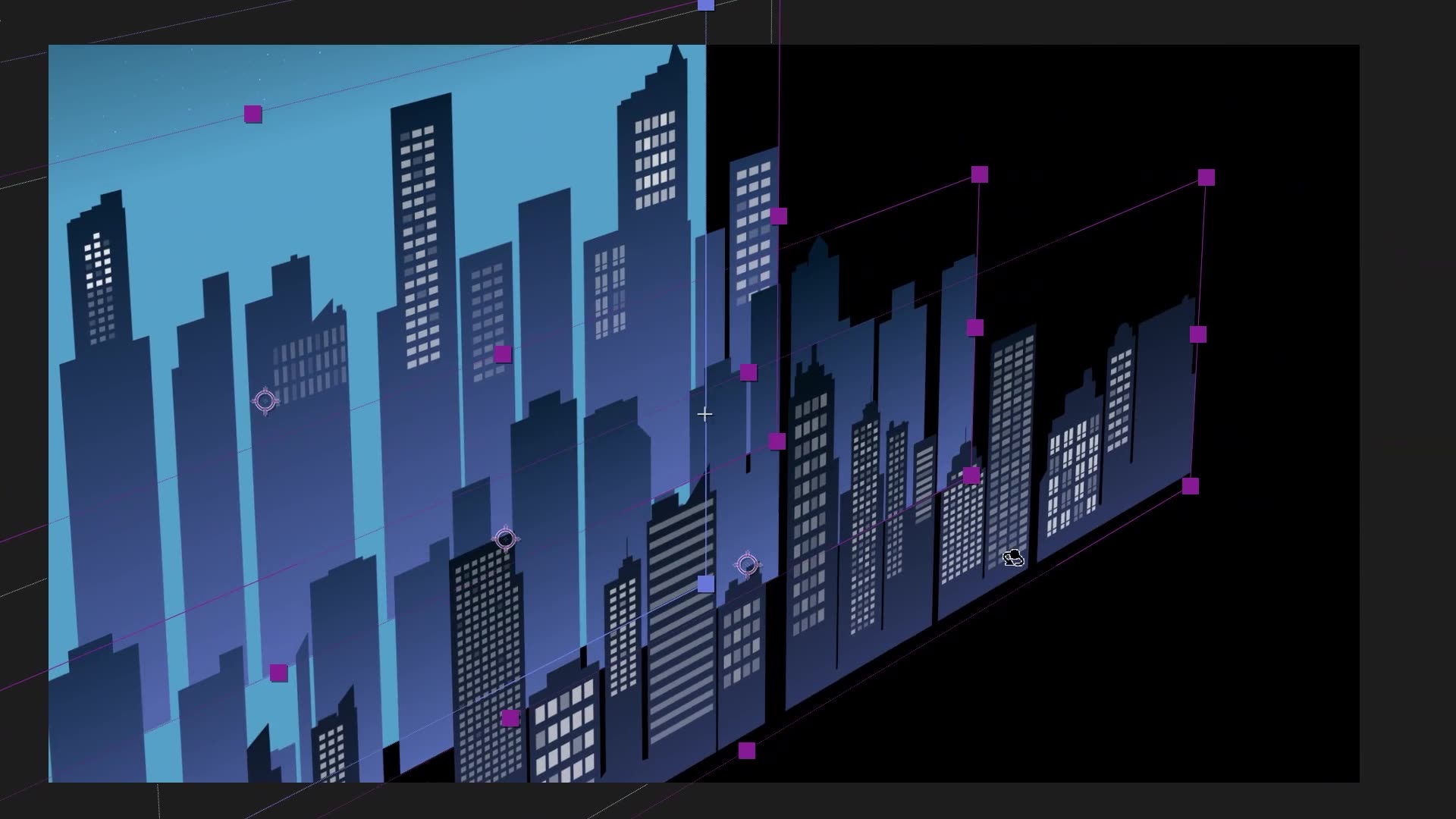
- Creating depth with 3D layers and camera moves
- Building parallax animations and 3D scenes
- Exporting projects for social, video, and client delivery
- Faster workflows and professional project organization
- ... and more!
What’s in the course?
Hint: Get a feel for the course by watching the free lessons!
Class projects & community

Build real world projects as you learn, create portfolio worthy work, and gain practical experience by doing - not just watching. Share your work with our global creative community, get feedback and support, and learn alongside other students every step of the way.
Meet your instructor
Kyle Hamrick
Motion Designer & Adobe Certified Instructor
After Effects
I’m an Emmy-winning creative & technical director, motion designer, video editor and Adobe-certified educator (edu-tainer?) who has been making things move on screens for about as long as I can remember.
I feel profoundly lucky to have stumbled into a career that perfectly marries creativity, deep technical nerdery, and sharing knowledge. Oh, and usually awful puns, too.
You may have caught my work online, on TV, in a pro sports arena, or even in some official Adobe demos and test projects. I love creating beautiful things in After Effects (...I may even have a keyframe tattoo) and love introducing others to this powerful tool that empowers them to bring their own ideas to life.
When I’m not presenting at conferences like Post|Production World and Adobe MAX, you can catch me around Kansas City, where I live with my wife & son.


Choose your membership plan.
Get unlimited access to every BYOL course and feature. Go monthly for flexibility, or choose yearly and save with our best value option.
Yearly | Best value
- 12 months access for the price of 7
- Save $60.00 vs monthly
- Just $7.00 per month when billed yearly
- Give yourself a full year to level up
- Unlimited access to 35+ design courses
- New course launches and updates
- Take as many courses as you like
- Learn at your own pace
- Class projects & certificates
- Design challenges
- BYOL Expert support
- Private student community
Pay $84.00 today.
Auto-renews annually at $84.00.
Cancel at any time before your renewal.
Monthly | Flexible
- Unlimited access to 35+ design courses
- New course launches and updates
- Take as many courses as you like
- Learn at your own pace
- Class projects & certificates
- Design challenges
- BYOL Expert support
- Private student community
Pay $12.00 today.
Auto-renews monthly at $12.00.
Cancel at any time before your renewal.
Take your design skills to the next level.
Join a private community of designers, with guaranteed feedback and small-group live sessions designed to accelerate your growth.

BYOL+ is for designers who:
- Work solo and want meaningful feedback from peers.
- Are building a freelance business and need guidance.
- Want thoughtful critique to strengthen their portfolio and unlock new opportunities.
"I love the live sessions, the advice has really helped me to move up in my career."
Charlie, BYOL+ student

Includes everything in BYOLCORE, plus:
- 💜 Exclusive BYOL+ Discord community
- ☕️ Live Office Hours with Dan
- ⚡️ Live portfolio review sessions
- 🧠 Live creative community sessions
- 🎬 Live session replay library
- ✏️ BYOL+ exclusive design challenges
- 🔥 Priority BYOL Expert support
- 💬 Priority Class Project feedback
- 📺 Download lessons to watch offline anytime
Pay $199.00 today.
Auto-renews yearly at $199.00.
Cancel at any time before your renewal
Pay $29.00 today.
Auto-renews monthly at $29.00.
Cancel at any time before your renewal
You might also like...


Be the first to hear about new courses and special offers!
