Premiere Pro Tutorials
Everything we've written about Adobe Premiere Pro, in one place. These tutorials come from the same team behind BYOL's Premiere Pro Essentials and Advanced courses, taught by Adobe Certified Instructor Daniel Scott. From transitions and keyboard shortcuts to exporting your first edit, each guide walks you through step by step — and when you're ready to go deeper, our full courses pick up where the blog leaves off.
5 tutorials
What is Premiere Pro?
Master Hollywood's Video Editing Standard with Professional Tools and Workflows

Kickstarting Your Video Editing Journey with Premiere Pro
A Step-by-Step Guide to Mastering Video Editing with Adobe Premiere Pro
How to Export Videos in Premiere Pro
Master the art of exporting videos in Premiere Pro with this comprehensive guide for beginners
Premiere Pro Shortcuts
Boost Your Editing Efficiency: Essential Premiere Pro Shortcuts
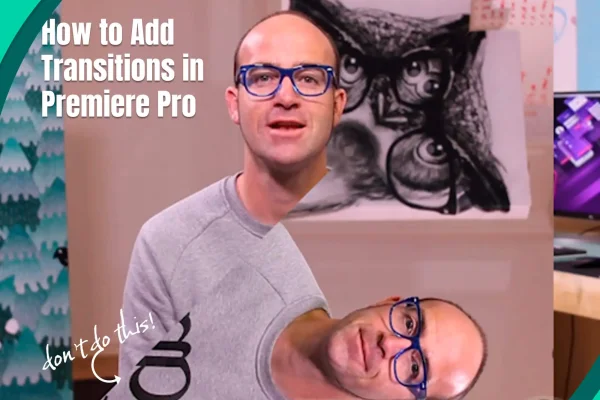
How to Add Transitions in Premiere Pro
Step-by-step guide to seamless transitions in Premiere Pro
Ready to go beyond the blog?
Our Premiere Pro courses take you from your first steps to advanced techniques, one bite-sized video at a time.
Explore Premiere Pro courses