
Join motion designer and educator Kyle Hamrick for a designer-friendly introduction to Adobe After Effects. You’ll learn how to create clean, effective motion graphics by animating shapes, type, and static images, working with adjustment layers and masks, adding textures and simple parallax, and using cameras to introduce depth and polish. The course also covers practical fundamentals like choosing the right project settings, trimming and editing video, fixing and color-correcting footage, working with green screen, exporting and rendering for platforms like YouTube and Vimeo, and carrying your existing Illustrator and Photoshop skills into motion. With guided lessons, downloadable project files, and clear workflows drawn from professional practice, this course bridges the gap between After Effects’ power and real-world design needs, giving you the confidence to move beyond static layouts and create polished, engaging motion graphics for your business, clients, or creative projects.
- Navigating the After Effects interface with confidence
- Creating compositions and organizing projects
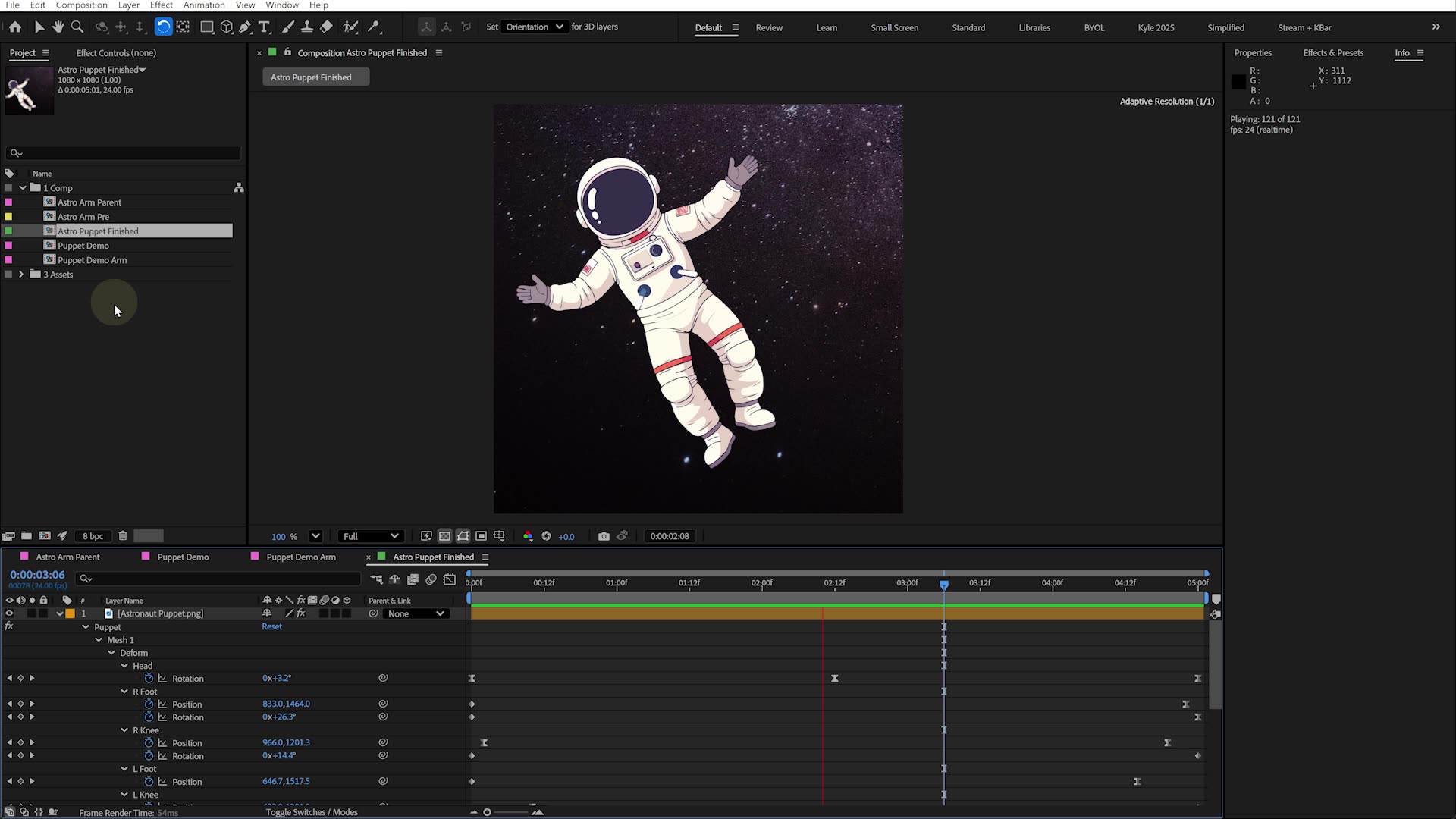
- Animating with keyframes and motion principles
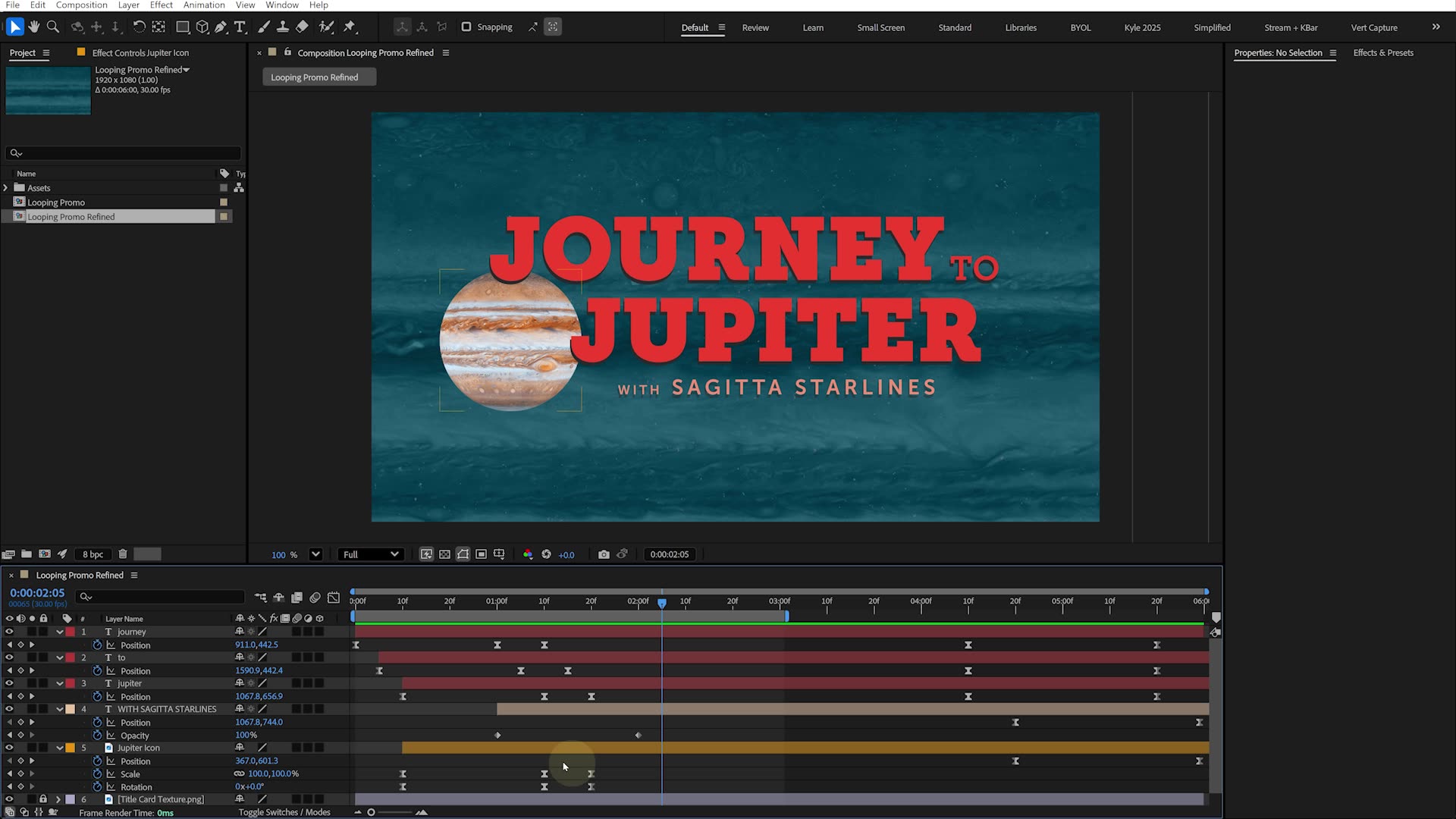
- Building smooth loops and promotional animations
- Working with video, masks, and motion blur
- Importing Photoshop and Illustrator files
- Creating animated infographics and charts
- Using shape layers and text animators
- Applying effects and lighting techniques
- Designing cinematic scenes and motion graphics
- Motion tracking and screen replacements
- Green screen compositing workflows
- Creating depth with 3D layers and camera moves
- Building parallax animations and 3D scenes
- Exporting projects for social, video, and client delivery
- Faster workflows and professional project organization
- and more!
1M+
STUDENTS WORLDWIDE
30+
EXPERT-LED COURSES
4.9 ⭐️
AVG. FROM 12K+ REVIEWS
Meet your instructor
Kyle Hamrick
Motion Designer & Adobe Certified Instructor
After Effects
I’m an Emmy-winning creative & technical director, motion designer, video editor and Adobe-certified educator (edu-tainer?) who has been making things move on screens for about as long as I can remember.
I feel profoundly lucky to have stumbled into a career that perfectly marries creativity, deep technical nerdery, and sharing knowledge. Oh, and usually awful puns, too.
You may have caught my work online, on TV, in a pro sports arena, or even in some official Adobe demos and test projects. I love creating beautiful things in After Effects (...I may even have a keyframe tattoo) and love introducing others to this powerful tool that empowers them to bring their own ideas to life.
When I’m not presenting at conferences like Post|Production World and Adobe MAX, you can catch me around Kansas City, where I live with my wife & son.