
Adobe Photoshop CC - Essentials Training
Whether you're completely new to Adobe Photoshop or you've opened it before and weren't sure where to start, this course is designed to help you build confidence from the very beginning. We'll start with the fundamentals and guide you step-by-step through the tools and techniques used by professional designers and photographers. No previous Photoshop, photography, or design experience is required.
You'll learn step-by-step how to use Adobe Photoshop to edit photographs, create graphics, remove unwanted objects, and produce professional-quality artwork. Led by Adobe Certified Instructor Daniel Walter Scott, you'll master industry-standard techniques including masking, retouching, image manipulation, and creative effects while completing practical projects, building portfolio-ready work, and earning your Adobe Photoshop certification. Awarded Best Photoshop Course by Learnopoly in 2023.
- Navigating the Adobe Photoshop workspace.
- Editing and enhancing photographs.
- Removing unwanted people and objects from images.
- Mastering professional masking techniques, including selecting hair.
- Using Generative AI.
- Create clean cut-outs and composite images.
- Retouching photographs like a professional.
- Working with typography and creating interactive text effects.
- Modern Photoshop design styles and effects.
- Distorting, transforming, and manipulating images.
- Creating original graphics from scratch.
- Combining multiple images into creative photo compositions.
- Professional Photoshop workflows and time-saving techniques.
- Completing practical exercises and portfolio-ready projects.
- Following along with downloadable exercise files.
- Reinforcing your skills through hands-on assignments.
- ... and more!
What’s in the course?
Hint: Get a feel for the course by watching the free lessons!
Why our students love learning with BYOL
“I love that course i will continue to learn with Dan Scott”
“Yes, because I have just started teaching Photoshop and I am not comfortable with layers, blending, masks, etc.”
“For a novice ,the course did wonderfully well .”
“This is a really great course for anyone who wants to learn Photoshop. Dan is a great teacher, his style of teaching is structured, and he explains in a digestible manner. Thank you Daniel.”
“This course helped me with text and photo manipulation especially with print, editorial and social media images. And I was able to understand tools that I wondered what were they used for. I have always struggled with photoshop since university. But with more practice I believe i'll be an exceptional designer with digital design”
“I absolutely LOVED this class. I have learned so much valuable information that I'm kind of sad it's over. Good news, I can always take a look back at the sections. Thank you, Daniel!”
“One of the best courses I've taken. Dan explains everything really clearly and in a way that actually sticks. I've learned loads & no longer feel intimidated by this software! Definitely recommend.”
“Absolutely loving this course ! I was a total newbie and now I can do pretty cool stuff on Photoshop ! Thanks !”
“Very easy to follow along. good explanations and examples great for a beginner.”
“I’m halfway through the BYOL Photoshop Essentials Course, and it’s been a great learning experience so far. The lessons are clear, practical, and easy to follow. I have gained confidence and a much better understanding of Photoshop. Looking forward to learning more! Zabih Essar”
“Useful tutorials, separated in small videos. Easy to follow, and the content is easy to digest. I enjoy redoing the steps myself while looking at the tutorials!”
“Loving the hands-on-work course and having so many projects to practice.”
“excelente este profesor, explica muy detalladamente, este es mi segundo curso con el profesor dan scott, extremadamente bien explicado, me siento muy satisfecho de este curso gracias profesor dan”
“Great course overall! The practice exercises were excellent, and the step-by-step approach made learning Photoshop much less intimidating.Your courses are detailed, beginner-friendly, and packed with practical tips. Thanks for another fantastic course. Looking forward to the next adventure in Adobe-land! :))”
“A really well-made course. The content is explained in a super simple and easy to understand way, so that even with prior experience in Adobe Illustrator you can follow along without any problems. I especially liked the hands-on tasks and projects, which let you work your way into the various tools step by step. On top of that, the instructor is very likeable and makes learning enjoyable. Clear re...”
“Step by step and helpful to add more memory from my photoshop classes alongside new details”
“I love Dan's courses! He talks about how things work in a fun and engaging way, and you can tell he loves what he does. All of this makes participating in his courses even more enjoyable!”
“Brand new to Photoshop and this course explained things in a way that I could understand.”
“I love the course, I have completed illustrator essentials and advanced whilst using photoshop for certain things, now I am completing this photoshop essentials and will go onto do advanced. Dan is easy to follow and the BYO platform is great to revisit and ralise how much you forget. Time scale is also great, I went off courses for about 6 months as I was launching a brand, when I returned I was...”
“I like how Scott has updated the course to reflect the latest versions and how he repeats keyboard shortcuts to burn them into memory.”
Class projects & community

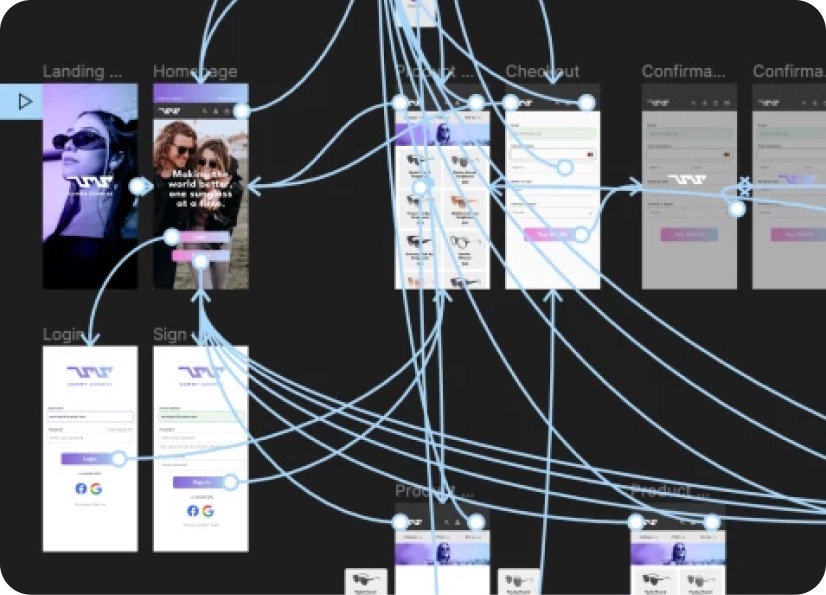
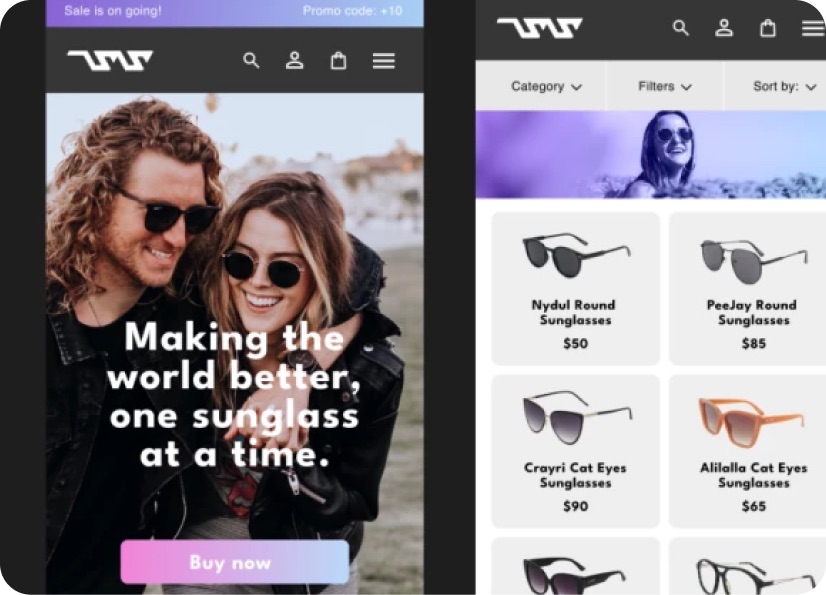
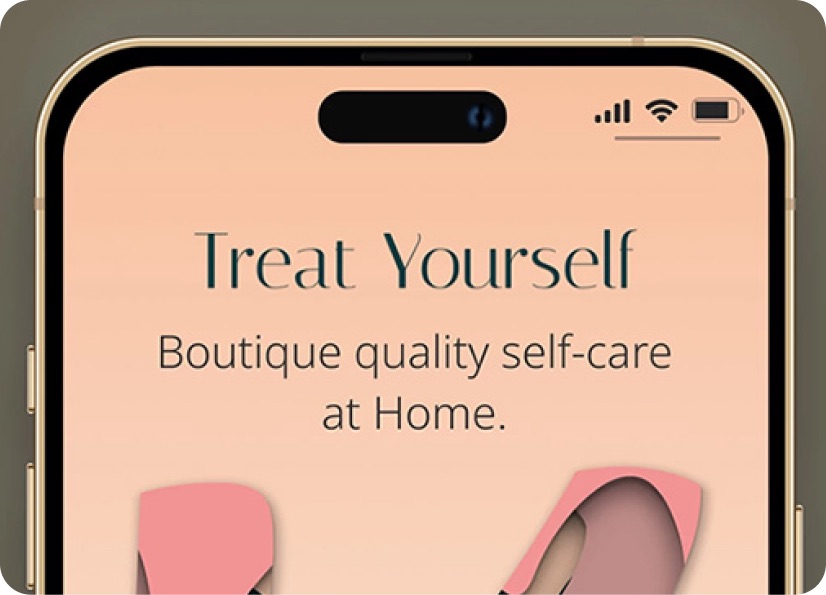
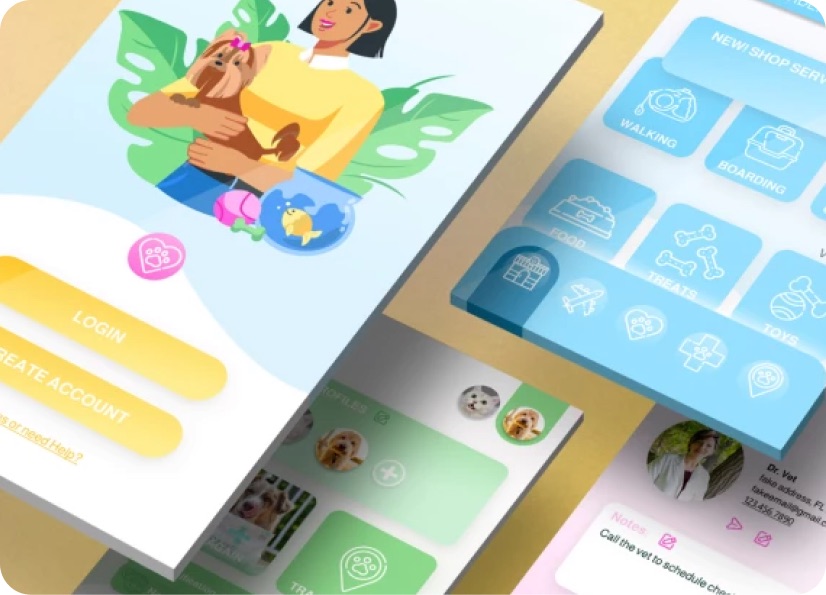
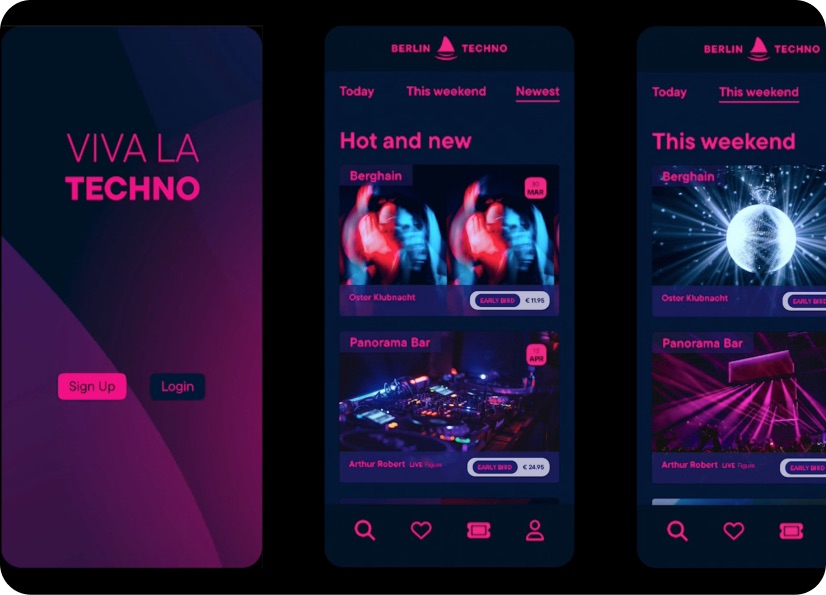
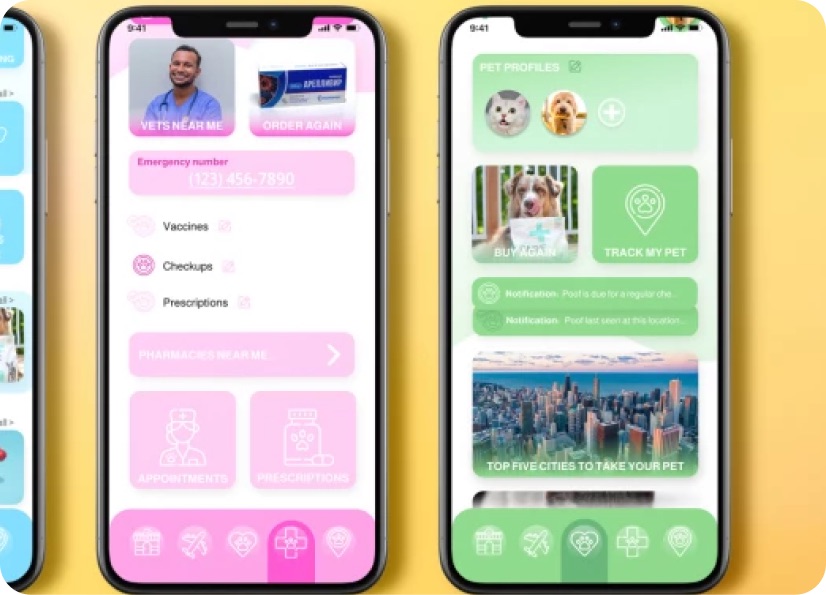
Build real world projects as you learn, create portfolio worthy work, and gain practical experience by doing - not just watching. Share your work with our global creative community, get feedback and support, and learn alongside other students every step of the way.
Meet your instructor
Daniel Walter Scott
Founder of Bring Your Own Laptop & Chief Instructor
Figma | Illustrator | Premiere Pro | Lightroom
I discovered the world of design as an art student when I stumbled upon a lab full of green & blue iMac G3’s. My initial curiosity around using the computer to create ‘art’ developed into a full-blown passion, eventually leading me to become a digital designer and founder of Bring Your Own Laptop.
Sharing and teaching are a huge part of who I am. As a certified Adobe instructor, I've had the honor of winning multiple Adobe teaching awards at their annual MAX conference. I see Bring Your Own Laptop as the supportive community I wished for when I was first starting out and intimidated by design. Through teaching, I hope to bring others along for the ride and empower my students to bring their stories, labors of love, and art into the world.
True to my Kiwi roots, I've lived in many places, and currently, I reside in Ireland with my wife and kids.

Choose your membership plan.
Get unlimited access to every BYOL course and feature. Go monthly for flexibility, or choose yearly and save with our best value option.
Yearly | Best value
- 12 months access for the price of 7
- Save $60.00 vs monthly
- Just $7.00 per month when billed yearly
- Give yourself a full year to level up
- Unlimited access to 35+ design courses
- New course launches and updates
- Take as many courses as you like
- Learn at your own pace
- Class projects & certificates
- Design challenges
- BYOL Expert support
- Private student community
Pay $84.00 today.
Auto-renews annually at $84.00.
Cancel at any time before your renewal.
Monthly | Flexible
- Unlimited access to 35+ design courses
- New course launches and updates
- Take as many courses as you like
- Learn at your own pace
- Class projects & certificates
- Design challenges
- BYOL Expert support
- Private student community
Pay $12.00 today.
Auto-renews monthly at $12.00.
Cancel at any time before your renewal.
Take your design skills to the next level.
Join a private community of designers, with guaranteed feedback and small-group live sessions designed to accelerate your growth.

BYOL+ is for designers who:
- Work solo and want meaningful feedback from peers.
- Are building a freelance business and need guidance.
- Want thoughtful critique to strengthen their portfolio and unlock new opportunities.
"I love the live sessions, the advice has really helped me to move up in my career."
Charlie, BYOL+ student

Includes everything in BYOLCORE, plus:
- 💜 Exclusive BYOL+ Discord community
- ☕️ Live Office Hours with Dan
- ⚡️ Live portfolio review sessions
- 🧠 Live creative community sessions
- 🎬 Live session replay library
- ✏️ BYOL+ exclusive design challenges
- 🔥 Priority BYOL Expert support
- 💬 Priority Class Project feedback
- 📺 Download lessons to watch offline anytime
Pay $199.00 today.
Auto-renews yearly at $199.00.
Cancel at any time before your renewal
Pay $29.00 today.
Auto-renews monthly at $29.00.
Cancel at any time before your renewal
You might also like...


Be the first to hear about new courses and special offers!
