DaVinci Resolve Essentials
Whether you're completely new to DaVinci Resolve or you've opened it before and felt overwhelmed, this course is designed to help you edit videos with confidence. We'll guide you step-by-step through real-world editing projects while teaching the professional workflows used by modern video editors. It's perfect for beginners, self-taught editors, content creators, designers, freelancers, and anyone looking to create polished videos for YouTube, social media, clients, or personal projects.
You'll learn step-by-step how to use DaVinci Resolve to edit professional-quality videos from start to finish while working on practical, portfolio-ready projects. Led by video editor and content creator Brandon Baldovin, you'll master professional editing techniques, motion graphics, colour correction, audio, and export workflows using one of the industry's most powerful post-production tools, giving you the confidence to create everything from social media videos to documentaries and trailers.
- Navigating the DaVinci Resolve workspace with confidence.
- Setting up projects, timelines, and media efficiently.
- Organising footage using bins and professional workflows.
- Editing talking head videos from start to finish.
- Creating engaging YouTube and social media videos.
- Editing trailers and documentary-style projects.
- Trimming footage for better pacing and storytelling.
- Using J Cuts and L Cuts for smoother edits.
- Adding b-roll, music, and sound effects.
- Balancing dialogue, music, and audio levels.
- Creating motion graphics with the Fusion page.
- Designing animated titles and lower thirds.
- Tracking objects and creating animated callouts.
- Working with green screen footage.
- Using adjustment clips, compound clips, and Power Bins.
- Improving performance with proxies and render workflows.
- Correcting colour, exposure, white balance, and contrast.
- Applying professional colour grading techniques.
- Reading scopes and improving skin tones.
- Exporting videos for YouTube, social media, and client delivery.
- Completing practical, portfolio-ready video projects.
- Professional editing workflows and time-saving techniques.
- ... and more!
What’s in the course?
Hint: Get a feel for the course by watching the free lessons!
Why our students love learning with BYOL
“Good match. I have a lot of video footage via nature camera's and phones, but also OBS. They are all individual files which I want to pick and mix with nice audio where applicable”
“The instructor is very good in teaching everything from scratch. Whatever doubt pops up in our head he has the answer for it. He knows where a beginner can get stuck. His voice is very good and clear. Really enjoying the course and have already submitted the 2nd Assignment.”
“Amazing course, everything is explained very easy and I like the humor of the tutor while teaching things. Great Course!”
“Just what I was looking for: an easy guide to Da Vinci, the basics, giving you a really strong foundation. Not sure about the shortcut keys which were given but now that I started to use them, I'm really appreciating them. A lot to go, but so far it's just excellent.”
“Really great instructional videos - clear voice and great pacing.”
“I really like the instructor - he has a great voice and tone for teaching - he is detailed in his desripctions and is sensitive to brand new users not assuming knowledge is locked in after 1st introduction. Nice mix of guidance and letting students use our creativity”
“This is being explained very well.”
“Feels like learning from someone who has already been there and knows how to make everything feel totally natural and easy. His approach for someone just starting out is simply masterful , well-structured and insightful. He is a truly gifted teacher who makes complex topics incredibly easy to understand.”
“I have taken about 20 or 30 courses and finished about half of them. This is one that I finished and completed all of the assignments. One of the best courses I have purchased.”
“Feels like learning from someone who has already been there and knows how to make everything feel totally natural and easy.”
“I'm 81 with too much rock and roll and explosions (Vietnam) in my past. This is one of the few instructors I can actually understand without subtitles.”
“It has been great and VERY CLEARLY TAUGHT.”
“This is an incredibly awesome course! Don’t even think twice about whether you should buy it or not - the answer is YES! You absolutely should. Just by completing this course, you’ll be able to edit videos at a really good level. From there, everything depends on you and how much you practice. A huge thank you to Daniel for sharing your knowledge! 🙌”
“Excellent, very well explained. Even for someone with no experience like me, it’s easy to understand.”
“This is an amazing experience, I've made video editions before with no idea of what I was doing, and it was so hard. Now I have an understanding of what I'm doing and the correct way to do it.”
“It's been perfect for now, I already knew Wampus from youtube, and the course is even better than I expected”
“So far so good! The tutor is awesome and funny. Love his attitude and how he explains stuff.”
“I have found the course extremely valuable so far. I am not a complete beginner, so i already came in with a basic understanding of the program- but i do believe this is one of the best courses you could take if you have never even opened DaVinci before. While a lot of the teachings cover stuff i'm already familiar with, i do find that it's a great idea going back to basics every now and then. T...”
“When I first saw DaVinci Resolve, I was so confused and overwhelmed by the random buttons. But now I see it much differently. Its a lot clearer than it was before.”
“Great course, learning a lot including techniques which can be applied to other video editing programs. The teacher is upbeat and engaging. I hope there will be follow-up advance courses.”
Class projects & community

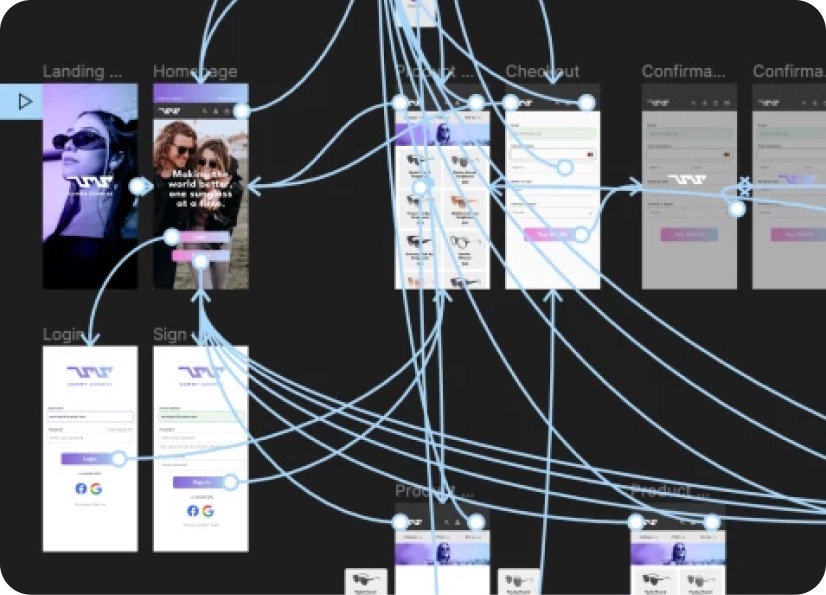
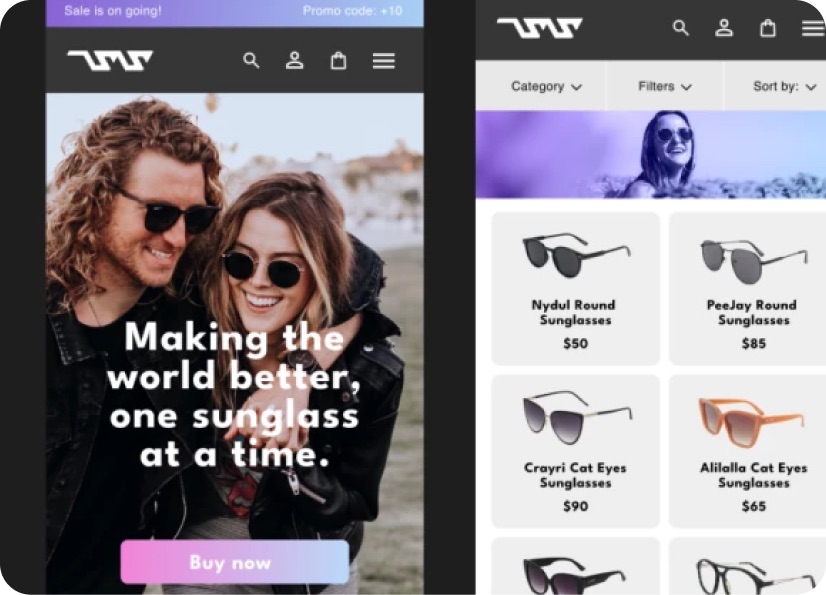
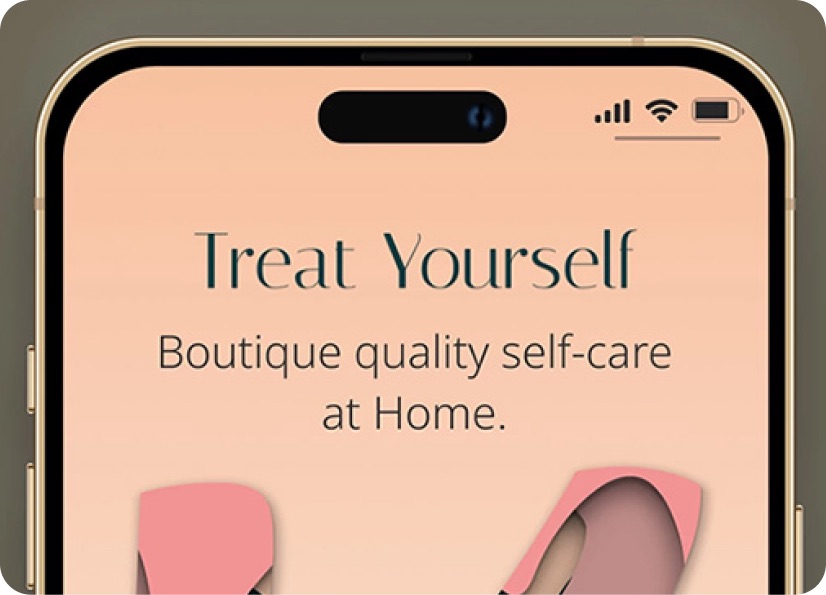
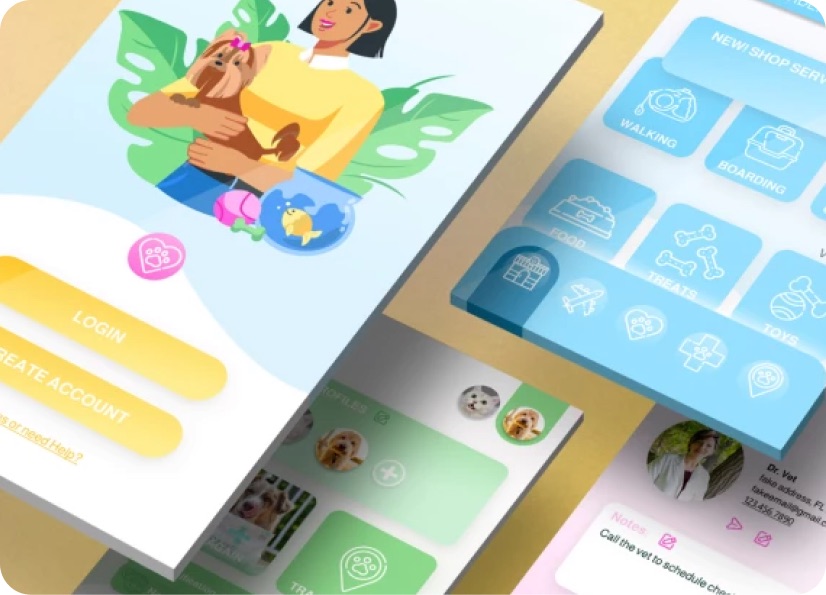
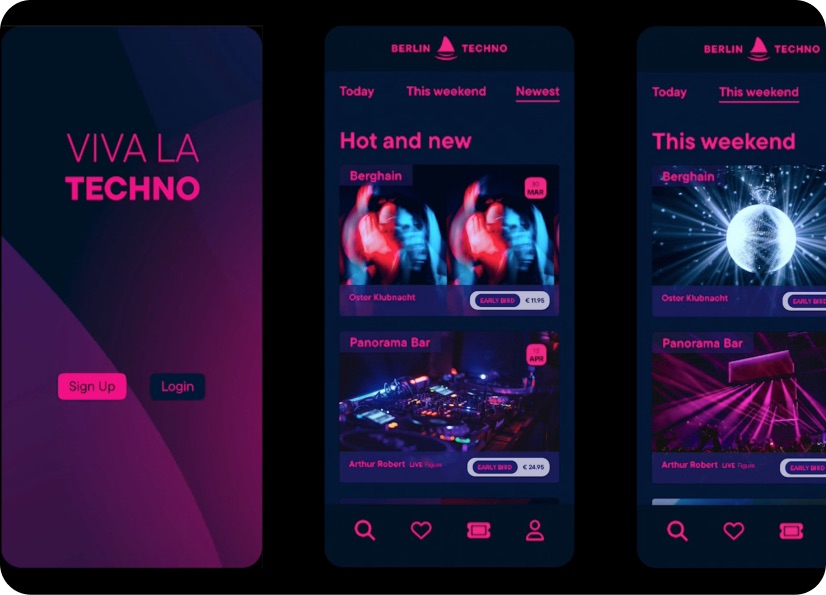
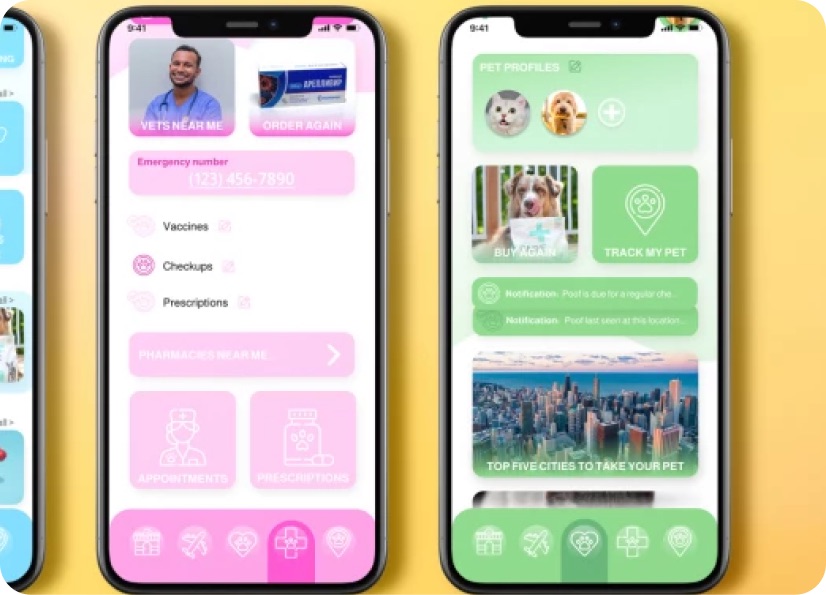
Build real world projects as you learn, create portfolio worthy work, and gain practical experience by doing - not just watching. Share your work with our global creative community, get feedback and support, and learn alongside other students every step of the way.
Meet your instructor
Brandon Baldovin
Editor & Creative Engineer
DaVinci Resolve
I am a video editor, content strategist, and educator, and my mission is to help creators understand not just how to edit, but why video editing works.
I hold a Master’s degree in Aerospace Engineering and have taught at the college level as an engineering instructor. Over the past three years, I’ve also taught video editing to beginner and intermediate creators, helping them build a stronger foundation and how to edit with more intention.
My engineer’s mindset strongly influences how I approach creative problem-solving. I focus on breaking down complex editing concepts into clear, practical techniques that creators can confidently apply. Over the past five years, my work has centred on visual storytelling, with a deep emphasis on DaVinci Resolve.
I was born and raised on California’s Central Coast, and I create educational resources designed to help others create more.


Choose your membership plan.
Get unlimited access to every BYOL course and feature. Go monthly for flexibility, or choose yearly and save with our best value option.
Yearly | Best value
- 12 months access for the price of 7
- Save $60.00 vs monthly
- Just $7.00 per month when billed yearly
- Give yourself a full year to level up
- Unlimited access to 35+ design courses
- New course launches and updates
- Take as many courses as you like
- Learn at your own pace
- Class projects & certificates
- Design challenges
- BYOL Expert support
- Private student community
Pay $84.00 today.
Auto-renews annually at $84.00.
Cancel at any time before your renewal.
Monthly | Flexible
- Unlimited access to 35+ design courses
- New course launches and updates
- Take as many courses as you like
- Learn at your own pace
- Class projects & certificates
- Design challenges
- BYOL Expert support
- Private student community
Pay $12.00 today.
Auto-renews monthly at $12.00.
Cancel at any time before your renewal.
Take your design skills to the next level.
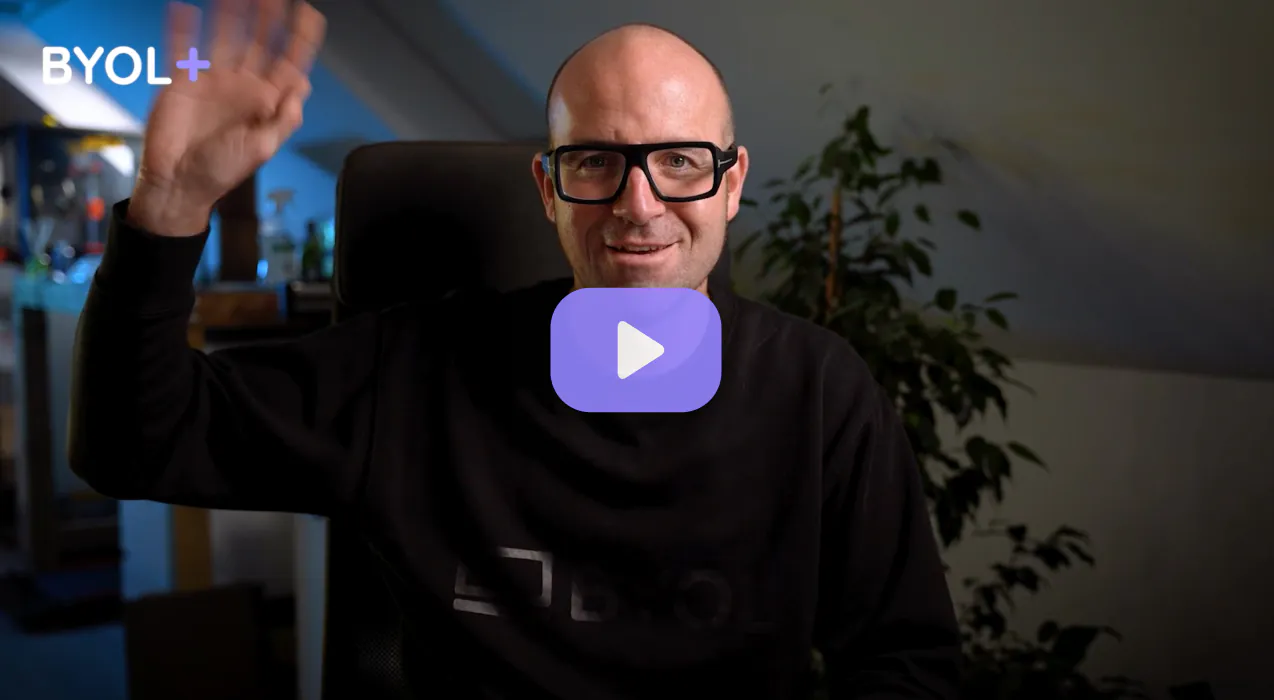
Join a private community of designers, with guaranteed feedback and small-group live sessions designed to accelerate your growth.

BYOL+ is for designers who:
- Work solo and want meaningful feedback from peers.
- Are building a freelance business and need guidance.
- Want thoughtful critique to strengthen their portfolio and unlock new opportunities.
"I love the live sessions, the advice has really helped me to move up in my career."
Charlie, BYOL+ student

Includes everything in BYOLCORE, plus:
- 💜 Exclusive BYOL+ Discord community
- ☕️ Live Office Hours with Dan
- ⚡️ Live portfolio review sessions
- 🧠 Live creative community sessions
- 🎬 Live session replay library
- ✏️ BYOL+ exclusive design challenges
- 🔥 Priority BYOL Expert support
- 💬 Priority Class Project feedback
- 📺 Download lessons to watch offline anytime
Pay $199.00 today.
Auto-renews yearly at $199.00.
Cancel at any time before your renewal
Pay $29.00 today.
Auto-renews monthly at $29.00.
Cancel at any time before your renewal
You might also like...


Be the first to hear about new courses and special offers!
