Class Project 01 - Collage
Questions
TOP QUESTIONS
All questions
Student class projects
Peter McNally
@peterMcNally
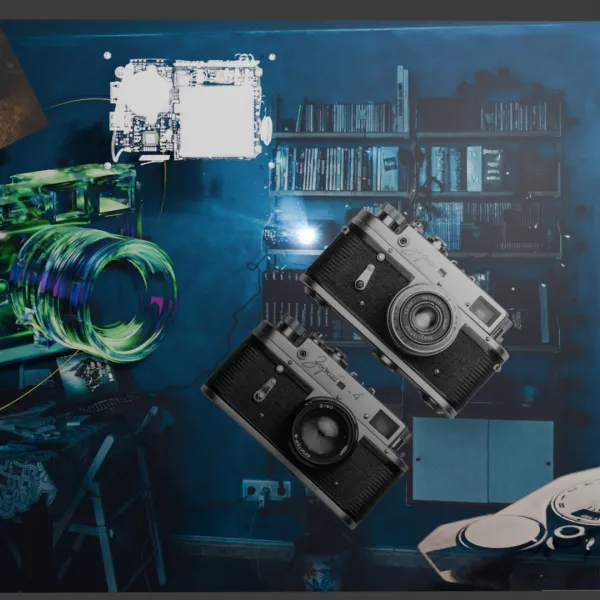
Used a few points lights with different distances and exposures and added in text with extrude just to add to the scene.
Dayana Dencheva
@dayanaDencheva
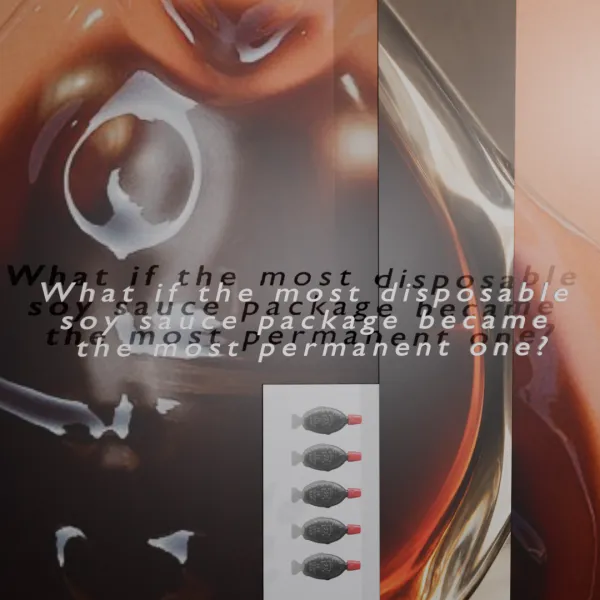
My brief is Premium Luxury Soy Sauce Brand. I've had a quick research about the origin of it, as well as different associations that could arise. Luckily, I've once worked in a Japanese/Danish restaurant where we had the little fish bottles as an addition to the takeaway service. It could bring some nostalgia, but also the question about sustainability. They've been slowly getting banned in many countries due to overly polluting the planet. I've got very intrigued about how I could translate a worldly known object (also very cheap and accessible) into something luxurious. The history and process of the soy sauce is also very intriguing. We're talking about a conceptual story translated into simple minimalistic design, made only by one material - thick translucent frosted glass, highlighting the actual product - the soy sauce. I am focusing on its natural color and properties within a familiar object, just translated into something more tangible. I definitely got inspired and enjoyed the challenge to think in that direction. Now the next one would be to visualise it in 3D. Stay tuned!
Jenny Graves
@jennyGraves
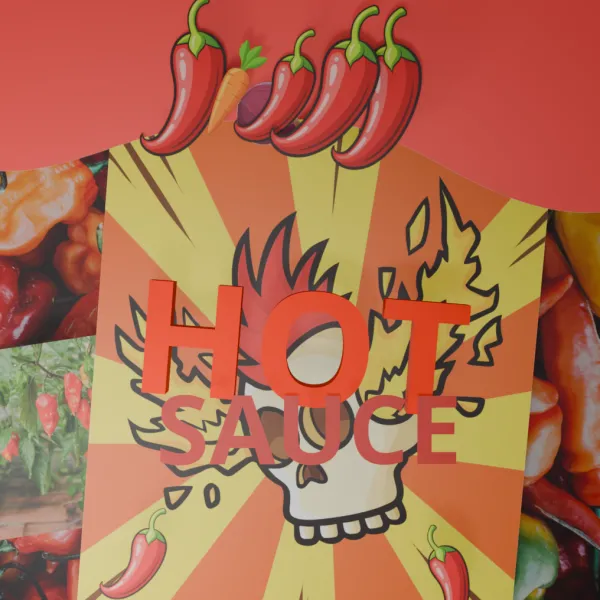
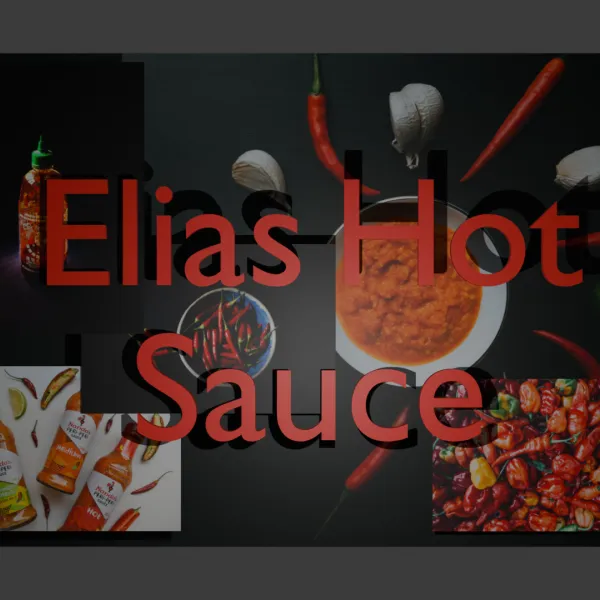
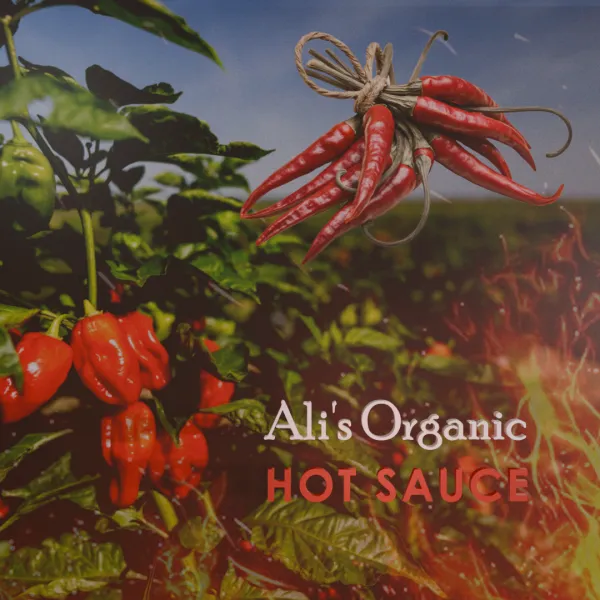
Hello! I'm Jenny! My random project generator gave me Ali's Organic Hot Sauce. I found a nice image of a habanero field with transparent pngs of cayenne peppers and fire for ambiance. Then I played around with fonts that I might use for labels when we get that far. I'm excited to continue with this course!!
Payton Tubby
@paytonTubby
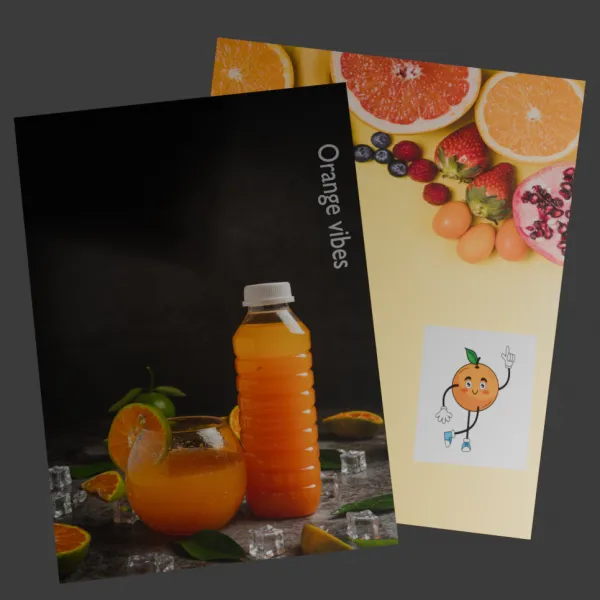
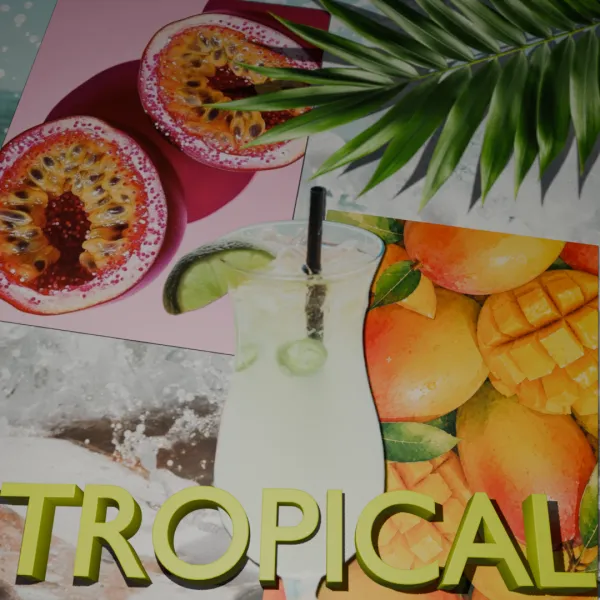
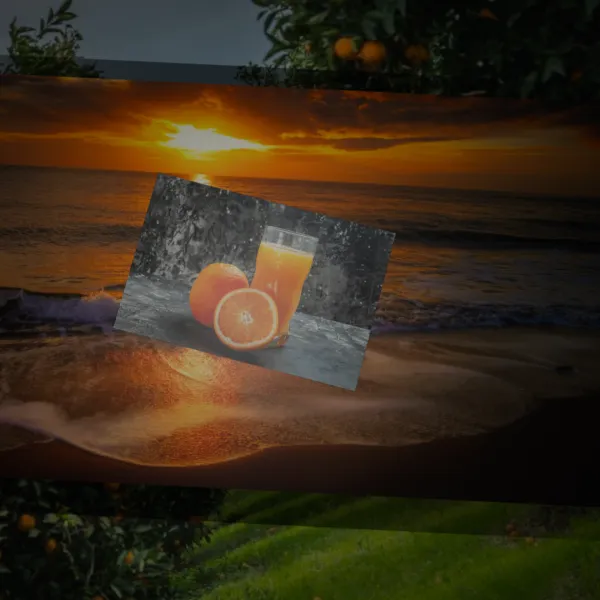
My prompt is a "Premium Luxury Fruit Juice Brand" i didnt really know what else to add besides fruit lol but i like what i have going
Shawn Inloes
@shawnInloes
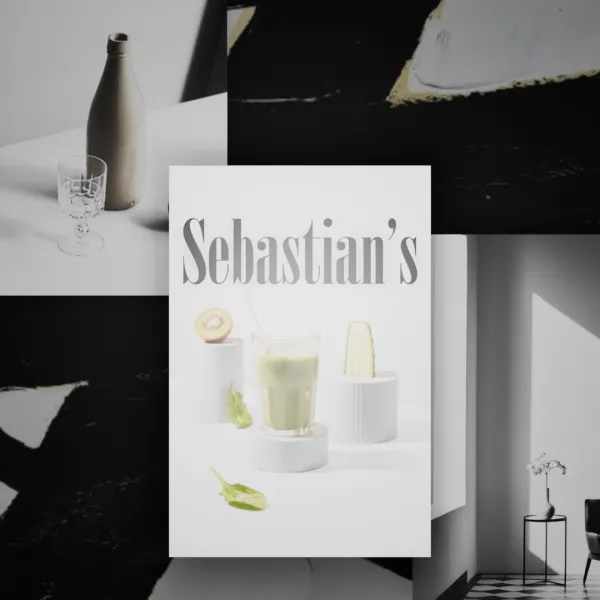
Spent a little time piecing this together. Tried to really lean into the sophisticated feel and a minimalist lighting and image type concept.
Michael Williams
@PhoenixMike73
Gathered multiple images (from my Adobe Stock account) and created a 3D collage per the randomly generated project brief (luxury mineral water).
Andy Lui Xu
@andyLuiXu
I really enjoyed putting this collage together! I had a blast playing around with the lights, though I’ll admit I’m still trying to wrap my head around Blender’s lighting system.
Jeffrey Stone
@jeffreyStone
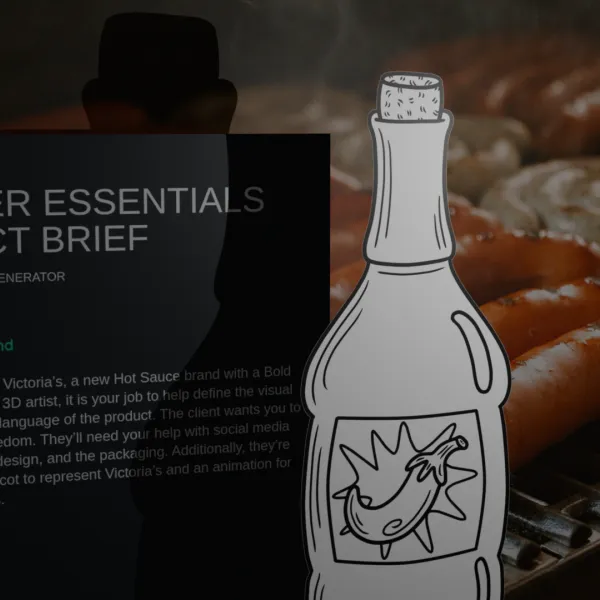
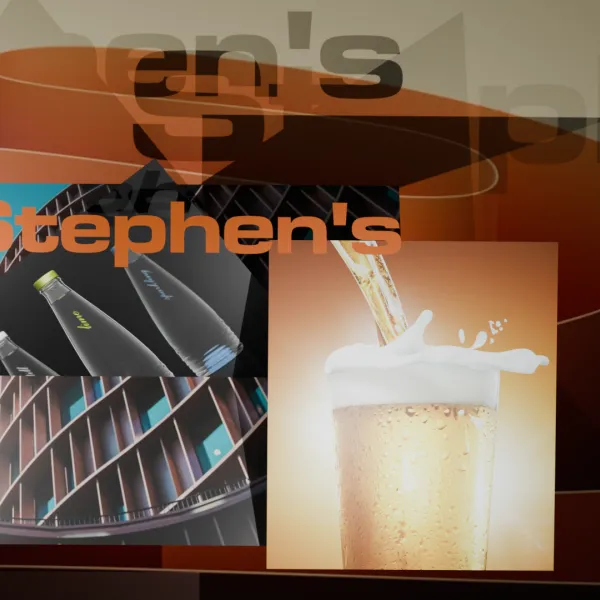
This is not very good lol, but it is 4 different images and I tried to get the bottles and pepper lined up flush with the main largest one. This is what project generator gave me which I liked because I love hot sauce : You’ve been hired by Hayley’s, a new Hot Sauce brand with a Sustainable and Eco-Friendly style. As the resident 3D artist, it is your job to help define the visual aesthetic and shape language of the product. The client wants you to have full creative freedom. They’ll need your help with social media content, the bottle's design, and the packaging. Additionally, they’re looking for a 3D mascot to represent Hayley’s and an animation for advertising purposes.
Johanne Séguin
@johanneSéguin
The course makes it look so easy but... I found it really difficult to place the lighting. I also could not figure out how to get the camera to be a perfect square (so I cheated and took my .png to Photoshop and fixed it there - oops)
Mary Stanfield
@maryStanfield
I think this turned out of. I really struggled getting the lighting right as I felt some places were too over exposed despite moving the camera a round and playing with the lighting settings. I think I need to get some better fonts too!
Ramon Lopez
@ramonLopez
This was my third re-generate from the website, so I stuck to it. Can't wait to look back on this in the near future and see the progress that I've made.
Teidi H
@teidiH
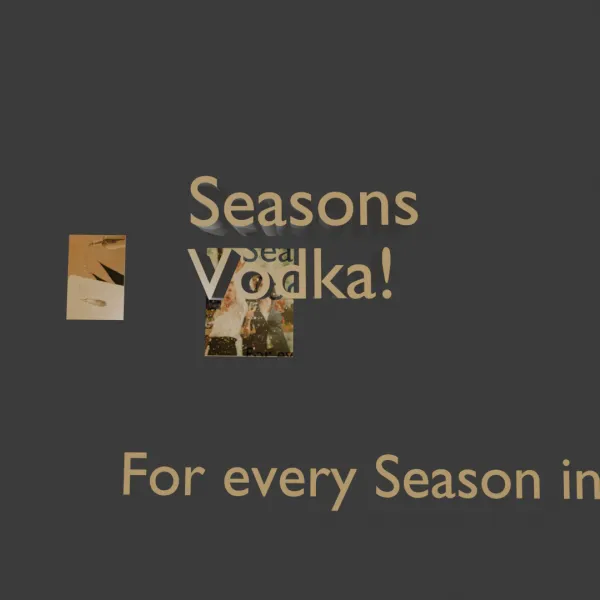
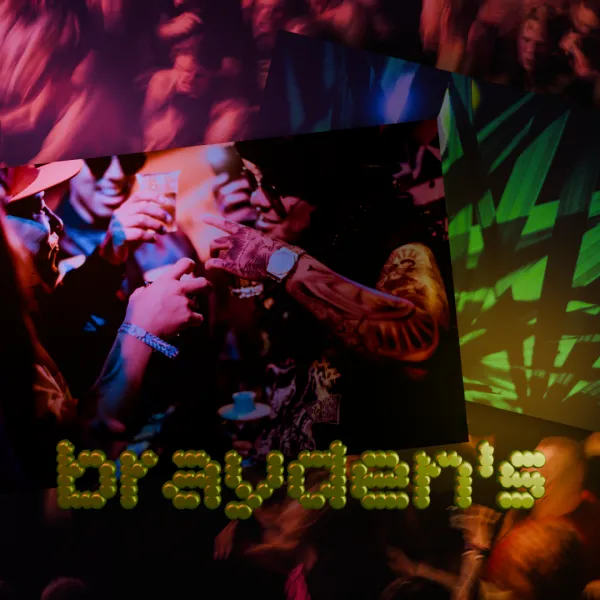
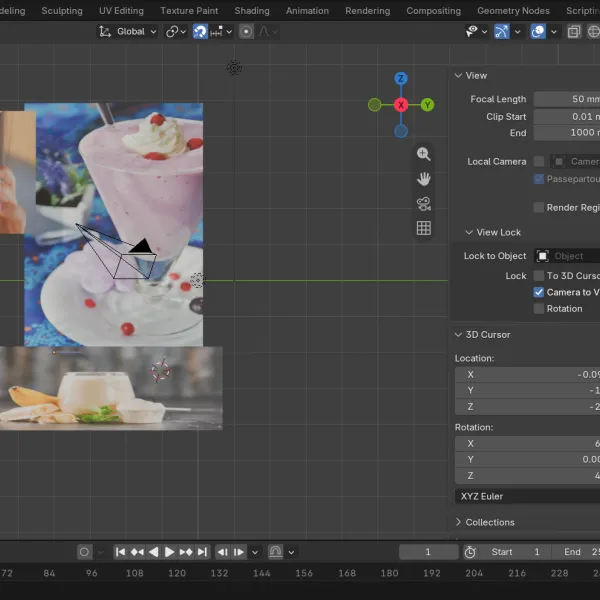
My assignment was to design a Vibrant and Youthful Protein Shake Brand You've been hired by Zoe's, a new Protein Shake brand with a Vibrant and Youthful style. I used images off unsplash.com to create a collage and added 3d text to show the name of the company. I got through most of it fine only at the end I was unable to export it as a square .png I am not sure why but it did not come up as an option on my computer so I just attached the file as a regular png. Thank you so much for making these videos they are amazing.
Course info
Overview
Taught by 3D artist, animator, and designer Robin Ruud, Blender 3D Design Essentials is your gateway into the free software behind everything from Hollywood blockbusters to bold brand visuals. Whether you’re a graphic designer, aspiring motion artist, or video game enthusiast, adding Blender to your toolkit will open up new possibilities for your creativity and career!
If you’ve ever opened Blender, felt overwhelmed, and closed it just as fast, you’re not alone. But this course is designed to change that. Robin takes a hands-on, designer-focused approach, guiding you step-by-step through projects that build real skills through practice and problem solving. From product mockups and packaging design to custom characters and animation, you’ll gain tools you can plug into your existing workflow right away.
Together with Robin, you’ll learn how to:
- - Confidently navigate Blender’s interface
- - Model clean, professional 3D objects
- - Apply realistic materials like glass, metal, and liquid
- - Light, frame, and render your scenes
- - Create branded mockup and packaging
- - Design and animate your own 3D character
By the end, you’ll have the skills and confidence to bring your ideas to life in 3D, and a collection of portfolio-ready pieces to prove it. So take the first step towards becoming a Blender Hero—sign up now to transform your design skills!
Requirements:
- - Blender runs on most modern computers, but you’ll need at least 8 GB of memory and a reasonably fast processor. More memory, a stronger graphics card, and a faster hard drive will all help with better performance.
- - A mouse is recommended for best control, but Robin covers trackpad-friendly workflows too
Who this course is for:
- - Designers ready to bring more dimension to their work
- - Students, freelancers, and in-house creatives looking to expand their creative edge
- - Anyone who has opened Blender, panicked, and promptly closed it again
What you’ll learn:
- - How to download, install, and set up Blender
- - Understanding 3D space and basic modeling concepts
- - Using modifiers like Mirror, Subdivision Surface, and Solidify
- - Working with the Extrude, Bevel, Loop Cut, and Knife tools
- - Adding detail and complexity with modifiers like Bevel and Boolean
- - Adding and editing materials like glass, metal, and liquid
- - Using lights, cameras, and render settings to make your work shine
- - Building 3D product mockups including bottles and packaging
- - Creating a custom 3D character and animating it
- - Animating objects using keyframes, parenting, and Blender’s timeline tools
- - Refining motion with the graph editor and animation principles like exaggeration and timing
- - UV unwrapping and projecting textures onto your models
- - Build custom procedural shaders using Blender’s node system
- - Create realistic surface detail using PBR (physically based rendering) materials
- - Exporting high-quality stills and animations for web, branding, and motion design
- - Class projects you can personalize and add to your portfolio
- - Tips, tricks, and workflows used by real-world 3D designers
Robin Ruud
3D Designer & Animator
I am a 3D Designer and Animator and my mission is to help level up the Blender community from hobbyists to professionals.
I first got into 3D design through a required course at college. It wasn’t love at first sight, but the challenge pulled me in - I’m stubborn like that! What started as a reluctant introduction became a deep and lasting creative focus.
My background is in design and marketing, and I’ve always been drawn to projects that blend design, 3D and motion - things like product renders, poster artwork, and brand animations. Blender became my go-to tool, and it’s now at the heart of everything I make.
These days, I share what I’ve learned on YouTube as Robin Squares, where I create Blender tutorials for designers, animators, and curious creatives. I live in Norway, where I split my time between teaching, making, and writing.
Downloads & Exercise files
Transcript
No transcription available for this video.