Affinity Essentials
Whether you're completely new to Affinity or looking for a powerful alternative to traditional creative software, this course is designed to help you build confidence from the very beginning. Perfect for designers, photographers, illustrators, content creators, and aspiring creatives, you'll learn step-by-step how to use Affinity's professional design tools to create polished artwork and real-world creative projects.
You'll learn step-by-step how to use Affinity to create professional designs while developing practical skills you can use across your own creative projects. Through hands-on exercises and real-world examples, you'll explore essential tools for working with vector graphics, images, typography, layouts, and more, while learning efficient workflows that bring everything together in one powerful creative application.
- Retouching photos and replacing backgrounds in Affinity Pixel
- Enhancing color and contrast for polished social media graphics
- Creating clean geometric icon sets in Affinity Vector
- Building scalable vector logos from hand-drawn sketches
- Combining photography and typography for cinematic poster designs
- Designing professional business cards with print-ready setup
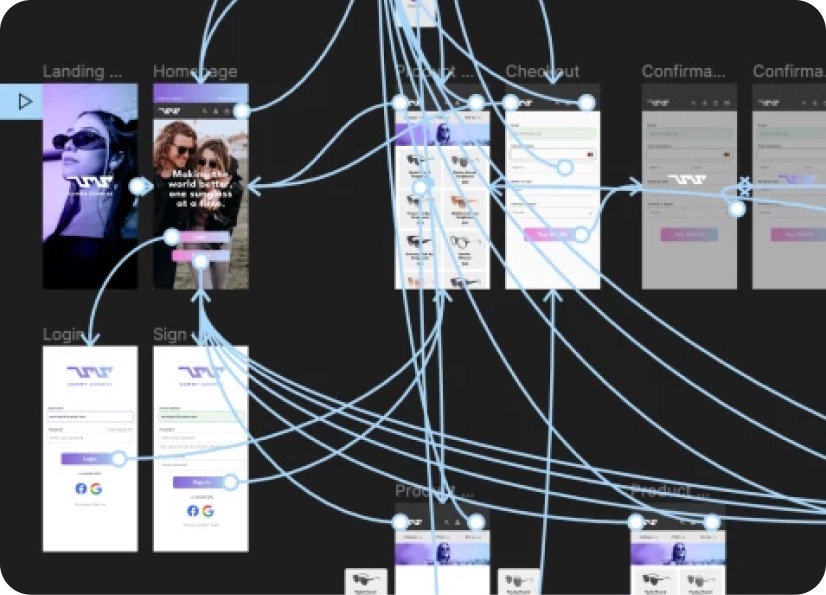
- Creating multi-page layouts in Affinity Publish
- Working with flowing text and linked images across documents
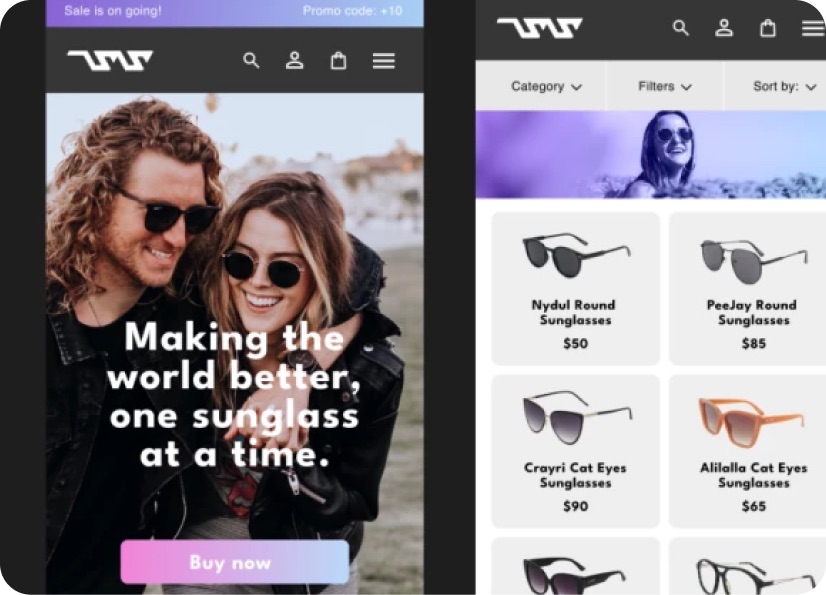
- Designing realistic product packaging mockups
- Creating interactive PDFs with clickable navigation and links
- Combining vector, photo, and layout tools in a unified workflow
- Creating branded marketing materials for print and digital use
- Preparing files for professional printing and client delivery
- Building polished portfolio presentations and lookbooks
- Developing efficient workflows for real-world creative projects
- ... and more!
What’s in the course?
Hint: Get a feel for the course by watching the free lessons!
Class projects & community

Build real world projects as you learn, create portfolio worthy work, and gain practical experience by doing - not just watching. Share your work with our global creative community, get feedback and support, and learn alongside other students every step of the way.
Meet your instructor
Daniel Walter Scott
Founder of Bring Your Own Laptop & Chief Instructor
Figma | Illustrator | Premiere Pro | Lightroom
I discovered the world of design as an art student when I stumbled upon a lab full of green & blue iMac G3’s. My initial curiosity around using the computer to create ‘art’ developed into a full-blown passion, eventually leading me to become a digital designer and founder of Bring Your Own Laptop.
Sharing and teaching are a huge part of who I am. As a certified Adobe instructor, I've had the honor of winning multiple Adobe teaching awards at their annual MAX conference. I see Bring Your Own Laptop as the supportive community I wished for when I was first starting out and intimidated by design. Through teaching, I hope to bring others along for the ride and empower my students to bring their stories, labors of love, and art into the world.
True to my Kiwi roots, I've lived in many places, and currently, I reside in Ireland with my wife and kids.


Choose your membership plan.
Get unlimited access to every BYOL course and feature. Go monthly for flexibility, or choose yearly and save with our best value option.
Yearly | Best value
- 12 months access for the price of 7
- Save $60.00 vs monthly
- Just $7.00 per month when billed yearly
- Give yourself a full year to level up
- Unlimited access to 35+ design courses
- New course launches and updates
- Take as many courses as you like
- Learn at your own pace
- Class projects & certificates
- Design challenges
- BYOL Expert support
- Private student community
Pay $84.00 today.
Auto-renews annually at $84.00.
Cancel at any time before your renewal.
Monthly | Flexible
- Unlimited access to 35+ design courses
- New course launches and updates
- Take as many courses as you like
- Learn at your own pace
- Class projects & certificates
- Design challenges
- BYOL Expert support
- Private student community
Pay $12.00 today.
Auto-renews monthly at $12.00.
Cancel at any time before your renewal.
Take your design skills to the next level.
Join a private community of designers, with guaranteed feedback and small-group live sessions designed to accelerate your growth.

BYOL+ is for designers who:
- Work solo and want meaningful feedback from peers.
- Are building a freelance business and need guidance.
- Want thoughtful critique to strengthen their portfolio and unlock new opportunities.
"I love the live sessions, the advice has really helped me to move up in my career."
Charlie, BYOL+ student

Includes everything in BYOLCORE, plus:
- 💜 Exclusive BYOL+ Discord community
- ☕️ Live Office Hours with Dan
- ⚡️ Live portfolio review sessions
- 🧠 Live creative community sessions
- 🎬 Live session replay library
- ✏️ BYOL+ exclusive design challenges
- 🔥 Priority BYOL Expert support
- 💬 Priority Class Project feedback
- 📺 Download lessons to watch offline anytime
Pay $199.00 today.
Auto-renews yearly at $199.00.
Cancel at any time before your renewal
Pay $29.00 today.
Auto-renews monthly at $29.00.
Cancel at any time before your renewal
You might also like...


Be the first to hear about new courses and special offers!
