Class Project 01 - Reckless Blind Editing
Questions




Student class projects










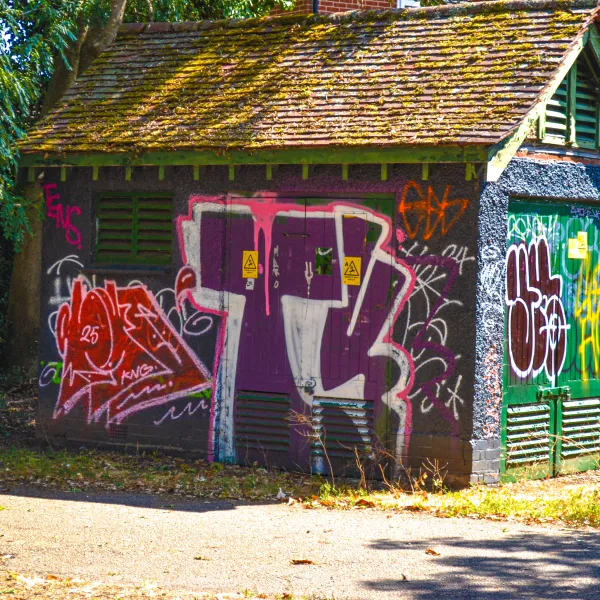

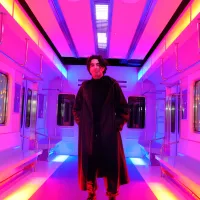
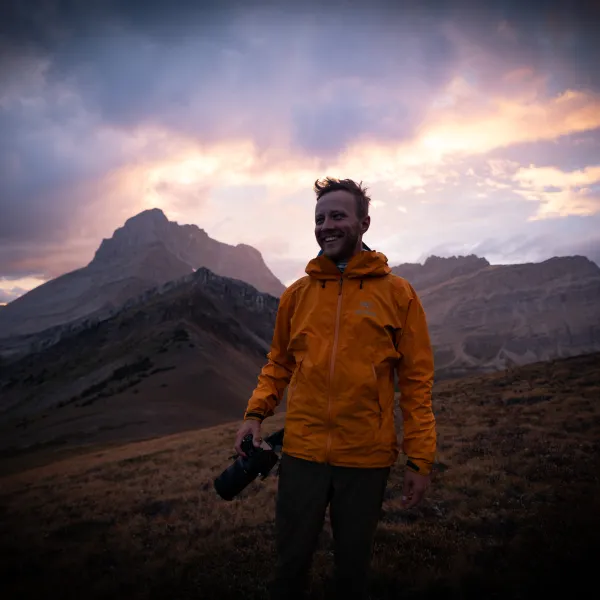



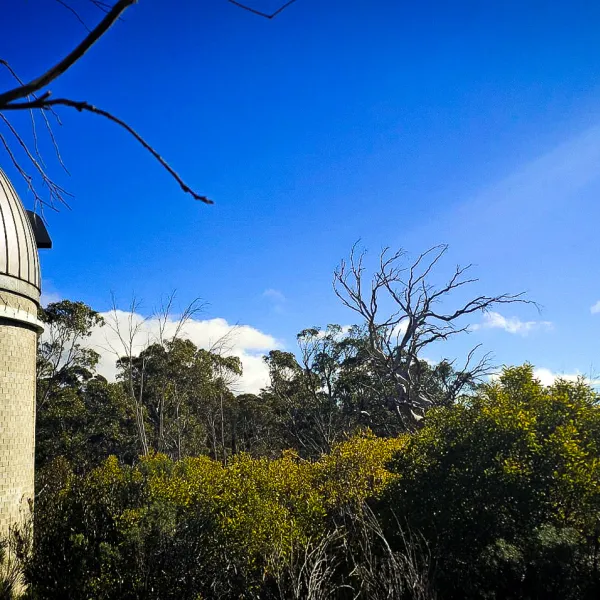





















Course info
Overview
I've won many Adobe teaching awards and recently reached a huge milestone....I have now had over a million people worldwide who have studied using my online courses like this one!
What’s in the course?
- - White balance
- - Temperature and color correction
- - Masking
- - Portrait
- - Wedding
- - Landscape
- - Wildlife
- - Automotive
- - Event
- - Architectural
- - Drone
- - Travel
- - Product
- - Food
- - Soften and smooth skin texture
- - Highlight eyes and whiten teeth
- - Enhance hair and make eyes and lips really stand out in a portrait
- - Remove unwanted elements from a photograph
- - Color grade videos
- - Reduce noise and graininess from photos
- - Best practices for white balance, temperature & color correction.
- - Unlock the power of masking.
- - You’ll cover all types of photography genres including Portrait, Landscape, Wedding, Night, Wildlife, Automotive, Event, Architectural, Drone, Travel, Product Food.
- - You’ll know how to color grade like a professional, simple grades and then moving into distinctive powerful color grades to make your images really pop.
- - You’ll retouch images, making skin smoother, eyes & teeth whiter. Make hair, eyes and lips standout in portraits.
- - Learn how to remove parts of an image.
- - Learn how to color grade videos.
- - You’ll even learn when and how it might be appropriate to jump out to Adobe Photoshop.
- - Do you have noisy, grainy images? After this course, you’ll know what tools and techniques to use to remove it.
- - Learn how to add the noise, grunge & grain back in for a powerful visual statement.
- - Need to work fast? You’ll learn where to find and how to use the best Presets, LUTS & Profiles.
- - You’ll take your skills and apply your edits in bulk to a huge group of images all at once.
- - Learn Lightroom's amazing organizational abilities. Quickly sorting, comparing, searching, grading & backing up images.
- - You'll learn the best settings for printing your images and sharing on social media without losing details and how to package up a shoot and easily share with a client
- - Adobe Lightroom CC Desktop (not Lightroom Classic)
- - No prior knowledge or experience with Lightroom is required
- - No prior knowledge or experience in Photography is required
- - This course is really aimed at people new to photo editing software and photography in general. We’ll start right at the beginning and work our way through step by step.
- - You might be using the biggest fanciest camera in the world or shooting on your phone that’s held together mostly with sellotape. It doesn’ matter, Lightroom is amazing for both.

Daniel Walter Scott
Founder of Bring Your Own Laptop & Chief Instructor
I discovered the world of design as an art student when I stumbled upon a lab full of green & blue iMac G3’s. My initial curiosity around using the computer to create ‘art’ developed into a full-blown passion, eventually leading me to become a digital designer and founder of Bring Your Own Laptop.
Sharing and teaching are a huge part of who I am. As a certified Adobe instructor, I've had the honor of winning multiple Adobe teaching awards at their annual MAX conference. I see Bring Your Own Laptop as the supportive community I wished for when I was first starting out and intimidated by design. Through teaching, I hope to bring others along for the ride and empower my students to bring their stories, labors of love, and art into the world.
True to my Kiwi roots, I've lived in many places, and currently, I reside in Ireland with my wife and kids.
Downloads & Exercise files
Transcript
All right, it is not homework time...
it is fun class projects set by your teacher, they're very different...
so I'm going to do class projects throughout this course...
it's going to be one of many, you can choose to do them, you don't have to...
the goal is to put what you've learned into practice...
now at this stage, what have you learned...
"Very little, Dan, you didn't explain it very well"...
so we're going to call this one reckless blind editing...
because I give you permission to do it terribly.
I've added a few extra little things there, but yeah...
it is about picking up what you have...
from that last kind of session we did together...
and just giving it your best or worst shot...
you have permission to be new at it.
I want you to do a couple of things, three things...
I want you to pick a photo...
actually one, two, three, four things, four bullet points, Dan...
so pick your own image, your own image, or, there you go...
or something from a free website...
I've given you some websites to get photography from...
particularly raw format photographs...
if you're unsure what that is we'll do that in a bit...
so you just pick jpegs if you like, so something of your own...
or something from one of these websites...
they change quite a bit, so one of these might not work...
that's why I've got only four of them, grab an image...
I want you to do two things...
correct the photograph and then grade the photograph...
so correcting, remember, is getting the contrast right, the exposure right...
getting the highlights and darks, getting that kind of...
like spending a lot of time in this Tone panel, over here...
so under the Light panel, sorry, and maybe touching it up in the Color panel...
and getting it right, and then--
or getting it how you feel is right...
and then saving it out as a small jpeg...
so that is in the top here, click on this...
and be-- you know, export for a small jpeg.
The next step is, I want you to grade the photograph...
so grading, or adding effects to it, is giving it a theme...
like you don't have to go down the...
like Batman Gotham City vibe that I did in the last one...
because that's what I do on all my images...
you can do anything you want, or nothing, don't put too much pressure on...
like getting a style right, we'll go through this course.
I'll show you how to do all that different styles...
you'll find a bit of your own technique...
but for the moment this is the reckless blind editing...
so just get in there and get stuck in...
so correct the photo, grade the photo...
and if you're doing the course upload it to the Assignment section...
or the Comments, or the Projects, depending on where you're doing this...
just love to see what you're up to...
if you use the hashtag starting lightroom, that gives you permission...
you can even write it in your comment, like, "Hey, my first ever edit"...
because it can be tricky when you are sharing creative work...
but if you add this, and just explain, "It's my first ever edit...
hey, I'd love some feedback," especially if you share it...
with these Instagram groups for bringyourownlaptop, Instagram groups...
all the groups, there's a great Facebook group, as well as Instagram...
there's Twitter, and Linkedin...
whatever is your kind of like home on social media...
tag me, share it in the group...
it's a great place if you are new to anything...
especially in the creative industry...
to share work without it being kind of like...
"Hey, that's not even that good," it's not meant to, you're getting started.
So use that hashtag as well, so people know...
and it's great to actually have that online because it's brave and scary...
and do it, but it's also great to go back to...
when you are a bit more experienced, and go, "Ha...
look at that guy," or girl, and say--
it's embarrassing at the time when you're just learning...
I know it, you're like, you make something, and you want to burn it afterwards...
it's like, "I want to be better, and I don't want to share this...
because I don't want to be judged on this version"...
but your future self will look back and go...
"Man, I wish I had that, copy of that first ever edit that I did"...
or, I don't know, "composition, or thing I made."
People have a tendency of abandoning them...
because they're like, I don't know, embarrassed by them...
but if we get started sharing them now...
you'll be able to go back to them later on...
and especially in these sorts of groups here...
Instagram, Facebook, Twitter, LinkedIn...
these are great places to share it...
because it's full of other people on the same sort of journey.
So grab an image, either your own, or for one of these sites...
correct it, save it, grade it, save it, and then upload it...
to the Assignments and/or social media, tag me...
and we'll keep doing all the different edits...
and class projects throughout the course...
and we'll see your progression, it'll be fun, we'll do it together...
all right, video over, we'll see you in the next one.
