
Adobe Lightroom - Essentials Training
Whether you're completely new to Adobe Lightroom or looking to improve your photo editing skills, this course is designed to help you edit and organise your images with confidence. We'll start from the very beginning and guide you step-by-step through professional editing techniques, making it perfect for beginners, photographers, content creators, and anyone who wants to transform photos taken on anything from a smartphone to a professional camera.
You'll learn step-by-step how to use Adobe Lightroom to organise, edit, retouch, and colour grade your photos while working with a wide range of photography styles. Led by Adobe Certified Instructor Daniel Walter Scott, you'll master professional editing workflows, masking, presets, colour correction, and image management techniques that will help you produce beautiful, polished photographs while earning your Adobe Lightroom certification.
- Navigating the Adobe Lightroom workspace with confidence.
- Organising, sorting, rating, and managing photo libraries.
- Correcting white balance, exposure, and colour.
- Mastering masking and local adjustments.
- Colour grading photographs like a professional.
- Editing portrait, landscape, wedding, wildlife, travel, food, product, architectural, automotive, drone, and event photography.
- Retouching portraits by smoothing skin and enhancing facial features.
- Removing unwanted objects from images.
- Reducing image noise and grain.
- Adding creative grain and stylistic effects.
- Working with presets, LUTs, and profiles.
- Applying edits to multiple images using batch workflows.
- Editing and colour grading video clips in Lightroom.
- Knowing when and how to use Photoshop alongside Lightroom.
- Preparing images for print, social media, and client delivery.
- Backing up, packaging, and sharing photography projects.
- Professional Lightroom workflows and time-saving techniques.
- Practical projects to reinforce your editing skills.
- ... and more!
What’s in the course?
Hint: Get a feel for the course by watching the free lessons!
Why our students love learning with BYOL
“Dan is awesome! The course was easy to follow and the exercises were very informative for a beginner like me. Cheers Dan!”
“Dan's warm and funny personality makes watching the videos great!”
“I was actually surprised at how engaging and nicely structured this course was. I recommend this course, especially because the instructor made it feel so easy. One other thing I appreciated is that every small bit had a project so you could actually do things yourself and experiment with Lightroom's features.”
“Top notch instructor/teacher expect nothing but the best!”
“He has great information and delivers the information in an entertaining way. Likable personality and he knows a lot about the subject of Lightroom.”
“I am enjoying that it shows me tools that I might not have found on my own and it has good examples and projects.”
“The instructor is fun and engaging. I enjoyed him so much, I got a couple other classes from him! He makes learning so easy.”
“Best Lessons so far”
“Even for a non-native speaker, I found the course very easy to understand. The topics are well structured and easy to absorb.”
“Dan is an incredible teacher.”
“Dan knows what he is talking about!”
“Very good and comprehensive course. It was easy to follow even at 2x speed. He is excellent at really making processes have a good flow to them and expresses the natural sense of editing while showing the importance of experimenting.”
“I really like Dan's learning style - after this course, I "know my tools," which will significantly speed up the photo editing process in future projects. Thanks Dan!”
“I am still learning to not be overwhelmed by all of it. Daniel is making it sound easy .”
“This course was remarkable, fun, and very helpful. I am glad that I did it. Thank you Daniel Scott. Greg”
“Wow! I am so impressed with this course so far! Dan, you nailed it once again wiht your clear, insightful and humorous teaching style! Thank you so much for giving me another skill set!”
“I purchased the course not realizing it was for Lightroom and not Lightroom Classic. I decided to go through the course anyway. I learned quite a lot of things that worked in both. I also have a general understanding of the differences if I decided to give the newer Lightroom a go. Even if you have used Lr or LrC for a while, I'm sure there is something in this course for you. Thanks Dan, you are...”
“Cant be any happier with this course, I've been doing photography on the side for 5 years and got to learn a few new tools that simply either overlooked or had not consider using before. Dan is an engaging instructor that has a solid understanding of lightroom and i would say Beginner friendly as well. So I would highly recommend this course for new photographers or even intermediate as well.”
“I have learned a great deal about Lightroom from this course. The short videos on each aspect of the training, the warm sense of humor, and the practical projects have been far more helpful than anything I've found on YouTube!”
“I love that the introductory lessons give the general lay-of-the-land, thereby setting a solid foundation for proceeding to more substantive lessons.”
Class projects & community

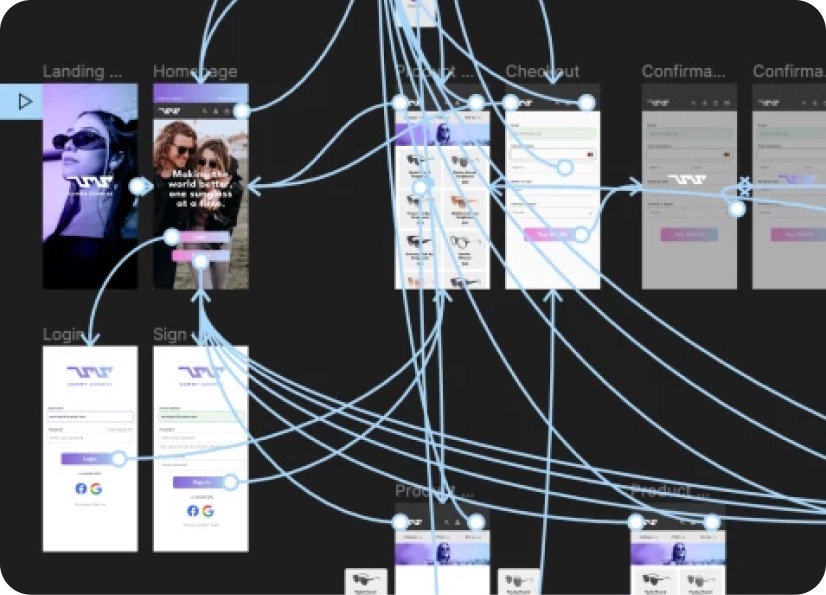
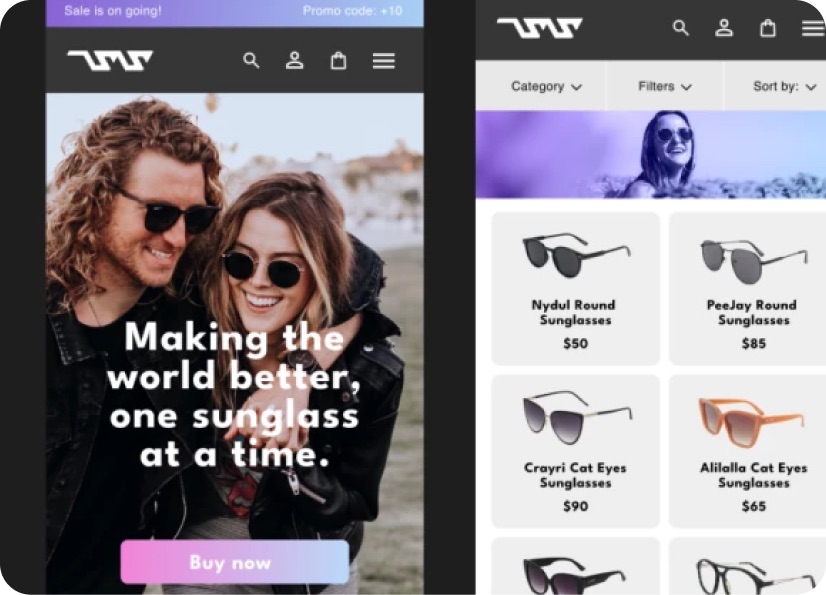
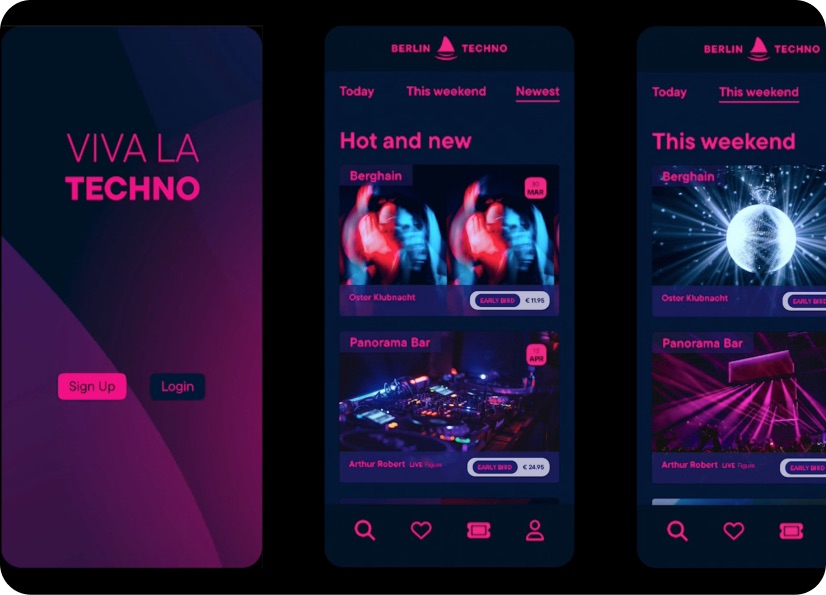
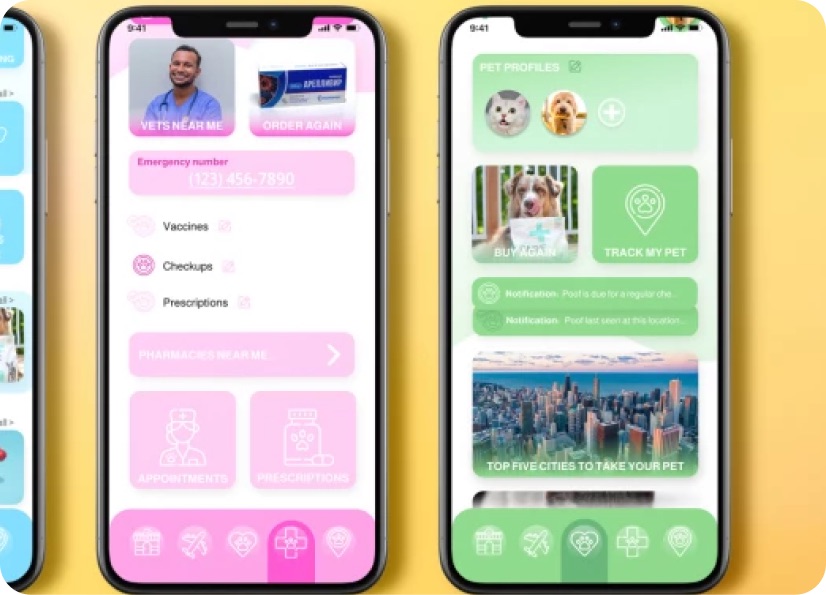
Build real world projects as you learn, create portfolio worthy work, and gain practical experience by doing - not just watching. Share your work with our global creative community, get feedback and support, and learn alongside other students every step of the way.


Meet your instructor
Daniel Walter Scott
Founder of Bring Your Own Laptop & Chief Instructor
Figma | Illustrator | Premiere Pro | Lightroom
I discovered the world of design as an art student when I stumbled upon a lab full of green & blue iMac G3’s. My initial curiosity around using the computer to create ‘art’ developed into a full-blown passion, eventually leading me to become a digital designer and founder of Bring Your Own Laptop.
Sharing and teaching are a huge part of who I am. As a certified Adobe instructor, I've had the honor of winning multiple Adobe teaching awards at their annual MAX conference. I see Bring Your Own Laptop as the supportive community I wished for when I was first starting out and intimidated by design. Through teaching, I hope to bring others along for the ride and empower my students to bring their stories, labors of love, and art into the world.
True to my Kiwi roots, I've lived in many places, and currently, I reside in Ireland with my wife and kids.


Choose your membership plan.
Get unlimited access to every BYOL course and feature. Go monthly for flexibility, or choose yearly and save with our best value option.
Yearly | Best value
- 12 months access for the price of 7
- Save $60.00 vs monthly
- Just $7.00 per month when billed yearly
- Give yourself a full year to level up
- Unlimited access to 35+ design courses
- New course launches and updates
- Take as many courses as you like
- Learn at your own pace
- Class projects & certificates
- Design challenges
- BYOL Expert support
- Private student community
Pay $84.00 today.
Auto-renews annually at $84.00.
Cancel at any time before your renewal.
Monthly | Flexible
- Unlimited access to 35+ design courses
- New course launches and updates
- Take as many courses as you like
- Learn at your own pace
- Class projects & certificates
- Design challenges
- BYOL Expert support
- Private student community
Pay $12.00 today.
Auto-renews monthly at $12.00.
Cancel at any time before your renewal.
Take your design skills to the next level.
Join a private community of designers, with guaranteed feedback and small-group live sessions designed to accelerate your growth.

BYOL+ is for designers who:
- Work solo and want meaningful feedback from peers.
- Are building a freelance business and need guidance.
- Want thoughtful critique to strengthen their portfolio and unlock new opportunities.
"I love the live sessions, the advice has really helped me to move up in my career."
Charlie, BYOL+ student

Includes everything in BYOLCORE, plus:
- 💜 Exclusive BYOL+ Discord community
- ☕️ Live Office Hours with Dan
- ⚡️ Live portfolio review sessions
- 🧠 Live creative community sessions
- 🎬 Live session replay library
- ✏️ BYOL+ exclusive design challenges
- 🔥 Priority BYOL Expert support
- 💬 Priority Class Project feedback
- 📺 Download lessons to watch offline anytime
Pay $199.00 today.
Auto-renews yearly at $199.00.
Cancel at any time before your renewal
Pay $29.00 today.
Auto-renews monthly at $29.00.
Cancel at any time before your renewal
You might also like...


Be the first to hear about new courses and special offers!
