Adobe InDesign CC - Essentials Training
Whether you're completely new to Adobe InDesign or you've opened it before and weren't sure where to start, this course is designed to help you create professional page layouts with confidence. We'll guide you step-by-step through real-world design projects while teaching the workflows used by professional designers. It's perfect for beginners, Photoshop and Illustrator users wanting to expand their skills, freelancers, small business owners, and anyone looking to create polished print and digital publications.
You'll learn step-by-step how to use Adobe InDesign to create professional layouts for print, digital, and social media while working on practical, portfolio-ready projects. Led by designer and educator Khara Plicanic, you'll master industry-standard layout techniques, typography, document setup, interactive PDFs, and professional production workflows, giving you the confidence to create everything from flyers and brochures to magazines, forms, and social media templates while earning your Adobe InDesign certification.
- Navigating the Adobe InDesign workspace with confidence.
- Setting up documents for print, digital, and social media.
- Working with images, graphics, logos, and linked assets.
- Creating professional flyers, brochures, magazines, and marketing materials.
- Designing reusable social media templates.
- Building interactive and fillable PDF forms.
- Working with typography, paragraph styles, character styles, and object styles.
- Creating flexible layouts using guides, grids, margins, columns, and parent pages.
- Managing threaded text, text wrap, anchored objects, and text on a path.
- Creating tables, pull quotes, page numbers, and tables of contents.
- Building reusable templates and efficient layout systems.
- Troubleshooting missing fonts, links, overset text, and preflight issues.
- Preparing files for professional printing and client handoff.
- Packaging projects for sharing and archiving.
- Exporting print-ready and interactive PDF documents.
- Working efficiently with Photoshop, Illustrator, Bridge, and Acrobat.
- Learning professional production workflows and time-saving shortcuts.
- Completing practical, portfolio-ready design projects.
- Following along with downloadable exercise files, templates, and project assets.
- ... and more!
What’s in the course?
Hint: Get a feel for the course by watching the free lessons!
Why our students love learning with BYOL
“I am loving it so far. Can't wait for more. This is just what I needed.”
“This was so helpful and I learned so much in this course!”
“Excellent so far. I am truly learning the full function of Adobe InDesign”
“I've been using InDesign since before it was InDesign and I learned things I didn't know existed in this Application. Great instruction and great instructor. She touches on so many time saving and productive features for design and beyond! A great all around course for learning the In's and Out's of this Application.”
“Amazing course, so much to learn, would recommend strongly. Good thing about online course is you can revisit again and again, Great instructor!”
“The lessons covered are progressive and relevant, and the teacher has a thorough command of the subject. William”
“Great course, learnt sooooooo much! Love the very enthusiastic delivery too>”
“Amazing course, the instructor Khara explains step by step in detail which makes it easy to understand.”
“Fantastic course, Fantastic Mentor. Easy to understand. Thankyou :)”
“This course delivered so much more than I expected. Information is very practical and timing for each lessons are perfect. Well designed!”
“I like the pace and the vibe. Learning a lot. There's a lot of form stuff. I use InDesign primarily to help students create our school newspaper. I think the upcoming magazine section will be especially helpful.”
“This is an amazing course. So much great information. However, I never want to hear the word "slurp" again:)”
“I like how the course is broken up. Sometimes a bit too wordy, but it gives me time to make notes. I wish there is a transcript, so I can refer to it quickly, instead of finding the exact frame for a specific action.”
“revisiting Indesign after 10 years and having completed courses on BYOL before I decided to give the new 2026 Indesign course ago.. So glad i did fantastic course, fast enough paced and feel like you really achieve a lot in each video. by completing the course projects you also have work to put into your portfolio.”
“Great step-by-step explanations! The projects are helpful as a way to apply all the new skills. Very good course!”
“I really like the instructor and the way the course material is presented. The lessons, combined with the class assignments, make it easy to follow along and apply what you're learning. The course also includes lots of useful tips and practical techniques that I can use right away.”
“Starting out with Adobe InDesign can feel overwhelming, but the InDesign Essentials Course makes learning it smooth and exciting. The instructor breaks down key layout concepts—like parent pages, typography, and paragraph styles—into clear, simple steps without any confusing technical language. It builds real confidence fast, turning a steep learning curve into an empowering, hands-on creative win...”
“very helpful, even just to refresh the memory”
“Halfway through and I'm finding the Adobe Indesign Essentials training to be very good, I'm learning a lot and the structure with the separate course work is very good in cementing the knowledge. I've had to go back to some sections more than once to really learn the material. I'm very happy with my course so far!”
“I've have been using PhotoShop for years and I have known I needed to add InDesign to my repertoire and this course seems to be just thing I need!”
Class projects & community

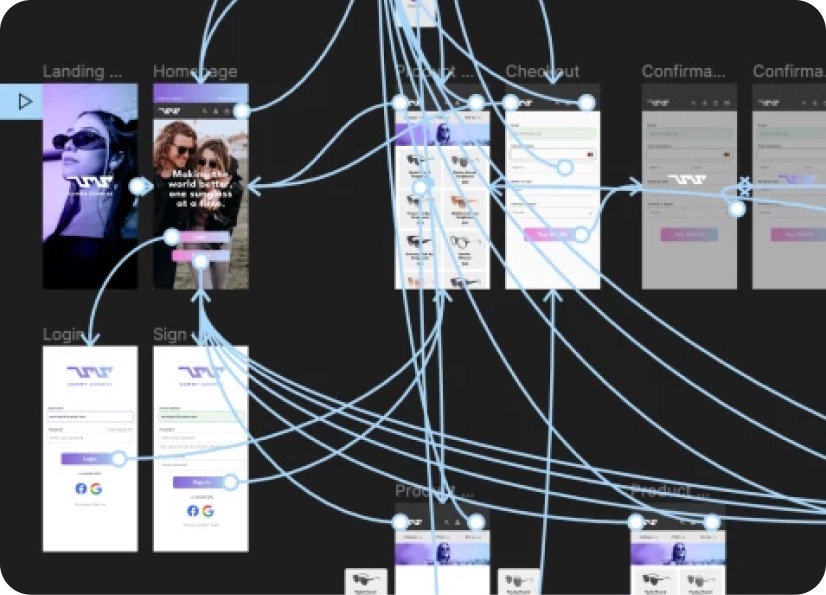
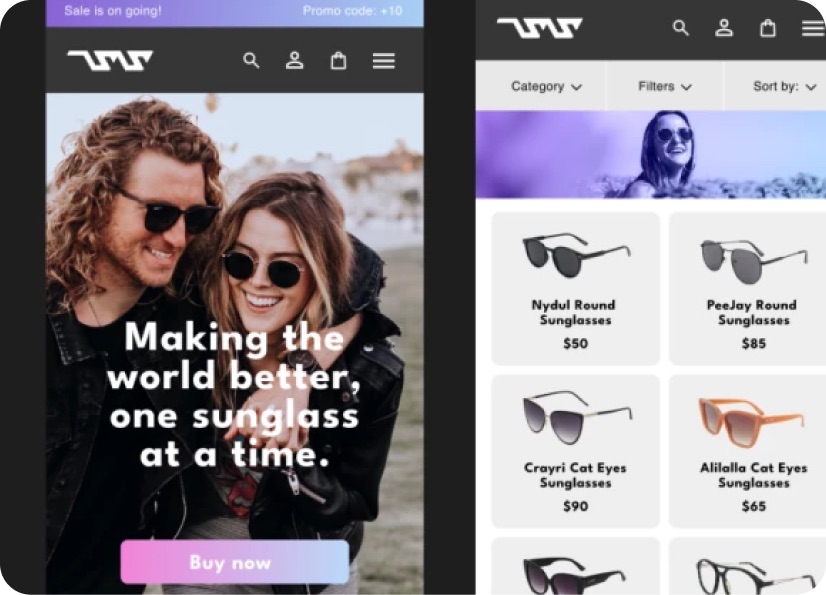
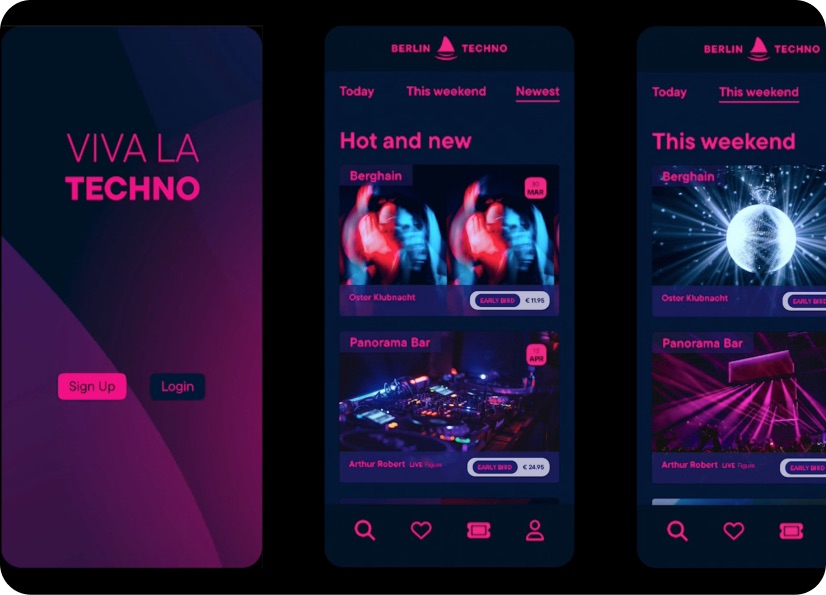
Build real world projects as you learn, create portfolio worthy work, and gain practical experience by doing - not just watching. Share your work with our global creative community, get feedback and support, and learn alongside other students every step of the way.


Meet your instructor
Khara Plicanic
Instructor, Graphic Designer & Creator
InDesign | Photography & Design | Business Strategy
I’m a camera-slinging design geek and all-around Adobe nerd, and teaching has always been at the heart of what I do. For more than 20 years, I’ve been sharing inspiration and know-how with creatives around the world.
I’ve authored several books, created oodles of online courses, and provided customised training for clients big and small across photography, design, software, business strategy, and creative workflow.
My goal is to make creative tools and processes feel approachable, practical, and genuinely useful - whether I’m teaching online, working directly with a client, or presenting at creative industry events.
When I’m not teaching, speaking, or making futile attempts to reclaim hard drive space, I’m usually plotting my next craft project, maintaining my Wordle streak, searching the sofa cushions for a runaway Wacom pen, or trying to remember where I left my phone!


Choose your membership plan.
Get unlimited access to every BYOL course and feature. Go monthly for flexibility, or choose yearly and save with our best value option.
Yearly | Best value
- 12 months access for the price of 7
- Save $60.00 vs monthly
- Just $7.00 per month when billed yearly
- Give yourself a full year to level up
- Unlimited access to 35+ design courses
- New course launches and updates
- Take as many courses as you like
- Learn at your own pace
- Class projects & certificates
- Design challenges
- BYOL Expert support
- Private student community
Pay $84.00 today.
Auto-renews annually at $84.00.
Cancel at any time before your renewal.
Monthly | Flexible
- Unlimited access to 35+ design courses
- New course launches and updates
- Take as many courses as you like
- Learn at your own pace
- Class projects & certificates
- Design challenges
- BYOL Expert support
- Private student community
Pay $12.00 today.
Auto-renews monthly at $12.00.
Cancel at any time before your renewal.
Take your design skills to the next level.
Join a private community of designers, with guaranteed feedback and small-group live sessions designed to accelerate your growth.

BYOL+ is for designers who:
- Work solo and want meaningful feedback from peers.
- Are building a freelance business and need guidance.
- Want thoughtful critique to strengthen their portfolio and unlock new opportunities.
"I love the live sessions, the advice has really helped me to move up in my career."
Charlie, BYOL+ student

Includes everything in BYOLCORE, plus:
- 💜 Exclusive BYOL+ Discord community
- ☕️ Live Office Hours with Dan
- ⚡️ Live portfolio review sessions
- 🧠 Live creative community sessions
- 🎬 Live session replay library
- ✏️ BYOL+ exclusive design challenges
- 🔥 Priority BYOL Expert support
- 💬 Priority Class Project feedback
- 📺 Download lessons to watch offline anytime
Pay $199.00 today.
Auto-renews yearly at $199.00.
Cancel at any time before your renewal
Pay $29.00 today.
Auto-renews monthly at $29.00.
Cancel at any time before your renewal
You might also like...


Be the first to hear about new courses and special offers!
