
Blender 3D Design Essentials
Whether you're completely new to Blender or you've opened it before and weren't sure where to start, this course is designed to help you build confidence in 3D design from the ground up. Through practical, project-based lessons, you'll learn the core skills needed to create professional 3D artwork, making it perfect for designers, illustrators, content creators, freelancers, and anyone looking to add 3D to their creative toolkit.
You'll learn step-by-step how to create professional 3D models, materials, animations, and renders in Blender while working on practical, portfolio-ready projects. Led by 3D artist and designer Robin Ruud, you'll master the essential tools and workflows used by professional 3D designers, giving you the confidence to create everything from product mockups and packaging to animated characters and realistic visualisations.
- Navigating the Blender workspace with confidence.
- Understanding 3D modelling fundamentals.
- Creating clean, professional 3D models.
- Working with modifiers including Mirror, Subdivision Surface, Boolean, and Solidify.
- Using modelling tools such as Extrude, Bevel, Loop Cut, and Knife.
- Creating realistic materials including glass, metal, and liquids.
- Applying textures and UV unwrapping models.
- Building custom procedural materials using Blender's node system.
- Creating realistic PBR (Physically Based Rendering) materials.
- Lighting, framing, and rendering professional scenes.
- Building 3D product mockups and packaging.
- Creating and animating your own 3D character.
- Animating objects using keyframes, parenting, and timeline tools.
- Refining animations with the Graph Editor and animation principles.
- Exporting high-quality images and animations for web, branding, and motion design.
- Completing practical, portfolio-ready 3D projects.
- Learning professional Blender workflows, tips, and time-saving techniques.
- ... and more!
What’s in the course?
Hint: Get a feel for the course by watching the free lessons!
Why our students love learning with BYOL
“A good course if you really want to learn or improve your Blender fundamentals. I am not completely new to Blender, and I learned a few things. The instructor has many good insights. Along the course, you get to make your very own project. I think it's amazing that you get to create something that's different from everybody else's project.”
“The lessons were easy to follow, and the instructor delivered them in an elegant and engaging manner.”
“This was not my first Blender course but it definitely helped me a lot. Learning through projects was very fun and useful. As a beginner, I realized how easily I could do things that I thought I couldn't do on my own. I think it was also very valuable to share the projects with other students and to be able to give feedback to each other. Thank you Robin for everything <3”
“This class has been super enlightening! I have about a year and a half of blender experience, but this class has filled in so many gaps of my training. The projects are fun to work on as well.”
“The course in itself is pretty good, I just wish there were a better way to get my work reviewed on the website. I don't do Facebook and instagram etc.”
“This is my first course on BYOL. I have to say it is the best online course I have ever done. If you want to learn how to work in 3D, this course is for you.”
“Its been a blast seeing what everything does and watching everything coming together!!”
“The most easiest and practical teaching method of learning 3D modeling. This Sir so amazing”
“Perfect introduction. Perfect pace and perfect steps to go through and follow. I have some experience using CAD, so this isnt 100% new to me, but this was a perfect intro for beginners”
“It's a really good course. I like it and hope for an advanced one in the near future. One thing that truly annoyed me in the beginning - but I came to love, is that the class projects are slightly different from the one Robin makes. Here he made a robot, and the project was to make an animal with the tools. It forces you to repeat the process which is great for learners! That being said, some go...”
“This course was above and beyond!”
“im loving this course”
“Everything is easy to understand, its a pretty good subsitute to coursework.”
“ive tried a lot of blender tutorials but this one is showing me stuff ive never seen anywhere else before”
“Klar Strukturiert und gut Erklärt”
“Very easy to follow and very entertaining as well”
“I've been trying to perfect my Blender skills for quite a while. Most courses I've taken were boring and I just lost interest after hours and hours of videos. This course on the other hand was well presented and quite complete. It was also entertaining enough that it kept my interest. The key feature I found was that the subject matter was presented in a short and complete way, that gave you want...”
“Super clear instruction and very intuitive Structure. Best part: Robin seems to be genuinely excited about the Software and it´s possibilities. Great Educator.”
“Amazing course!!! I learned so much!”
“It explains the tools clearly and I am learning how to use them effectively.”
Class projects & community

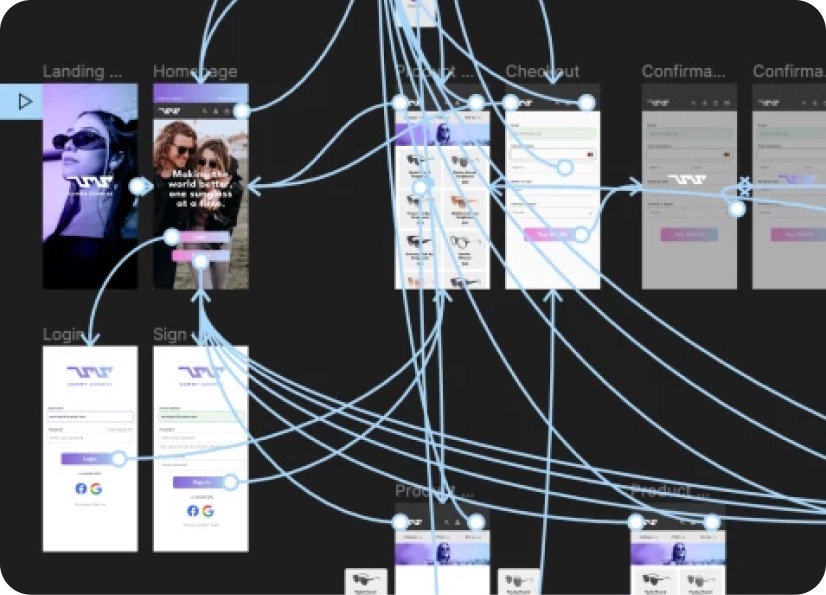
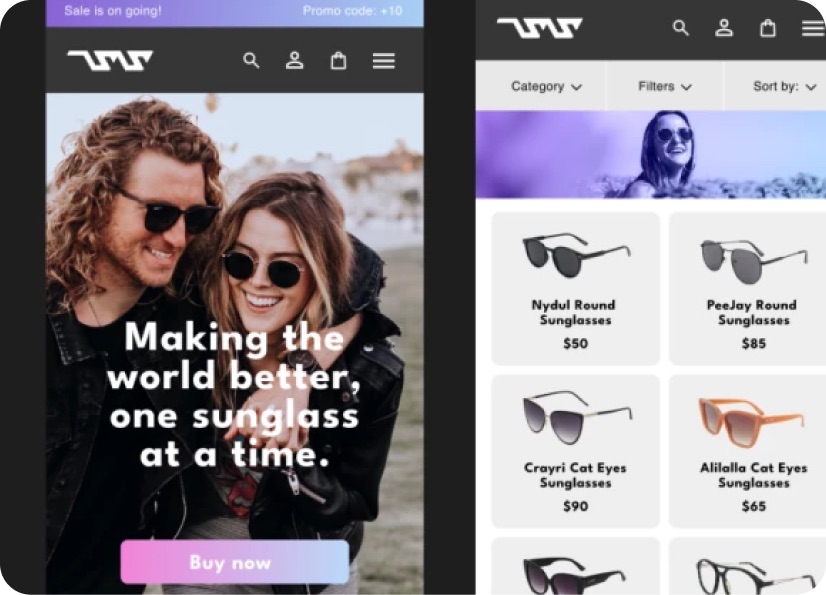
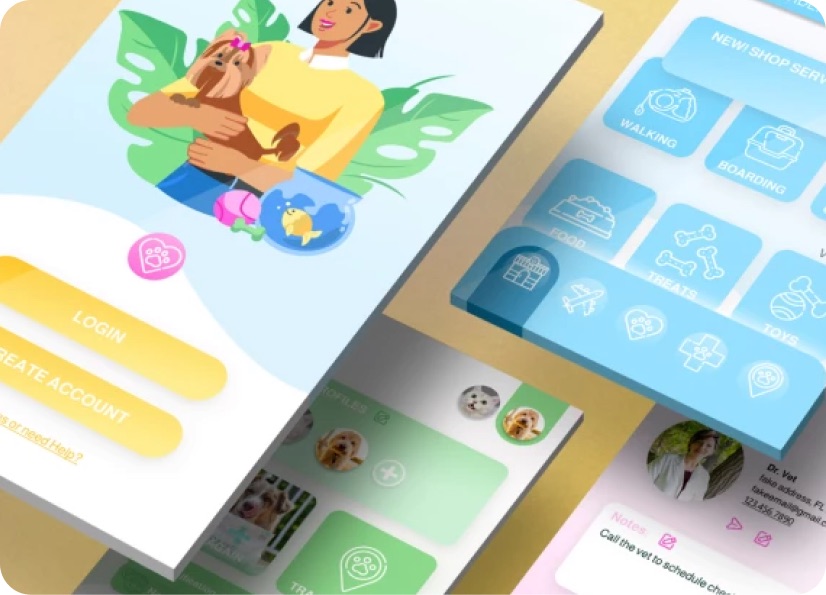
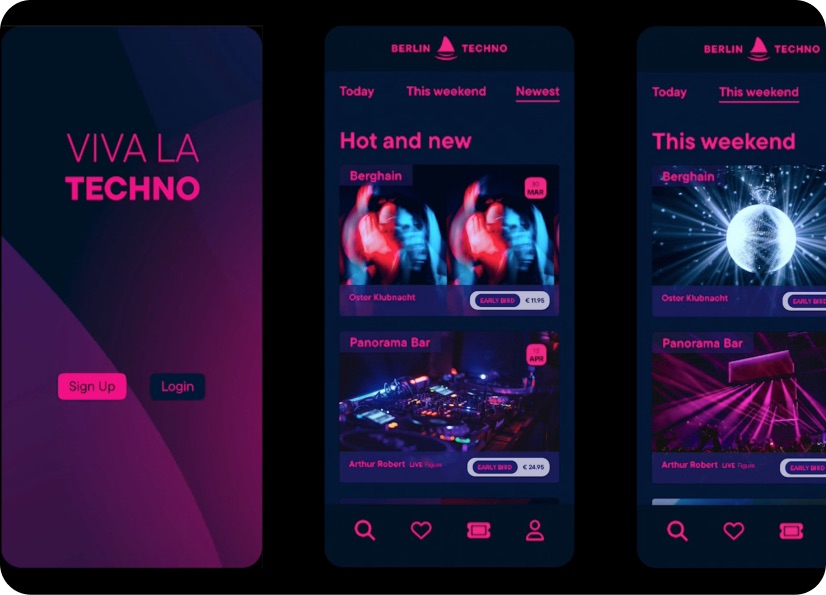
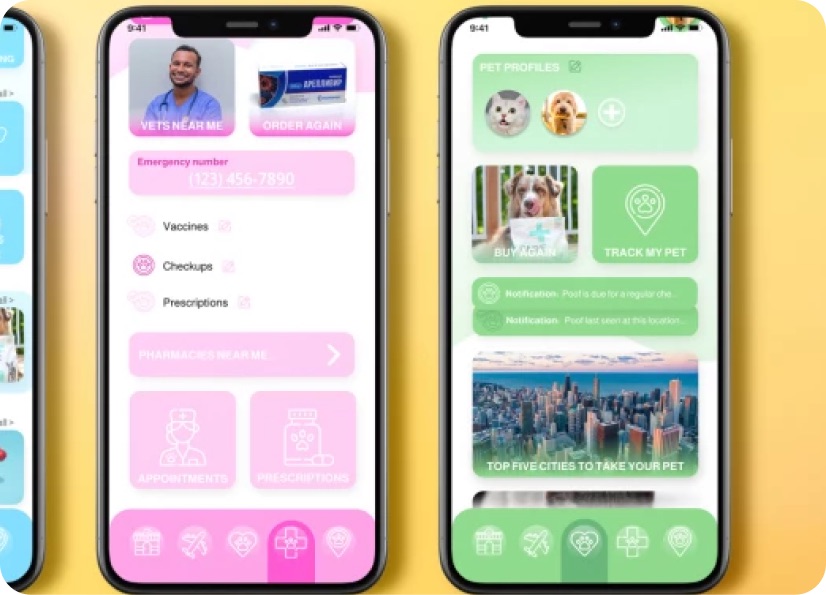
Build real world projects as you learn, create portfolio worthy work, and gain practical experience by doing - not just watching. Share your work with our global creative community, get feedback and support, and learn alongside other students every step of the way.
Meet your instructor
Robin Ruud
3D Designer & Animator
Blender
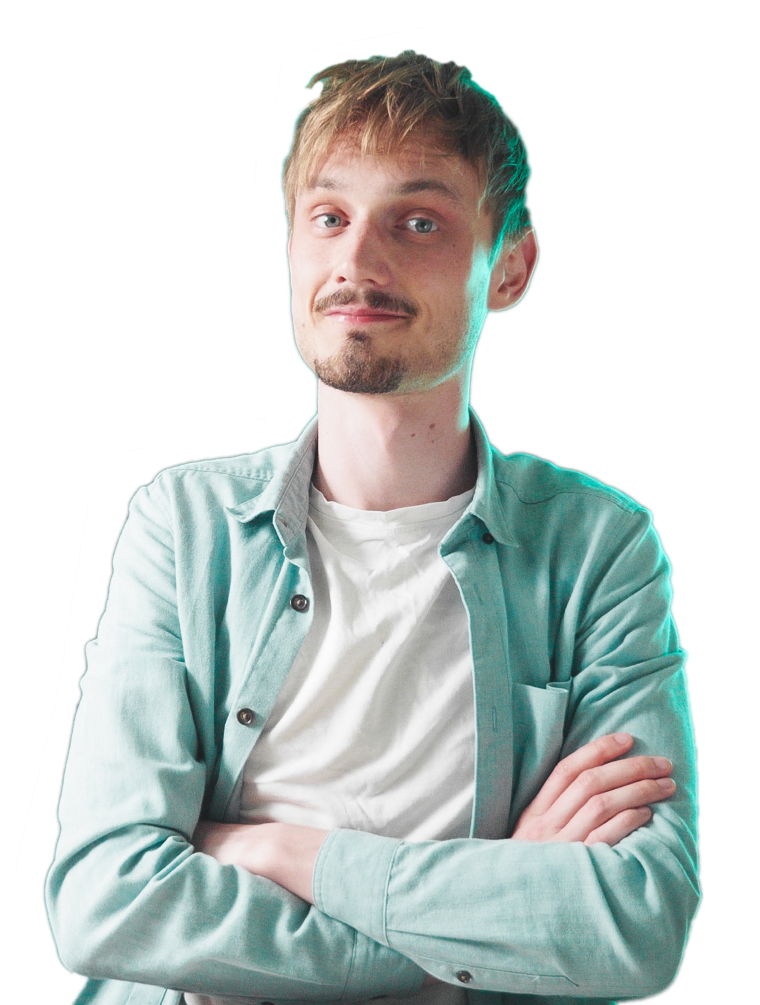
I am a 3D Designer and Animator and my mission is to help level up the Blender community from hobbyists to professionals.
I first got into 3D design through a required course at college. It wasn’t love at first sight, but the challenge pulled me in - I’m stubborn like that! What started as a reluctant introduction became a deep and lasting creative focus.
My background is in design and marketing, and I’ve always been drawn to projects that blend design, 3D and motion - things like product renders, poster artwork, and brand animations. Blender became my go-to tool, and it’s now at the heart of everything I make.
These days, I share what I’ve learned on YouTube as Robin Squares, where I create Blender tutorials for designers, animators, and curious creatives. I live in Norway, where I split my time between teaching, making, and writing.

Choose your membership plan.
Get unlimited access to every BYOL course and feature. Go monthly for flexibility, or choose yearly and save with our best value option.
Yearly | Best value
- 12 months access for the price of 7
- Save $60.00 vs monthly
- Just $7.00 per month when billed yearly
- Give yourself a full year to level up
- Unlimited access to 35+ design courses
- New course launches and updates
- Take as many courses as you like
- Learn at your own pace
- Class projects & certificates
- Design challenges
- BYOL Expert support
- Private student community
Pay $84.00 today.
Auto-renews annually at $84.00.
Cancel at any time before your renewal.
Monthly | Flexible
- Unlimited access to 35+ design courses
- New course launches and updates
- Take as many courses as you like
- Learn at your own pace
- Class projects & certificates
- Design challenges
- BYOL Expert support
- Private student community
Pay $12.00 today.
Auto-renews monthly at $12.00.
Cancel at any time before your renewal.
Take your design skills to the next level.
Join a private community of designers, with guaranteed feedback and small-group live sessions designed to accelerate your growth.

BYOL+ is for designers who:
- Work solo and want meaningful feedback from peers.
- Are building a freelance business and need guidance.
- Want thoughtful critique to strengthen their portfolio and unlock new opportunities.
"I love the live sessions, the advice has really helped me to move up in my career."
Charlie, BYOL+ student

Includes everything in BYOLCORE, plus:
- 💜 Exclusive BYOL+ Discord community
- ☕️ Live Office Hours with Dan
- ⚡️ Live portfolio review sessions
- 🧠 Live creative community sessions
- 🎬 Live session replay library
- ✏️ BYOL+ exclusive design challenges
- 🔥 Priority BYOL Expert support
- 💬 Priority Class Project feedback
- 📺 Download lessons to watch offline anytime
Pay $199.00 today.
Auto-renews yearly at $199.00.
Cancel at any time before your renewal
Pay $29.00 today.
Auto-renews monthly at $29.00.
Cancel at any time before your renewal
You might also like...


Be the first to hear about new courses and special offers!
