Figma UI UX Design Essentials
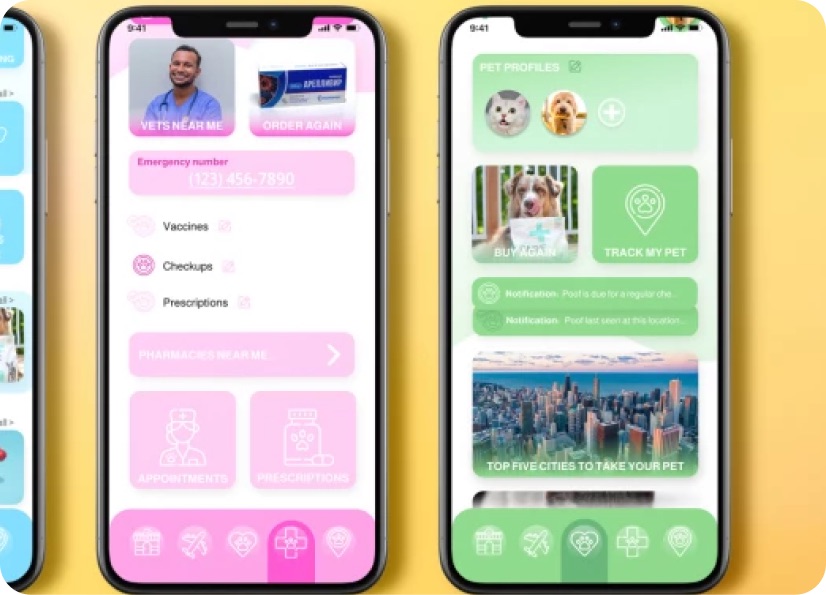
This hands-on Figma UI UX Design Essentials course is perfect for beginners and anyone wanting to level up their skills. We've designed the course content so that anyone can start from scratch, and students with experience can expand their skills and create awesome projects for their portfolio.
You'll learn step-by-step, building confidence and professional design skills while working on real projects along with Daniel Walter Scott, and earn your certificate of achievement.
What’s in the course?
Hint: Get a feel for the course by watching the free lessons!
Why our students love learning with BYOL
“It bridges the gap between simply knowing where the tools are and understanding how to use them effectively in a real-world corporate or creative environment. What truly sets this course apart is its commitment to hands-on learning. Each section concludes with an optional mini-project or activity specifically designed to apply the skills just taught. While they are labeled as optional, opting into...”
“This isn't just another introductory guide; it is a full-scale deep dive into the Figma ecosystem that feels more like a high-end professional workshop than a standard online course. Throughout the lessons, the instructor provides the kind of "in-the-trenches" insights and practical know-how that you can immediately apply to your daily workflow.”
“Daniel's Your work is awesome m Me being a graphics/web designer & developer since 20 years , Figma was new to me , but through this course I really got full knowledge of working as UI/UX Designer . Cheers”
“I was overwhelmed by trying to learn Figma using the tutorials on the Figma website. This course has been excellent - Daniel covers so much ground, but explains everything really well and is engaging to listen to. The class projects really helped cement what we learnt in the videos and I am now excited to go off and create my own projects. Would def recommend!”
“Dan made such a complex app into really easy and fun course, that's a big sign he is a pro! Absolutely worth the time and money well spend. I think it is the best course here, and I watched a few already :D”
“Great course so far! I'm learning a lot and it is very easy to follow along. Dan's style of teaching makes it easy for me to remember things. Easily 5 stars for this course! Can't wait to finish this one and start another one!”
“Now that I have finished this course, I wanted to write a review. This course came at the right time for me. I was able to use loads of the examples from this course in my actual work, and often used them as a reference if I couldn't get something to work. This course is great for people who are just getting started, 10/10!”
“This course was an amazing introduction to Figma. I went from having almost no experience to feeling 1000% more confident in my design skills. It’s truly a zero-to-hero course. Daniel Scott is a fun, engaging instructor who makes learning both enjoyable and easy to follow. The exercises were especially helpful in reinforcing what I learned and putting new skills into practice. Highly recommend thi...”
“Very useful for explaining the basics of Figma. I had no prior experience before taking the course and now have a good understanding of the software. Thanks Dan!”
“Love this course so far! I'm just a plain graphic designer learning how to use Figma, and this course does an amazing job teaching me important rules relevant to UX/UI, mobile and web design. School never taught me this as a graphic designer, so this information helps me so much more in understanding problems that may occur in mobile and web design. This course has helped me understand why develop...”
“Very Advanced figma skills you can learn from this course and very easily understandable the owner is quite friendly and experienced in UI/UX so 110% recommended”
“Inglese forse un po' troppo veloce ma comunque chiaro. Tutta questa parte introduttiva è estremamente utile già per capire se FIGMA fa al proprio caso.”
“피그마 입문하시는 분들께 완전 추천하는 강의입니다. 기본적인 툴부터 천천히 설명해주시고 강의를 재밌게 설명해주십니다 얼른 피그마 마스터가 되어서 멋진 작업을 만들고 싶네요”
“Absolutely Perfect!! Nice to have Greek subtitles for secure, understanding everything correctly. Daniel Walter Scott is absolutely unique professional.”
“This course was truly amazing and went beyond my expectations. The content was very clear, well-structured, and easy to follow. The instruction explained concepts in a simple yet detailed manner, making even complex topics easy to understand. I gained a lot of practical knowledge and skills that I can immediately apply. It was definitely a perfect match for me, and I would highly recommend it to o...”
“Love the shortcuts. This is gonna to speed my work so much. This is the best Figma tutorials ever!”
“Loved taking this course! All the concepts where explained very clearly, and the hands-on assignments were fun to do and a great way to practice skills. Will be recommending this to my colleagues!”
“Just starting but already finding it easy to follow and the instructor’s passion is contagious, and that is a big plus!”
“I came to this course after struggling with a different one and it’s been a breath of fresh air. Dan is a great teacher, his videos are quick and affective. Amazing course!”
“Great! The entire course creates a positive and uplifting atmosphere. Very sympathetic teacher. Contenwise it´s broken down to perfectly sized bits to digest and play around with. Also, easy to scroll back to find a lecture to review specific workflows. I am just (well, for 7 months already) building up my design agency and I had to find out the hard way that I am still missing many skills masteri...”
Class projects & community

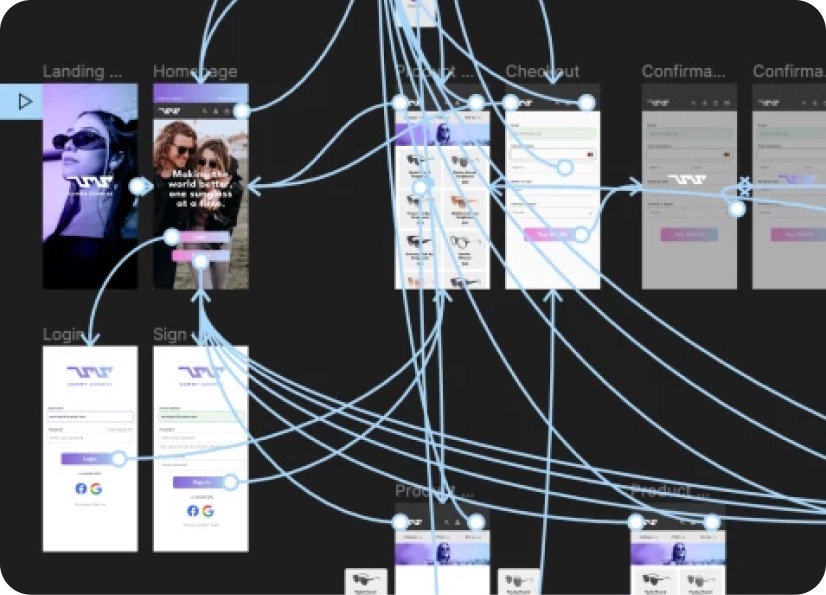
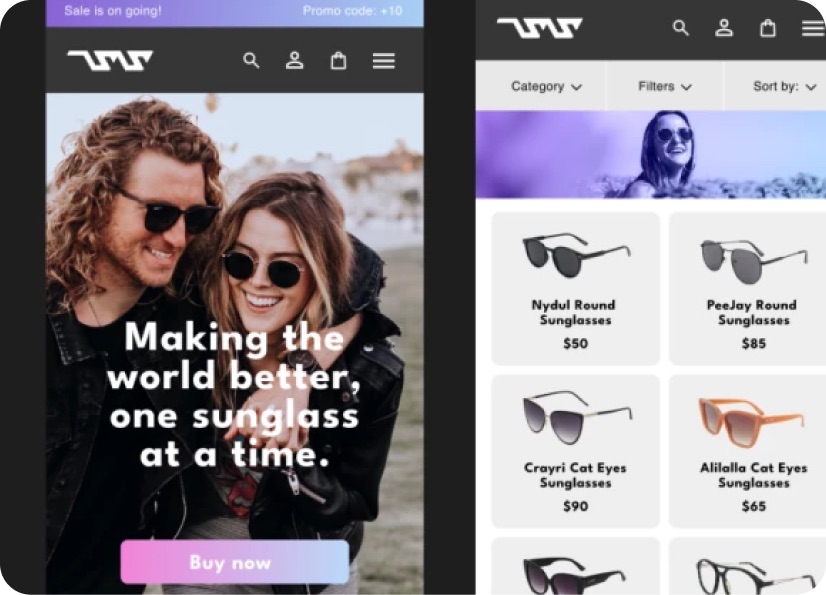
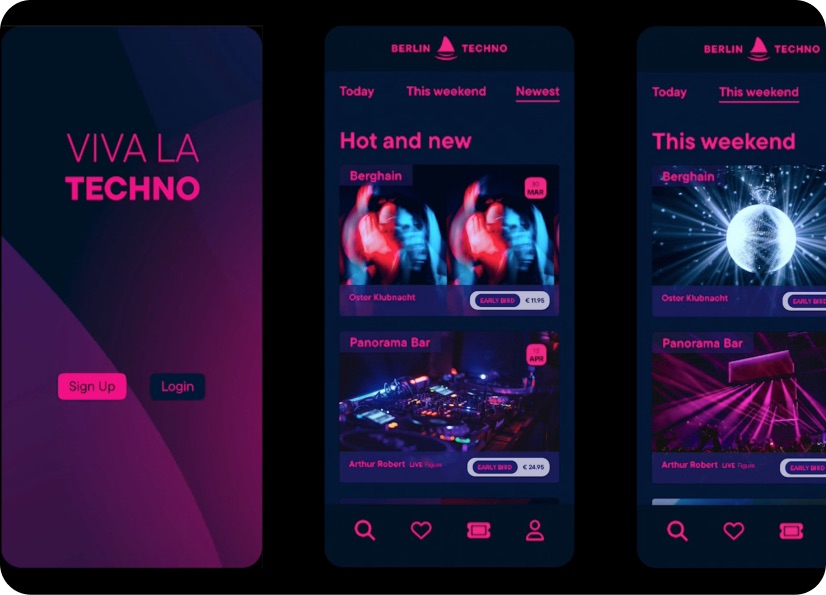
Build real world projects as you learn, create portfolio worthy work, and gain practical experience by doing - not just watching. Share your work with our global creative community, get feedback and support, and learn alongside other students every step of the way.


Meet your instructor
Daniel Walter Scott
Founder of Bring Your Own Laptop & Chief Instructor
Figma | Illustrator | Premiere Pro | Lightroom
I discovered the world of design as an art student when I stumbled upon a lab full of green & blue iMac G3’s. My initial curiosity around using the computer to create ‘art’ developed into a full-blown passion, eventually leading me to become a digital designer and founder of Bring Your Own Laptop.
Sharing and teaching are a huge part of who I am. As a certified Adobe instructor, I've had the honor of winning multiple Adobe teaching awards at their annual MAX conference. I see Bring Your Own Laptop as the supportive community I wished for when I was first starting out and intimidated by design. Through teaching, I hope to bring others along for the ride and empower my students to bring their stories, labors of love, and art into the world.
True to my Kiwi roots, I've lived in many places, and currently, I reside in Ireland with my wife and kids.


Choose your membership plan.
Get unlimited access to every BYOL course and feature. Go monthly for flexibility, or choose yearly and save with our best value option.
Yearly | Best value
- 12 months access for the price of 7
- Save $60.00 vs monthly
- Just $7.00 per month when billed yearly
- Give yourself a full year to level up
- Unlimited access to 35+ design courses
- New course launches and updates
- Take as many courses as you like
- Learn at your own pace
- Class projects & certificates
- Design challenges
- BYOL Expert support
- Private student community
Pay $84.00 today.
Auto-renews annually at $84.00.
Cancel at any time before your renewal.
Monthly | Flexible
- Unlimited access to 35+ design courses
- New course launches and updates
- Take as many courses as you like
- Learn at your own pace
- Class projects & certificates
- Design challenges
- BYOL Expert support
- Private student community
Pay $12.00 today.
Auto-renews monthly at $12.00.
Cancel at any time before your renewal.
Take your design skills to the next level.
Join a private community of designers, with guaranteed feedback and small-group live sessions designed to accelerate your growth.

BYOL+ is for designers who:
- Work solo and want meaningful feedback from peers.
- Are building a freelance business and need guidance.
- Want thoughtful critique to strengthen their portfolio and unlock new opportunities.
"I love the live sessions, the advice has really helped me to move up in my career."
Charlie, BYOL+ student

Includes everything in BYOLCORE, plus:
- 💜 Exclusive BYOL+ Discord community
- ☕️ Live Office Hours with Dan
- ⚡️ Live portfolio review sessions
- 🧠 Live creative community sessions
- 🎬 Live session replay library
- ✏️ BYOL+ exclusive design challenges
- 🔥 Priority BYOL Expert support
- 💬 Priority Class Project feedback
- 📺 Download lessons to watch offline anytime
Pay $199.00 today.
Auto-renews yearly at $199.00.
Cancel at any time before your renewal
Pay $29.00 today.
Auto-renews monthly at $29.00.
Cancel at any time before your renewal
You might also like...

Be the first to hear about new courses and special offers!
