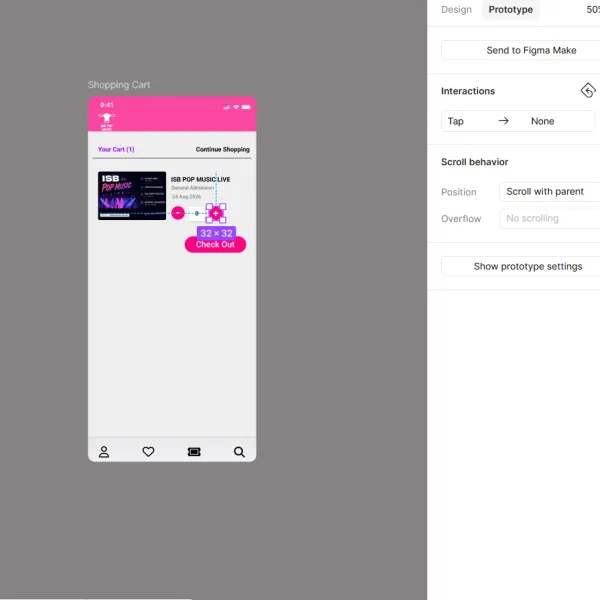
Class Project 08 - Number Variables
Questions




Student class projects



























Course info
Overview
Course length: 9+ hours.
Try Figma for free by clicking here.
Requirements:
Who this course is for:
- UX/UI adventurers who already have a basic understanding of Figma.
- Self-taught Figma enthusiasts yearning for structured guidance.
- Graduates of my Figma Essentials Course, hungry for more knowledge and skills.
- Visionaries who have developed their own unique Figma approach but crave exploration of the vast universe of tools, updates, and time-saving techniques.
AI & Interaction Design
- First Draft & Add Interactions Using AI
- Suggest Auto Layout, Replace Content, Duplicate & Rename Layers (AI)
- AI Add Interactions Automatically
Layout & Auto Layout Mastery
- Working with Complex Layouts
- Nested & Responsive Auto Layouts
- Auto Layout Grids
- Grid vs Constraints vs Auto Layout — Which One to Use and When?
- How to Add Rows and Column Grids to One Layout
- How to Create & Update Layout Guide Styles for Columns & Rows
- How to Overlap & Stack Using Auto Layout
- Ignore Auto Layout to Absolute Spacing
- Minimum & Maximum Width/Heights
- How to Wrap Auto Layout Objects
Components, Variables & Variants
- Using Variants
- Multi-Dimensional Variants
- Variable – Light and Dark Modes
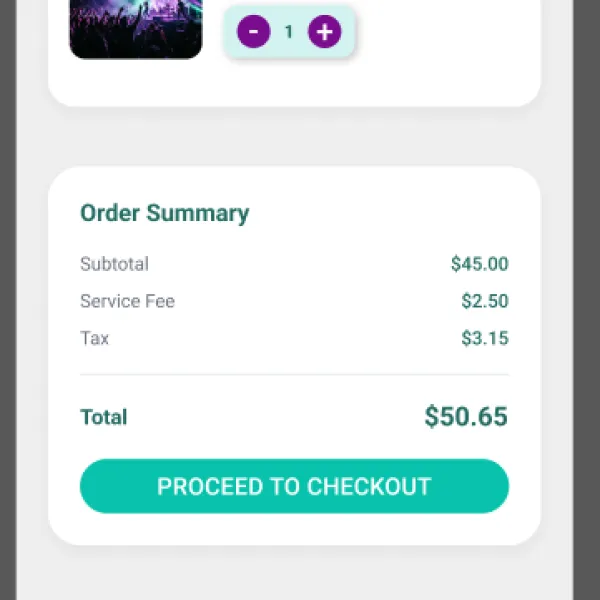
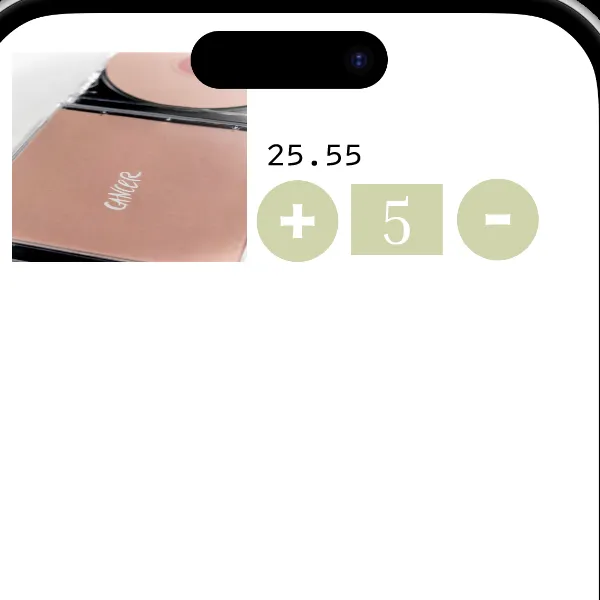
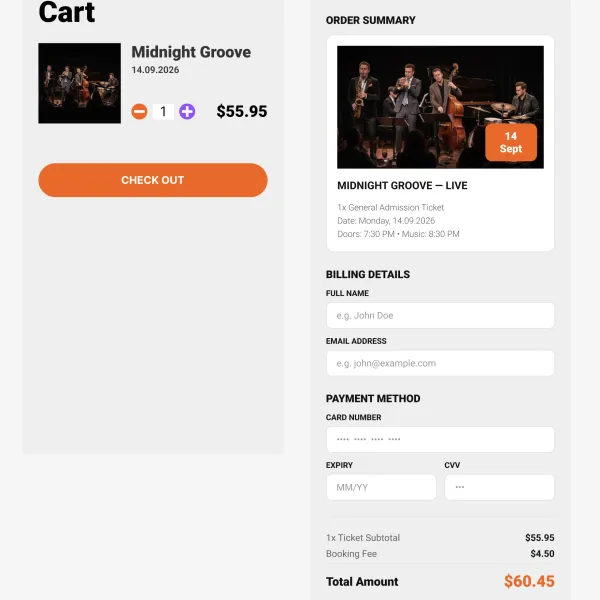
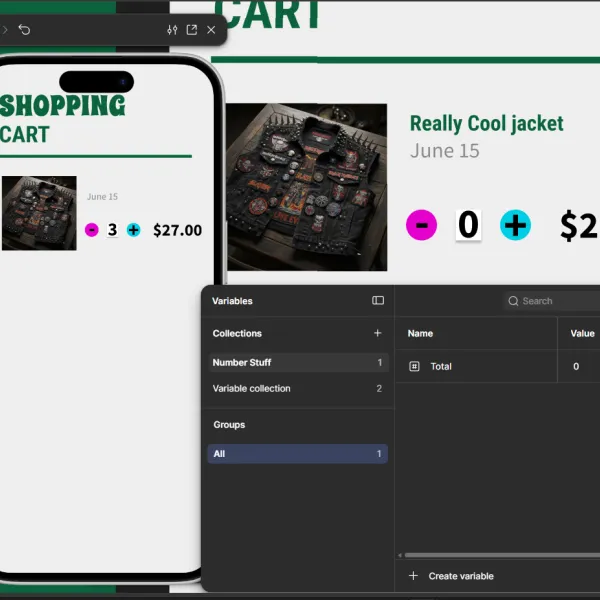
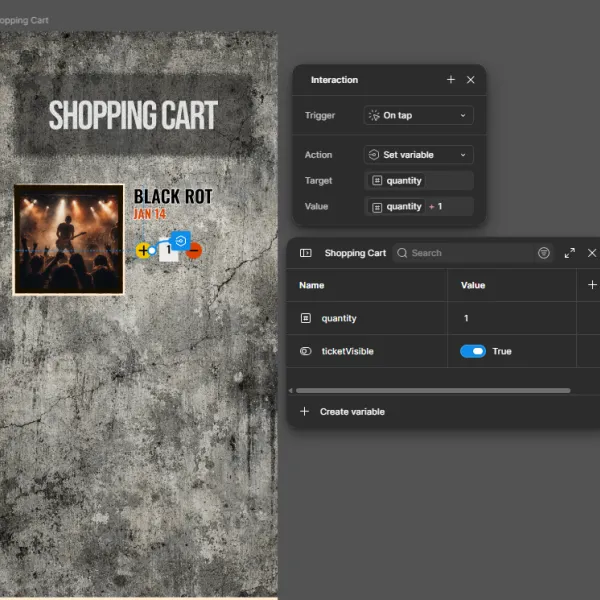
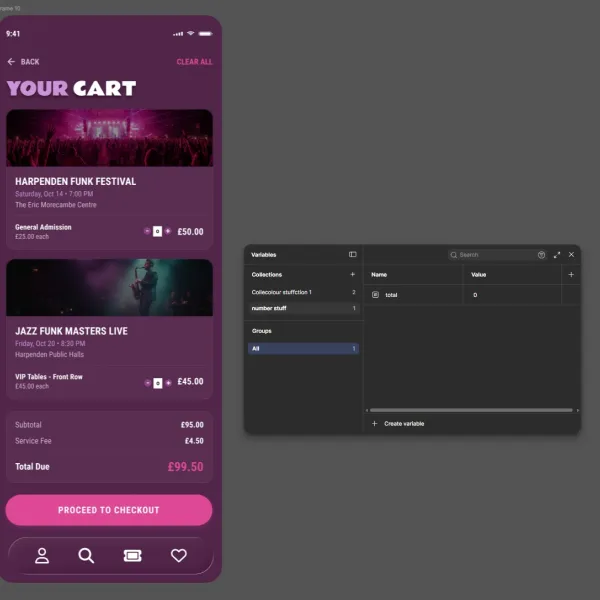
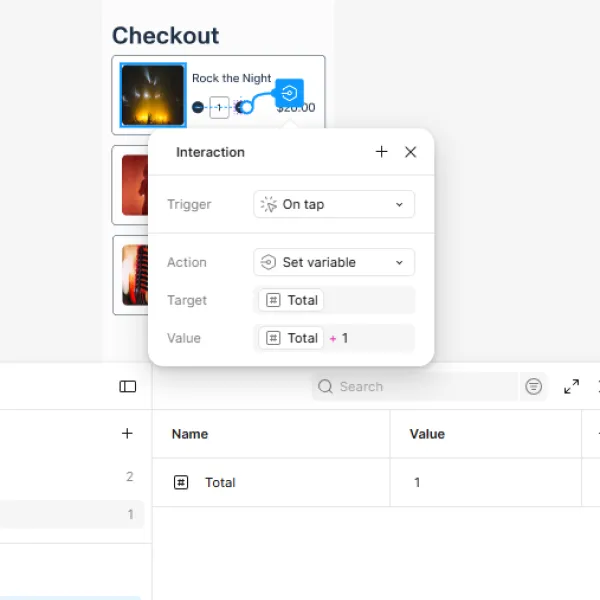
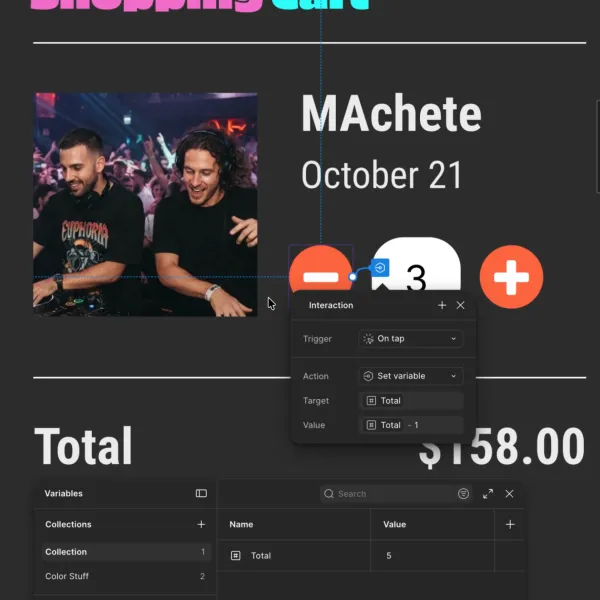
- Cart Totals Using Number Variables
- Conditions in Variables
- Boolean Variables
- Overlay Popups
- Spacing with Number Variables
- Boolean Component Properties
- Form Fields with Component Properties
- Instance Swap Inside a Component
- Organizing Components
Design Techniques & Visual Effects
- Liquid Glass Effect
- Texture, Noise & Effect
- Progressive Blur Effect
- Saving Effect Styles & Clearing Unused Styles
- Houdini Text
- Spring Animation & Overlays
- Masking Images Using AI Remove Background
- Spillover Masks
- Mask Images with Text
- Colour Layer Blending Modes
- Curving Text
- Vertical Trim
- Truncation
Animation & Interactions
- Custom Easing
- Animation Inside Variants
- Sticky Scroll Position Search Bars
- Horizontal Scrolling/Swipe
- Automatic Scroll Down to Anchor Point
- Interactive Components
Video & Media
- Working with Video
- Play/Pause Video Controls
- Video to Play on Hover
Typography & Color Systems
- Advanced Color Tricks
- Change/Replace Colors
- Color Themes for Light and Dark
- What is Good Spacing for Web & App Design
Accessibility
- Making Your Designs Accessible
Drawing & Vector Tools
- Advanced Drawing Tips and Tricks
- Variable Width Tool & Simplify Stroke
Workflow, Collaboration & Handoff
- Workflow Tips & Tricks
- Advanced Copy, Paste, and Selection Tricks
- Frame Tips and Tricks
- Sections
- Layer Zen in Figma
- Advanced Search
- Bulk Rename Layers
- How to Use Dev Mode
- Document a Component in a Design System
- Version History
- Slice Tool
- Team Libraries
- Refactoring Components
- Forum support from me and the rest of the BYOL crew.
- All the techniques used by UX professionals
- 107 videos of detailed Figma Advanced Content.

Daniel Walter Scott
Founder of Bring Your Own Laptop & Chief Instructor
I discovered the world of design as an art student when I stumbled upon a lab full of green & blue iMac G3’s. My initial curiosity around using the computer to create ‘art’ developed into a full-blown passion, eventually leading me to become a digital designer and founder of Bring Your Own Laptop.
Sharing and teaching are a huge part of who I am. As a certified Adobe instructor, I've had the honor of winning multiple Adobe teaching awards at their annual MAX conference. I see Bring Your Own Laptop as the supportive community I wished for when I was first starting out and intimidated by design. Through teaching, I hope to bring others along for the ride and empower my students to bring their stories, labors of love, and art into the world.
True to my Kiwi roots, I've lived in many places, and currently, I reside in Ireland with my wife and kids.
