🚨 Heads up! This course is no longer supported. Check out our Figma Essentials course - it's our go-to UX design tool.
Class Project 01 - Create your own brief
Questions


Student class projects




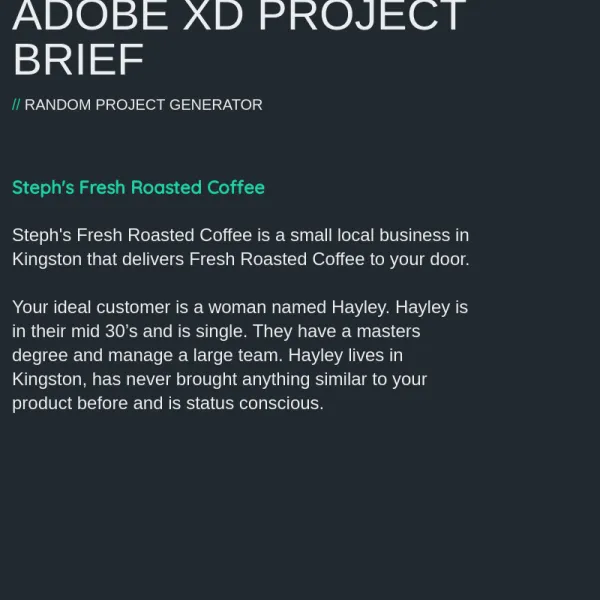

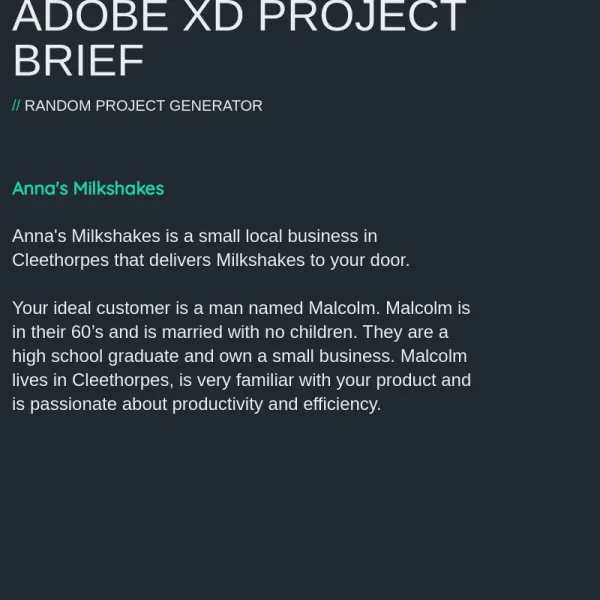

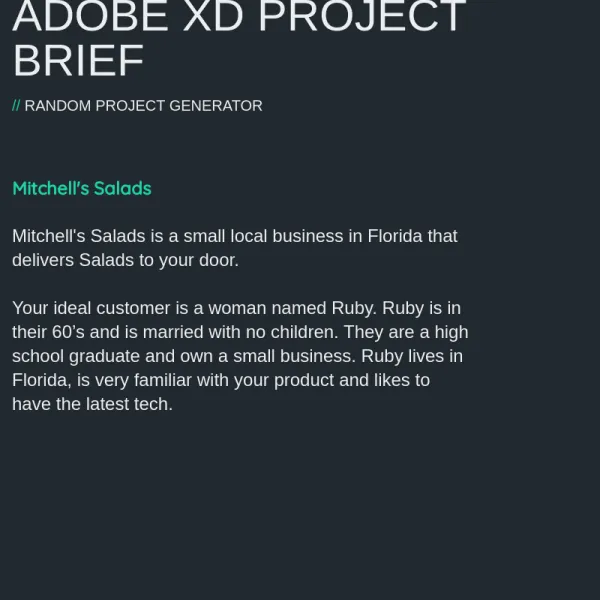

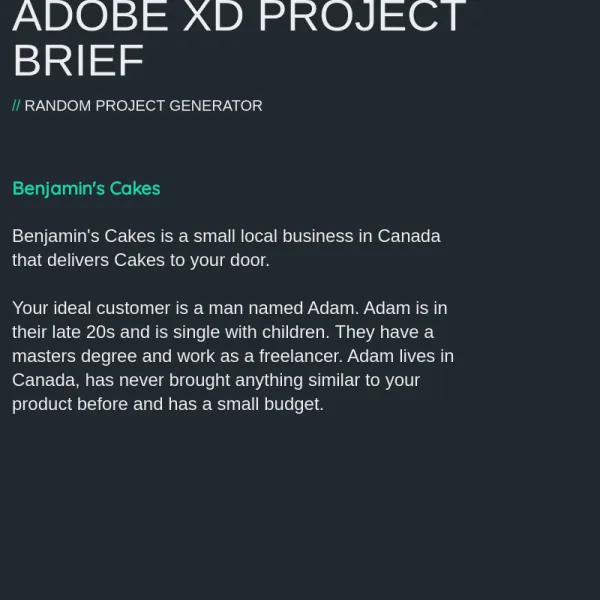





Course info
Overview
Throughout the course I’ll invite you to participate in a real-life freelance project which I’m working on. It’s a project that requires a fresh website and mobile app interface. This will prepare you for dealing with real world projects if you choose to move towards a UX/UI career path.
This course is aimed at people interested in UI/UX Design. We’ll start from the very beginning and work all the way through, step by step. If you already have some UI/UX Design experience but want to get up to speed using Adobe XD then this course is perfect for you too!
First, we will go over the differences between UX and UI Design. We will look at what our brief for this real-world project is, then we will learn about low-fidelity wireframes and how to make use of existing UI design kits.
I’ll go over all of the essential tools necessary for creating excellent wireframes, including: type, colours, icons, Lorem ipsum, artboards, prototyping, models and popups, symbols and repeat grids. We will even make use of the new prototyping app so that you can experience your prototype on your mobile device.
An important part of maximising your UX Design workflow is being able to utilise other software such as Photoshop and Illustrator. This is why I’ll be teaching you how to make use of both to help boost your XD productivity.
One of the awesome new features of XD is micro-interactions. I’ll be teaching you all about those and how to use them to grow icons and scenes. This is one of the parts of web design that’s growing and being adopted rapidly so you won’t want to miss out on learning it early.
There are two class projects for you to complete during this class, these will help develop your skills and will give you something for your own portfolio.
It is now time to upgrade yourself & learn Adobe XD.
What are the requirements?
- You will need a copy of Adobe XD 2018 or above. A free trial can be downloaded from Adobe.
- No previous design experience is needed.
- No previous Adobe XD skills are needed.
What am I going to get from this course?
- 87 lectures of well-structured, step by step content.
- Learn to design websites & mobile phone apps.
- Work with fonts & colors.
- Prototype your designs with interactions.
- Test on mobile phones.
- Send your designs for feedback & commenting.
- Export production ready assets.
- Create your first UX brief & persona.
- Create quick wireframes.
- How to use premade UI kits.
- Learn professional workflow tricks & shortcuts.
- You will get the finished files so you never fall behind
- Downloadable exercise files
- Forum support from me and the rest of the BYOL crew
- All the techniques used by UX professionals
What is the target audience?
- This course is for beginners.
- Aimed at people new to the world of design & user experience.
- No previous Adobe XD experience is necessary.
- For anyone that needs to add ‘UX Design’ to their portfolio.

Daniel Walter Scott
Founder of Bring Your Own Laptop & Chief Instructor
I discovered the world of design as an art student when I stumbled upon a lab full of green & blue iMac G3’s. My initial curiosity around using the computer to create ‘art’ developed into a full-blown passion, eventually leading me to become a digital designer and founder of Bring Your Own Laptop.
Sharing and teaching are a huge part of who I am. As a certified Adobe instructor, I've had the honor of winning multiple Adobe teaching awards at their annual MAX conference. I see Bring Your Own Laptop as the supportive community I wished for when I was first starting out and intimidated by design. Through teaching, I hope to bring others along for the ride and empower my students to bring their stories, labors of love, and art into the world.
True to my Kiwi roots, I've lived in many places, and currently, I reside in Ireland with my wife and kids.
Downloads & Exercise files
Transcript
Hi everyone, it is class project time...
don't consider this homework, it's kind of like homework...
but it is a way for you to follow in this course...
and not just kind of like blindly following and watching videos...
getting you to do stuff, and what I've done is...
I'm making sure that everyone's is a little bit unique.
So in your Exercise Files you will see, there's not much in there now...
because I'm kind of building the course...
but there will be something called Class Projects...
open that up, and it'll look something like this.
So it'll tell you what you need to do for this particular class project...
and this one's pretty easy...
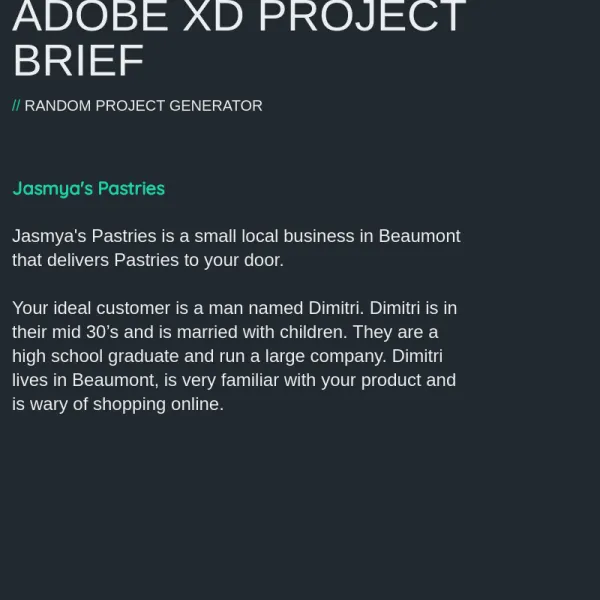
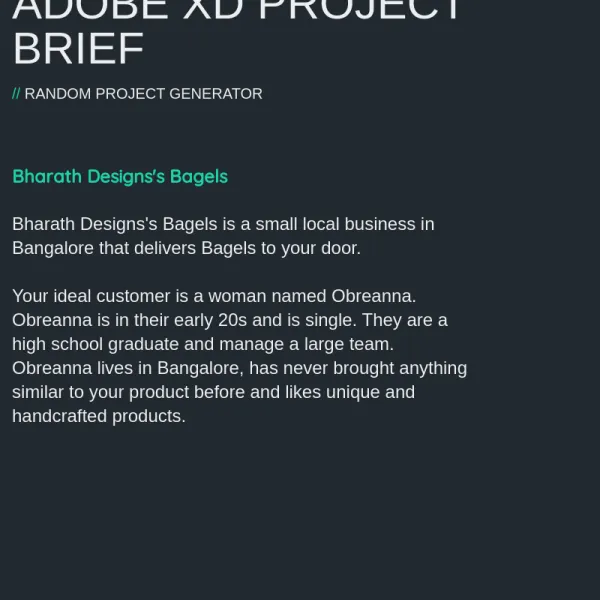
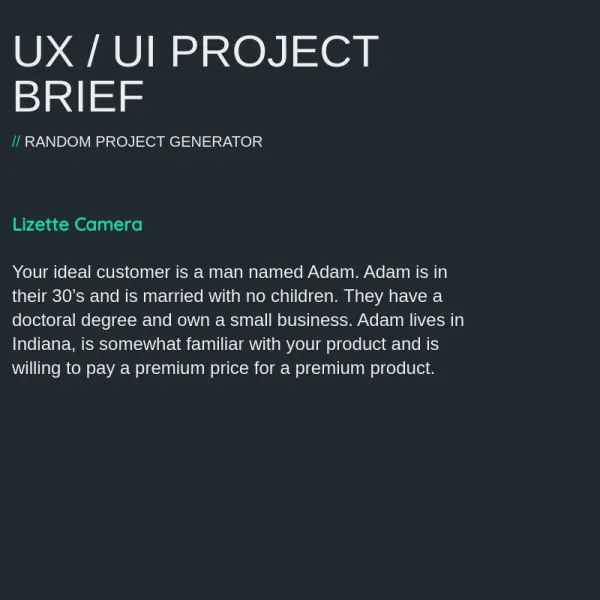
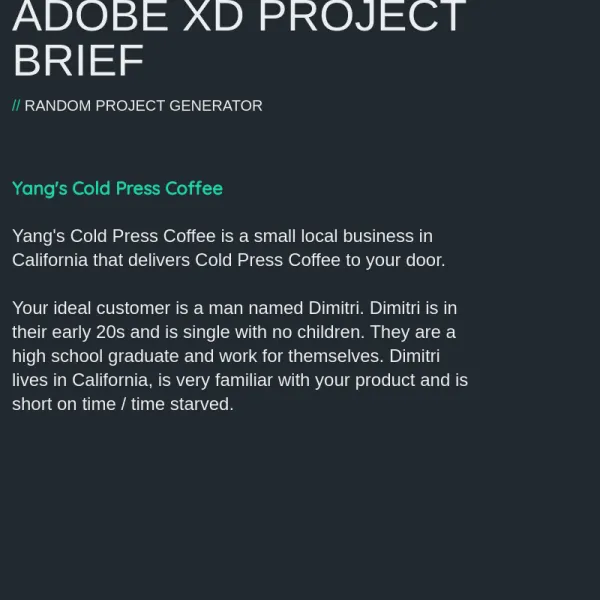
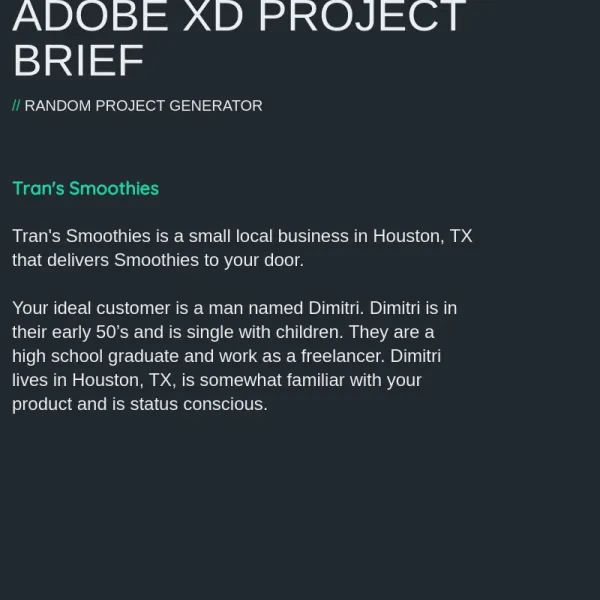
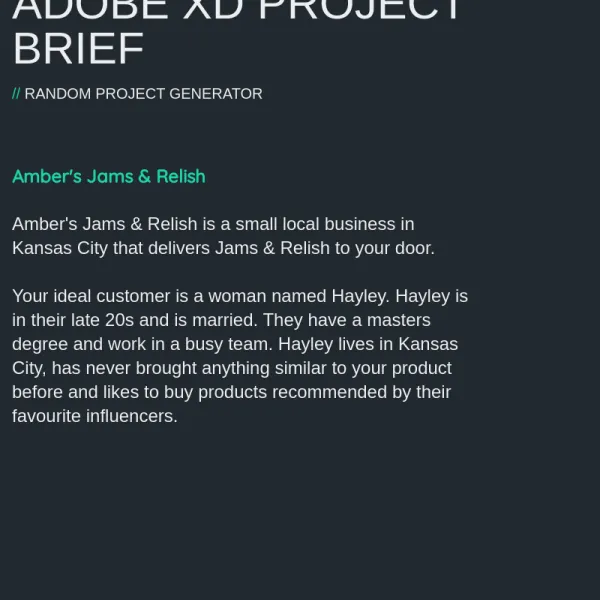
it's generating your own brief and persona.
So I've made a website, well, the bringyourownlaptop team...
have made a website for you...
so it's called the randomprojectgenerator.com...
go there and generate your brief.
So basically once you're here...
I want you to go to the one that says Adobe XD...
enter your name, use your last name...
your friend's name, your pet's name...
something to give your business a unique name, I'm going to enter mine.
So Scott is my last name, that's what I'm going to use...
and then enter your location, so I'm living in Limerick...
and we hit 'Generate Project'...
and that is the product that you're going to be selling.
We're kind of in the food delivery theme...
so in this case it's "Scott's Cheese"...
you saw in the last video that I did, I've already done this...
and I ended up with Scott's, what was it? Green Tea, that was it.
So yours would be different, it'd be unique...
except the name and the place where the business is being held...
it's in your area, so, because you--
you know what the area will support and will like...
but over here this will be all different.
Now if you're like, I am so not doing cheese...
you can hit 'Retry', but just once.
You might decide, ah, Potato Chips, that's the one I want...
so no more, you know, let it go through...
and just keep hitting 'Retry', and finding one...
use the first or the second one...
do not hit it a third time, there'll be trouble.
So once you've got your brief...
it is really handy when you get something that you're not sure about.
If you're like, "I've never eaten a potato chip in my life"...
that's a great product to work with...
because you're going to have to really understand Sebastian...
and what he's like in his late 20s...
and kind of figure out what he likes as a freelancer.
So once you've got your brief...
either take a screenshot or download...
click this 'Download as PNG'...
and that is what you're going to work along with this course with.
So we are going to build the same stuff, but what I don't want to do...
is have everyone looking the same as me with green tea...
so we're going to all follow along...
and you're going to pick images, fonts, and colors...
that are different from mine because I want you to build...
something great for your portfolio at the end of this...
and yeah, that's just so that when you're submitting homework...
we're not all doing the exact same thing...
it's a bit of creativity there.
So it says, do that, it says, enter your name and location...
save the brief to your computer, and the deliverable...
so there's going to be deliverables on all of these...
and this one is, just upload your jpeg or your png screenshot...
to the assignments, or the projects...
or the comments section of this website.
Okay, so that's all you have to do, nothing else...
and I will see you in the next video...
get your brief, be excited by your cheese, or whatever it might be...
and we will see you in the next video.
