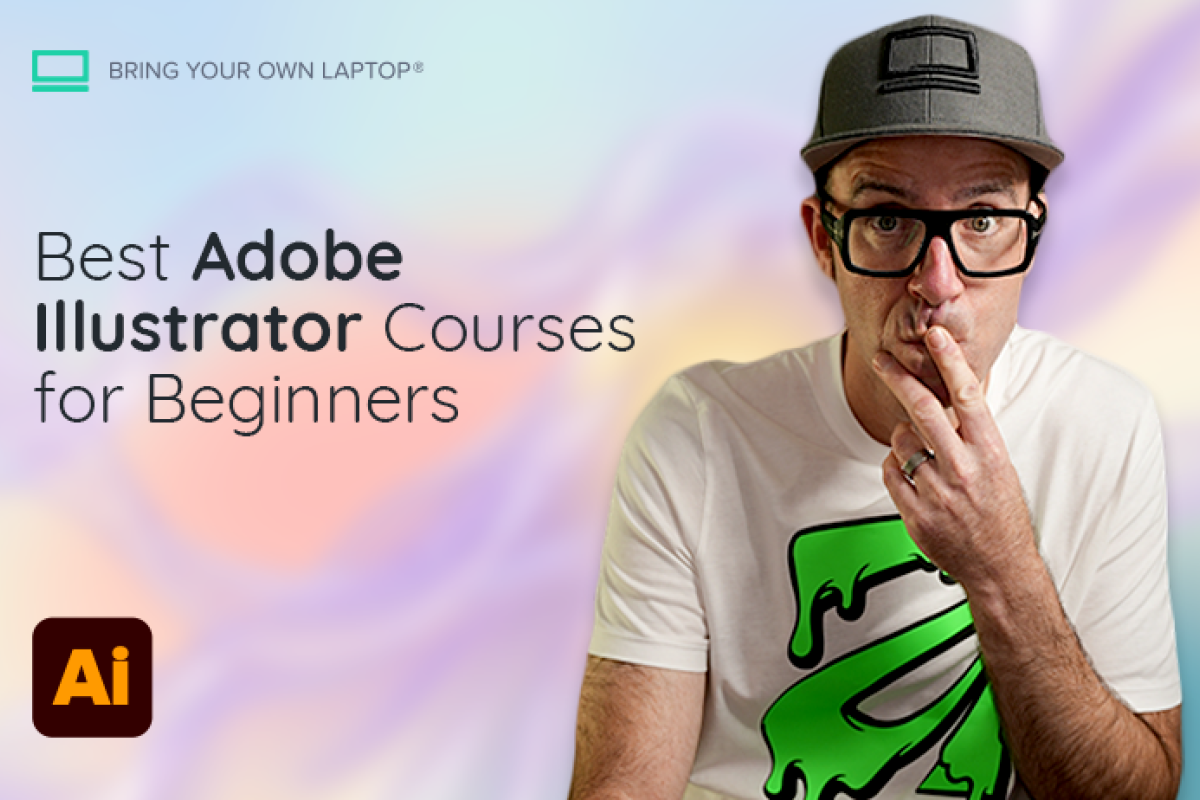
Best Adobe Illustrator Courses for Beginners (2026)

@dan
The best Adobe Illustrator course for most beginners in 2026 is Daniel Walter Scott and Phil Ebiner's Illustrator CC Essentials on Udemy: it is structured, project-led and inexpensive during promotions. You can choose Bring Your Own Laptop direct for assessed projects and support; choose Envato Tuts+ if your budget is zero.
Which Adobe Illustrator courses are best for beginners in 2026?
The right choice depends on whether you need to learn the software, learn design principles or finish a specific style of project. Prices and enrolment figures below were checked on 1 September 2026; marketplace and subscription prices can change by region, account and promotion.
Course and provider | Length | Price checked | Best for | Skip it if... |
|---|---|---|---|---|
Illustrator CC Essentials | 113 lectures | Dynamic marketplace price | Best overall: structured tool training and 30+ projects | You need tutor review or a graded certificate |
Illustrator CC Essentials | 115 lessons | US$12/month or US$84/year | Feedback, 35 projects, support and BYOL certificate | You only want one course permanently |
Adobe Illustrator for Beginners | 20 lessons | Free | Best free sequential start | You need feedback or a deep portfolio pathway |
Introduction to Adobe Illustrator | 77 lessons | US$40.99 original; promos vary | Illustration-led exercises and visual style | You want the newest English-first interface training |
Illustrator 2025 Essential Training | 7h 2m | Regional subscription; library access may be free | Clear reference course and workplace ecosystem | You want many portfolio projects |
Illustrator classes | Usually 40 min–2 hours | US$167.88/year shown | Short projects, techniques and inspiration | You need one coherent beginner sequence |
Graphic Design Specialization | 5-course series | Pricing varies; enrolment starts free | Design principles, critique and a branding capstone | Your priority is learning Illustrator controls |
Table sources: Udemy Essentials; Bring Your Own Laptop direct; Envato Tuts+; Domestika; LinkedIn Learning; Skillshare; Coursera.
What do other “best Illustrator course” lists get wrong?
First, they repeat old figures. Some comparison pages still describe the Udemy Essentials course as 9.5 hours and 45 lectures. The live Udemy listing now shows 113 lectures, 12 hours 7 minutes, 33,066 ratings, 139,113 students and a January 2025 update. A long runtime is not proof of quality, but inaccurate data is a warning sign.
Second, many lists confuse learning Illustrator with learning graphic design. Illustrator training teaches paths, shapes, type, colour and export. Design education teaches composition, hierarchy, typography and how to make choices. Beginners eventually need both, but a CalArts design specialization is not a substitute for learning where the Pen tool is.
What is the best Illustrator course for most beginners?
For most first-time users, Illustrator CC Essentials on Udemy is the strongest one-course buy. Daniel Walter Scott teaches the curriculum, and Udemy correctly credits Video School and Phil Ebiner alongside him. It starts without assumed Illustrator experience, moves through shapes, the Pen and Curvature tools, typography, colour, patterns and export, and promises more than 30 portfolio projects.
The 4.7 rating across more than 33,000 ratings is useful social proof, but the more persuasive feature is sequence: each technique appears inside a practical task. Marketplace pricing changes by account and location, so quote the live checkout price rather than a permanent “sale” figure. Skip it if you need your work assessed by a teaching assistant or want access to a broader course library.
Is the Bring Your Own Laptop Illustrator course better on Udemy or direct?
The core teaching is closely related, but the learning experience is different. The current Bring Your Own Laptop direct course page lists 115 lessons, 12 hours, 39 quiz questions and 35 class projects. It includes a certificate of achievement, project sharing, community participation and Bring Your Own Laptop (BYOL) Expert support. The price shown during this review was $12 (USD) monthly or $84 (USD) yearly, with local pricing varying.
Choose direct if accountability and feedback are likely to make you finish. Choose Udemy if you want the lowest one-off purchase and long-term access to one course. Skip Bring Your Own Laptop direct if you dislike subscriptions or will not use the wider library; skip Udemy if feedback and assessment matter more than ownership.
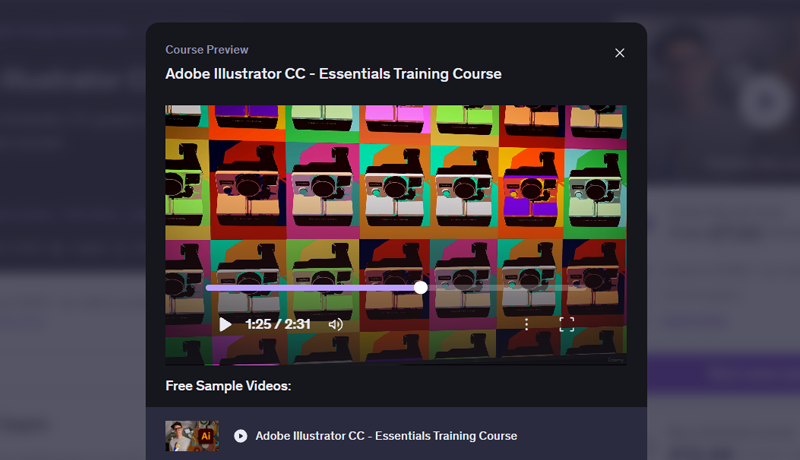
Udemy course preview video player displaying a colorful pop-art grid of cameras for Daniel Walter Scott's Illustrator Essentials Course.
What is the best free Adobe Illustrator course?
Adobe Illustrator for Beginners on Envato Tuts+ is the best free sequential starting point. It is a complete 20-lesson course, not a teaser: it covers document setup, shapes, grouping, the Curvature and Pen tools, brushes, colour, gradients, type, effects, patterns, vectorising an image and export. Course files are included.
For targeted help, use Adobe's official Illustrator tutorials as a reference library. Adobe is authoritative for current controls and offers beginner projects such as a 17-minute shapes exercise, but its help system is less satisfying as a single start-to-finish curriculum. On YouTube, Dansky is especially clear for true beginners, Satori Graphics is strong on project and design thinking, and Pixel & Bracket is useful for lettering and vector techniques.
Free learning can cover the techniques. What it rarely supplies is a dependable order, deadlines, personal feedback or a reason to complete the exercises.
Is Domestika good for learning Adobe Illustrator?
Yes, especially if illustration and aesthetics motivate you. Aarón Martínez's Introduction to Adobe Illustrator is a six-part Domestika Basics course with 77 lessons, 10 hours 9 minutes, 31 downloadable resources and 16 exercises. At the check date it showed 220,924 students and 98% positive reviews. The original price displayed was US$40.99, while the promotional offer was changing in real time.
The trade-off is freshness and language. The course was updated in June 2020 and originates in Spanish, with English audio and multiple subtitle languages available. Its creative exercises remain useful, but the interface will not match every 2026 screen. Skip it if exact feature parity with the latest English desktop release is essential.
Domestika Basics video player screen presenting the title card for an introductory Adobe Illustrator course.
Is LinkedIn Learning good for Illustrator beginners?
It is good for systematic coverage and workplace-friendly learning. Tony Harmer's Illustrator 2025 Essential Training runs 7 hours 2 minutes and covers artboards, vector paths, drawing tools, layers, type, colour, brushes and effects with exercise files. LinkedIn also lists Deke McClelland's much longer One-on-One Fundamentals course for learners who want encyclopedic depth.
Check access before paying: LinkedIn prices vary by region and account, while participating public libraries can provide access with a library card. However, LinkedIn says library learners cannot access current or past Certificates of Completion, so free library access is not the right route if the profile certificate is the main goal. Skip it if portfolio projects matter more than broad feature coverage.
Does Skillshare teach Illustrator well?
Skillshare teaches individual Illustrator projects very well, with Daniel Walter Scott’s Illustrator Essentials course being available here. DKNG's isometric illustration class takes roughly 1 hour 44 minutes and builds a city block; its 10 tips and tricks class is a focused 40 minutes. These are excellent after you know the interface.
The US web price shown was US$167.88 billed annually, or US$13.99 per month as an annual equivalent. Skillshare confirms regional variation. Subscribe for the wider creative catalogue, not for one short class. Skip it if you tend to browse endlessly without following a sequence.
Does the CalArts course teach Illustrator or graphic design?
The CalArts Graphic Design Specialization on Coursera teaches design. Its five-course series covers fundamentals, typography, imagemaking, design history and a branding capstone with peer feedback. The live page lists individual course estimates totalling about 81 hours, but those hours are about visual communication, not a guided tour of Illustrator.
Take it alongside software training if you can operate Illustrator but your work still feels visually weak. Skip it when your immediate question is “How do I make this shape, mask or export?” because it will not replace an Illustrator essentials course.
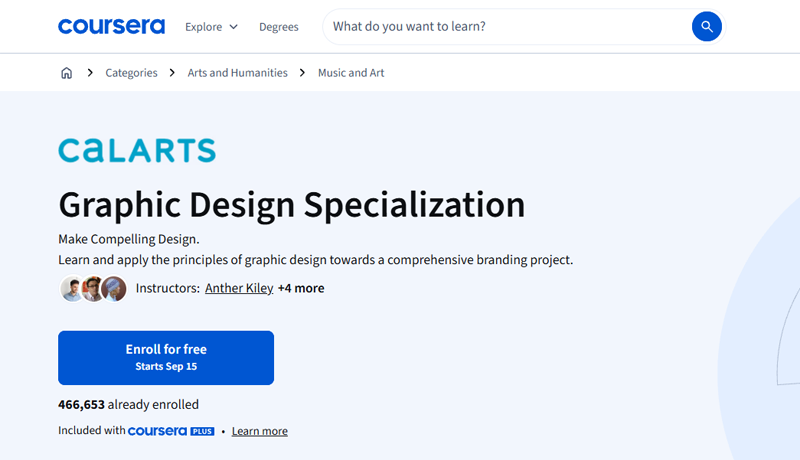
Coursera course landing page for the CalArts Graphic Design Specialization, featuring enrollment details and instructor credits.
Which Illustrator course should beginners avoid?
Do not choose by runtime alone. Infinite Skills' Adobe Illustrator CC Tutorial on Udemy is substantial at 11 hours 38 minutes and 132 lectures, but it was last updated in January 2017. That makes it a poor first recommendation in 2026: the interface, cloud workflows, newer tools and AI features have moved on. Skip it unless you deliberately use an older Illustrator version and understand the mismatch.
The Illustrator CC Advanced course is current enough to include Text to Vector, Text to Pattern and Generative Recolor, and runs 10 hours 11 minutes across 102 lectures. It is a strong next course, not a beginner course. The requirements explicitly assume you can draw simple icons and understand anchor points.
Is Adobe Illustrator hard to learn?
Illustrator feels difficult at first because vector drawing behaves differently from sketching or editing pixels. The fastest route is to learn shapes and selection first, then Curvature and Pen tools, then type, colour and export. Difficulty drops when each tool solves a visible project problem rather than being memorised in isolation.
How long does it take to learn Illustrator?
You can learn the interface and make simple vector artwork within hours, days or weeks, but reliable professional judgement takes sustained practice over months. There is no universal timetable. For a useful benchmark, Adobe says candidates for its professional certification are expected to have about 150 hours of instruction and hands-on experience. That is certification readiness, not the minimum needed to make a logo or social graphic.
Can you learn Illustrator for free?
Yes. Envato Tuts+, Adobe tutorials and focused YouTube channels can teach every core technique without course fees. You still need legal access to Illustrator itself. Pay for a course when you want sequence, project files, feedback, assessment or a community, not because the basic information is impossible to find free.
Do you need a drawing tablet for Illustrator?
No. A mouse or trackpad is enough for shape building, logo design, typography, layout and precise Pen-tool work. A pressure-sensitive tablet becomes useful for expressive Pencil or Brush strokes and for artists who naturally draw by hand, but it should not delay a beginner from starting.
Is an Adobe Illustrator certificate worth it?
A course completion certificate can document effort, but a portfolio usually carries more weight for creative work. Do not confuse provider certificates with Adobe Certified Professional in Illustrator. Adobe's credential requires a separate 50-minute Certiport exam with live in-app tasks, becomes non-current after three years, and typically costs US$150 before regional differences or discounts.
Pursue the Adobe credential when an employer, school or training programme recognises it, or when exam preparation will give your learning a useful target. Otherwise, invest first in strong projects and the ability to explain your design decisions.
Adobe Certified Professional credential overview banner for Graphic Design & Illustration Using Adobe Illustrator.
Which Illustrator course should you choose?
Best overall beginner course: Udemy Illustrator CC Essentials.
Best for feedback and assessed work: Illustrator Essentials with Bring Your Own Laptop direct.
Best free structured course: Envato Tuts+ Adobe Illustrator for Beginners.
Best for illustration aesthetics: Domestika with Aarón Martínez.
Best for a workplace learning ecosystem: LinkedIn Learning with Tony Harmer.
Best for short specialist projects: Skillshare.
Best for design principles: CalArts on Coursera, paired with tool training.
For most complete beginners, start with the Udemy Essentials course or with Bring Your Own Laptop directly.
Popular posts
What Are the Best Canva Courses in 2026?
Daniel Walter Scott

Is Figma Free or Paid in 2026?
Daniel Walter Scott
What Are the Best Figma Courses in 2026?
Daniel Walter Scott
What Are the Best Adobe InDesign Courses? (2026)
Daniel Walter Scott
Go from zero to design hero with our awesome courses!