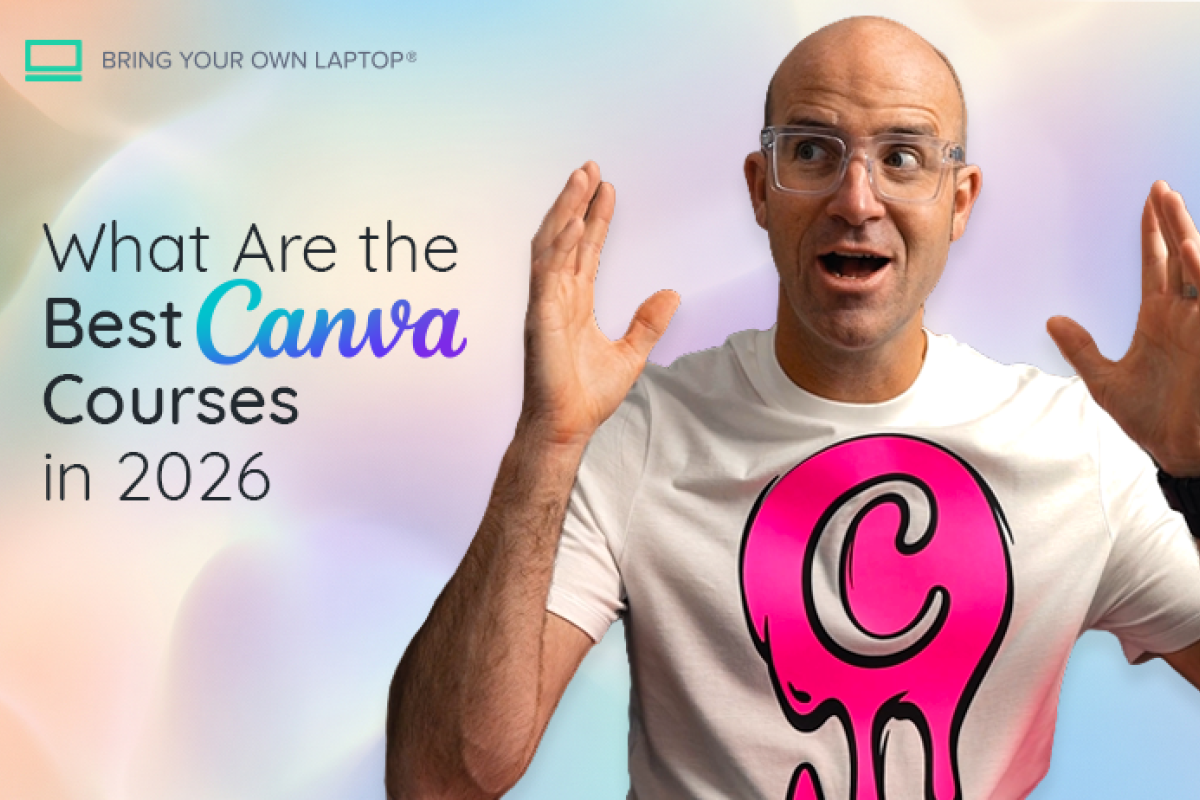
What Are the Best Canva Courses in 2026?

@dan
Start with Canva Design School. It is official, current and offers free beginner courses with shareable certificates. Most learners do not need to pay. A paid Canva course is worthwhile when you want a longer taught sequence, repeated projects, feedback or access to a wider design-course library. Disclosure: Bring Your Own Laptop sells Canva training included below, so we have a commercial interest in this comparison.
Which Canva course is best for you?
Canva Design School is the best first choice for most beginners because its lessons come from the company that makes the software. Choose the Canva Master Course 2026 when you want the widest paid tour of current features. Choose Canva Design Essentials when you prefer a shorter, project-led route that teaches design principles as well as buttons. The same Daniel Walter Scott course is available through Udemy, Bring Your Own Laptop and a three-part Coursera pathway, so the best platform depends on the access and support you need.
Course | Provider | Length | Price | Best for | Skip it if... |
|---|---|---|---|---|---|
Canva Design School | Canva | 25+ short courses | Free courses; some cards marked Pro | Most beginners and targeted refreshers | You need one long sequence or feedback |
Canva Master Course 2026 | Udemy | 36h 33m | Dynamic promotional price | Maximum feature depth and frequent updates | You want a concise introduction |
Canva Design Essentials | Udemy | 7h 21m | Dynamic promotional price | A focused taught path and permanent course access | Official short courses already suit you |
Canva Design Essentials | Bring Your Own Laptop | 85 lessons / 8h | Membership; regional price | Projects, quizzes, certificate and expert support | You only want this one course |
Canva Design Essentials | Coursera | 3 courses / about 24h | Subscription; regional price | Existing Coursera learners and a three-part pathway | You want the cheapest single-course route |
Canva Essentials | Udemy | 1h 59m | Free | A longer free video introduction | You prefer official, modular lessons |
Is Canva Design School the best free Canva course?
Yes. Canva Design School is the strongest free starting point because the material is official, modular and refreshed as Canva changes. The current catalogue contains more than 25 courses. Many award a shareable certificate, and the short format lets you learn the exact workflow you need without sitting through hours of unrelated features.
The catalogue mixes open courses with cards marked Pro. Start with an unmarked course and check the access label before committing time to a module. A course can also demonstrate a Canva Pro feature even when the training itself is accessible, so remember that course access and software-plan access are separate decisions.
Which free Canva Design School courses should beginners take?
Begin with Canva Essentials. It takes one hour, contains 10 lessons and awards a certificate. Then take Graphic Design Essentials, a 53-minute course covering design elements, principles, typography, colour theory and mood boards. Those two courses are enough to help a new user navigate Canva and make more deliberate visual choices.
Add a specialist course only when it matches your work. Meet Canva’s Visual Suite is a one-hour overview of Docs, presentations, whiteboards and websites. Marketing with Canva takes one hour, while AI Essentials 2026 covers Canva AI in six lessons and ends with a 15-question certificate test. Both were marked Pro during this review, so check your account access first.
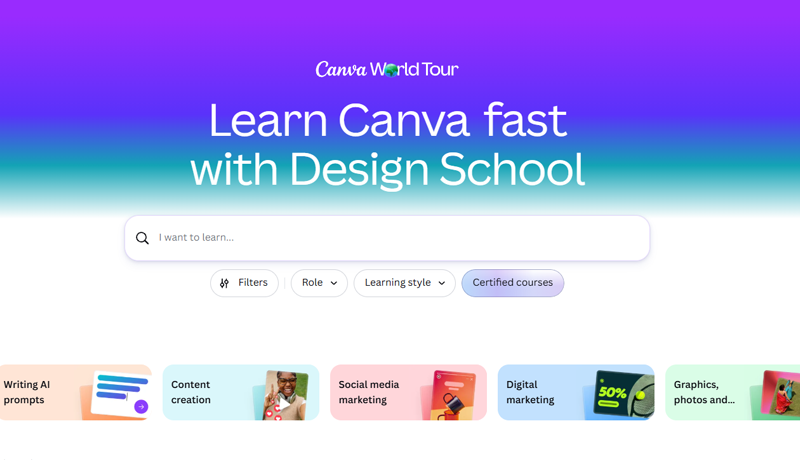
Canva Design School landing page gives you a clear view of your learning route
What is the best paid Canva course for depth?
The best paid option for maximum depth is Canva Master Course 2026 by Ronny Hermosa and Diana Muñoz. Udemy currently lists 204 lectures across 36 hours 33 minutes, 10 practical projects, a 4.6 rating from 16,500 ratings and 96,506 students. It was updated in June 2026 and covers Canva AI, Canva Code, Docs, Whiteboards, brand systems, video, websites and current interface changes.
That breadth is valuable for a creator, virtual assistant or small-business owner who intends to use several parts of Canva. It is excessive for someone who needs to make a presentation next week or learn basic social graphics. A large course can also become a reference library rather than a sequence you complete from start to finish.
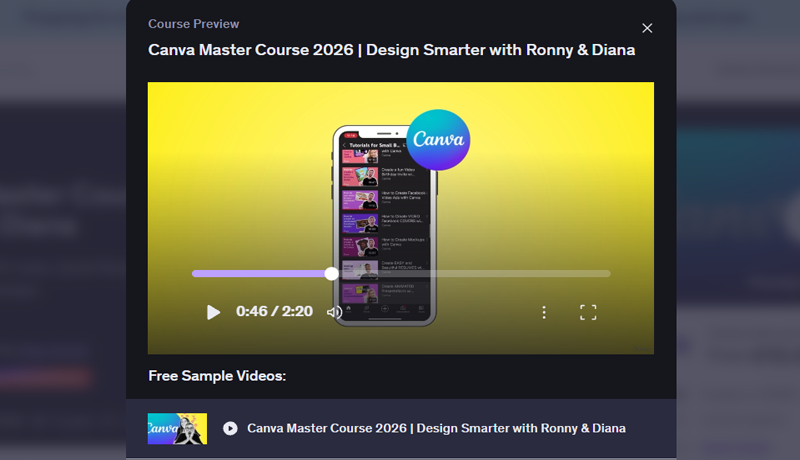
Course preview popup for the Udemy course Canva Master Course 2026 | Design Smarter with Ronny & Diana
Is the Canva course by Daniel Walter Scott worth paying for?
Yes, when you want a focused path with substantial project practice. Canva Design Essentials by Daniel Walter Scott covers social graphics, logos, brand kits, documents, presentations, charts, video and Canva AI while teaching colour, typography, hierarchy and layout. The current Udemy listing shows 83 lectures and 7 hours 21 minutes, a 4.7 rating from 787 ratings, 5,135 students and a June 2026 update.
Those numbers make it a credible newer course, not the market leader by scale. The Master Course has far more teaching time, ratings and learners. Choose Daniel Walter Scott’s course for its tighter sequence and design briefs rather than treating its slightly higher star rating as proof that it is universally better.
Should you take Canva Design Essentials on Udemy or Bring Your Own Laptop?
Choose Udemy when you want permanent access to one course for a single promotional checkout price. Choose Bring Your Own Laptop when you want the course inside a broader membership with projects, quizzes, certificates, design challenges, a community and expert support. The Bring Your Own Laptop course page currently lists 2,000-plus students, 85 lessons across eight hours, 23 quiz questions and 20 class projects.
During this review, the Bring Your Own Laptop page displayed US$12 monthly or US$84 yearly, but membership pages localise currency and pricing. Check the price, renewal currency and cancellation terms shown to you before subscribing. If this is the only course you plan to take, Udemy is usually the simpler purchase.
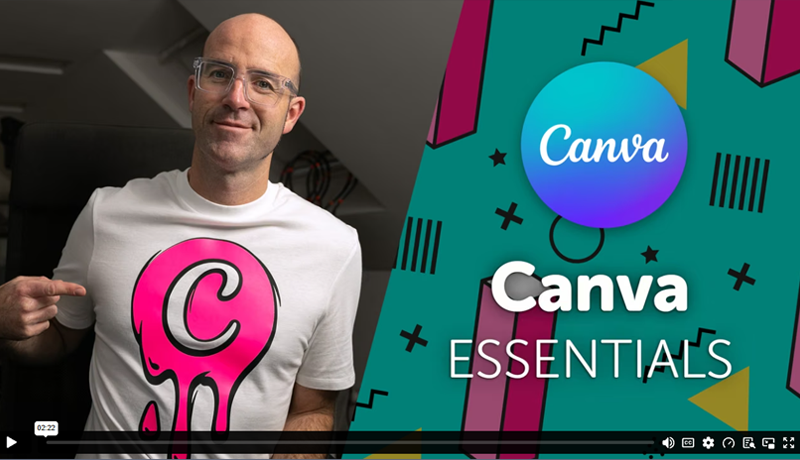
Daniel Walter Scott presenting Canva Essentials while wearing a very cool, custom Canva t-shirt
Is the Coursera Canva specialization worth it?
The Canva Design Essentials Specialization is worth considering if you already use Coursera or want the material split into a formal three-course pathway. Coursera lists Core Tools and Layouts, Branding and Identity, and Docs Video and AI Tools at about eight hours each. The programme includes hands-on projects and a shareable certificate.
This is not a separate premium curriculum. It repackages Daniel Walter Scott’s Canva teaching through a Coursera pathway offered by Skillshare. Compare the live subscription cost with the Udemy checkout and Bring Your Own Laptop membership. Choose Coursera for platform convenience and programme structure, not because the content is automatically deeper.
Who should pay for a Canva course?
Pay when free lessons have left a specific gap. A structured course helps if you start tutorials but never finish a complete brief, need practice across a brand system rather than one template, want feedback on your work or learn better when an instructor controls the sequence. Paid training is also easier to justify when Canva is part of your job and a few saved hours offset the course cost.
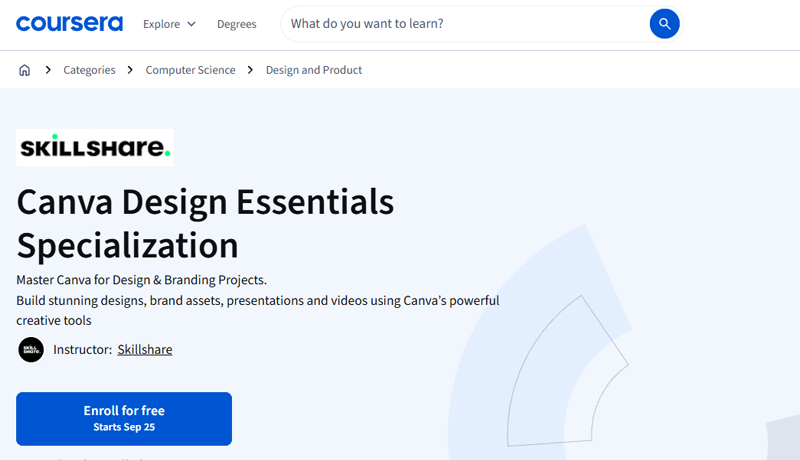
Coursera catalog overview page for the Canva Design Essentials Specialization offered by Skillshare
Who should not pay for a Canva course?
Do not pay if you need only the interface basics, one feature or a certificate for personal motivation. Canva Design School already covers those needs well. A paid course will not make weak work strong without practice, and it does not normally include a Canva Pro subscription. It is also poor value if the syllabus mainly repeats official lessons or has not been refreshed for the current interface and AI tools.
If you prefer a longer free video introduction, Canva Essentials with Ronny and Diana on Udemy currently contains eight lectures and 1 hour 59 minutes of video. Use it when one continuous instructor-led walkthrough suits you better than short official modules.
Do Canva course certificates matter?
A certificate can document completion, but it is weak evidence on its own. A client or employer can judge a presentation, campaign set, brand kit or short video directly. Keep the certificate as a supporting credential and show finished work that explains the brief, audience, constraints and design choices. Free official certificates are sufficient when the purpose is simply to record product training.
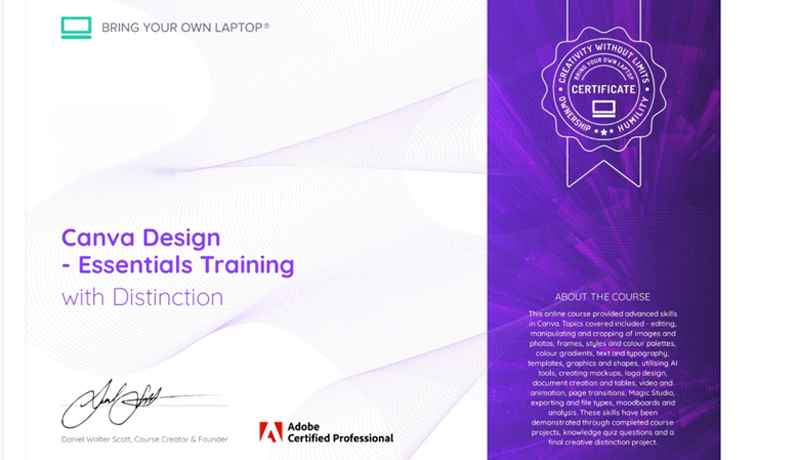
Bring Your Own Laptop certificate template for Canva Design - Essentials Training with Distinction.
What is the best Canva learning path in 2026?
Start with the free one-hour Canva Essentials course, then complete Graphic Design Essentials. Build one real project without copying a template unchanged. If you can finish it and explain your choices, continue with targeted official modules. If you stall because the learning feels scattered, choose Canva Design Essentials. If you need a broad reference library covering nearly every current feature, choose the Canva Master Course instead.
For most people, the route is free first and paid second only when you can name the service you are buying. Official training supplies current tool knowledge. A focused paid course supplies sequence and project pressure. A larger course supplies breadth. Feedback and community matter only if you will use them.
Popular posts

Is Figma Free or Paid in 2026?
Daniel Walter Scott

What Are the Best Figma Courses in 2026?
Daniel Walter Scott
What Are the Best Adobe InDesign Courses? (2026)
Daniel Walter Scott
How Do You Choose an Online Design Course? (2026)
Daniel Walter Scott
Go from zero to design hero with our awesome courses!