🚨 Heads up! This course is no longer supported. We recommend checking out our Webflow Essentials course.

Dreamweaver - HTML and CSS Using Dreamweaver
This hands-on Dreamweaver - HTML and CSS Using Dreamweaver course is perfect for beginners and anyone wanting to level up their skills. We've designed the course content so that anyone can start from scratch, and students with experience can expand their skills and create awesome projects for their portfolio.
You'll learn step-by-step, building confidence and professional design skills while working on real projects along with Daniel Walter Scott.
What’s in the course?
Hint: Get a feel for the course by watching the free lessons!
Why our students love learning with BYOL
“Good tutorial and very informative for beginners.”
“This was a great match for me. I already had experience from years ago dealing with HTML and some basic JavaScript. This course very quickly and easily got me up to speed with some of the changes that have taken place with HTML5 and allowed me to easily start learning CSS, which wasn't even really a thing when I first learned HTML (I think it was HTML 3 when I first learned technically).”
“A game-changer for aspiring web designers! This course was exactly what I needed. It not only taught me the foundations of HTML5 and CSS3, but also gave me hands-on confidence to start building responsive websites using Dreamweaver CC. The lessons were clear, well-paced, and packed with practical tips. I especially appreciated how the instructor connected design principles with user experience. Th...”
“Excellent match for me. It is clearly explained and I like that the instructor shows that we all make mistakes.”
“Very clear and precise instructions, teaching gradually so it is easy to learn in bite-sized chunks.”
“Comprehensive and beginner-friendly Dreamweaver course with practical projects. Great for learning web design with hands-on experience!”
“Really nice and easygoing course on how to build website. I like the way Dan explained things and presented examples. Will definitely use this as a template to build my portfolio and I'm feeling confident that I can make it happen. This course just gave me confidence.”
“Great content and very well paced. The course walks you through a lot of tedious work at the beginning so it can seem a little slow, but hang in there. This is intentional. Dan builds components at the beginning which are reused later in the course. One minute you're stuck still working on the header then suddenly you have a multi-page website. This is definitely the right place to begin using Ado...”
“awesome I never thought I'd be able to learn how to use html and css ever!”
“I really liked the course! It was my first time using Dreamweaver. Dan gives an good overview of what Dreamweaver is and how to use it through practical tasks. The tutorials are easy to follow and put together in easy-to-grasp chunks. Thanks! :)”
“Absolutely love Dan and his videos. I have almost all his videos!!!! I think his videos are very informative as well as easy to following along. Very few times I get lost but Dan doesn't advance too far too fast that you feel you have to start all over. HIGHLY RECOMMEND!!!!!!!!!!!!!!!!!”
“This course has been amazing so far, i knew absolutely nothing about web design but this has been easy to follow and has really helped me ! thank you for your time making this :)”
“This is the third course I've taken on Dreamweaver, and it's the clearest and the best.”
“This has so far been extremely easy to follow along. Much better than some other courses I have taken on Udemy.”
“I really appreciate your professionalism and clear explanation. As a young feller who is trying to understand every kind of tool, I really like your course!”
“This is the best plain language tutorial on dreamweaver I have ever seen. I will be buying his other classes for sure!”
“This has been a very helpful course so far, it's good that I can go back and start again when I fluff it up (I have done a few times)!! Over all, very good course, I will be doing more in the future. I have revisited this course and have created my own website based on Dan's teachings. I am very happy!! I have some 'tweeks' to do, but when complete, I will send you a link. Thank you so much, now I...”
“This is a good course to go from the Figma or Adobe XD if you want some skills in HTML and CSS. Because Dan explains what everything is used for I don't feel lost or overwhelmed. I will definitely recommend this to anyone that want to have a look and feel for HTML and CSS.”
“Now this is a super beginner course for both Dreamweaver.AND HTML and CSS. I took this class because I had taken others that left me in the woods half way through. With this course, it’s actually really understandable and clear. Nothing super fancy, just the basics on what each is, and the most important elements in both. Excellent job! Thank you Dan!”
“I dreaded trying to learn DW as the process seems so alien to my 67 year old print designer brain that spent 40 years working in CMYK. But this course makes sense, and I can pause and repeat till I catch one. MONEY AND TIME WELL SPENT.”
Class projects & community

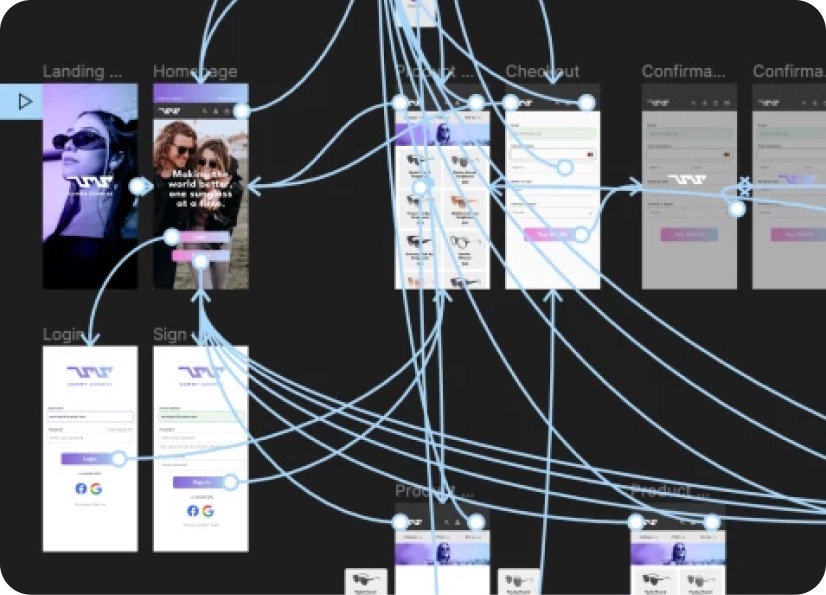
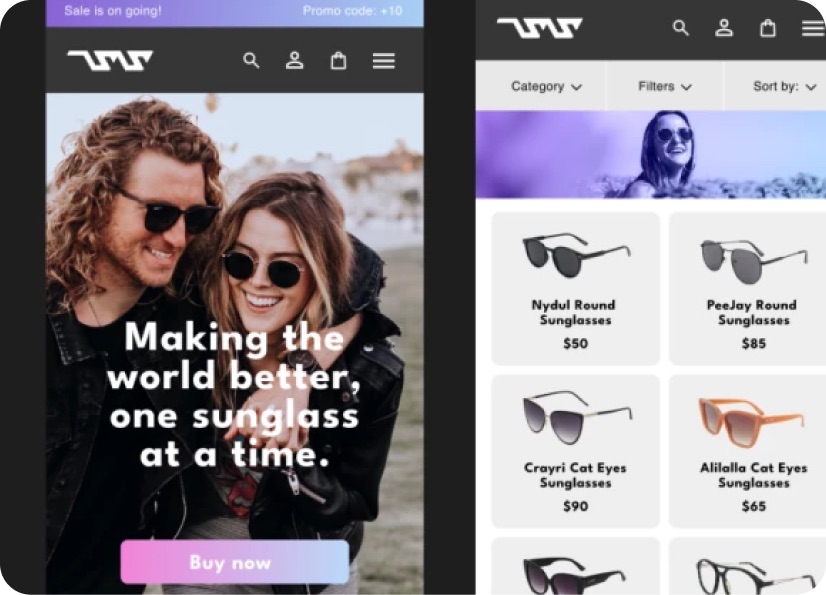
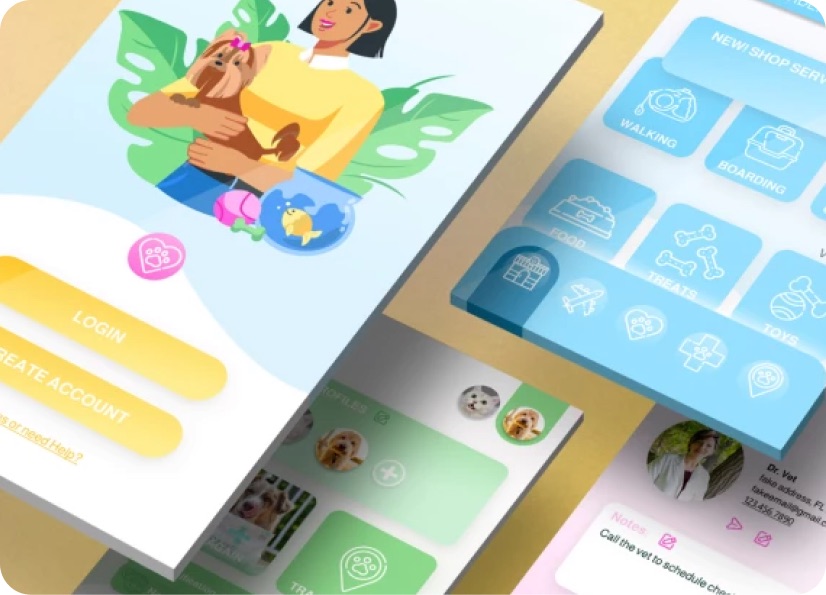
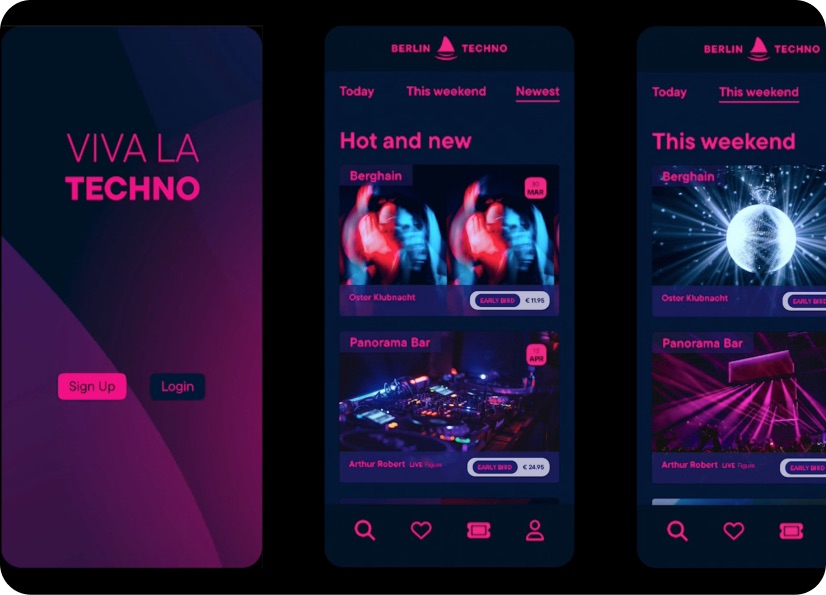
Build real world projects as you learn, create portfolio worthy work, and gain practical experience by doing - not just watching. Share your work with our global creative community, get feedback and support, and learn alongside other students every step of the way.

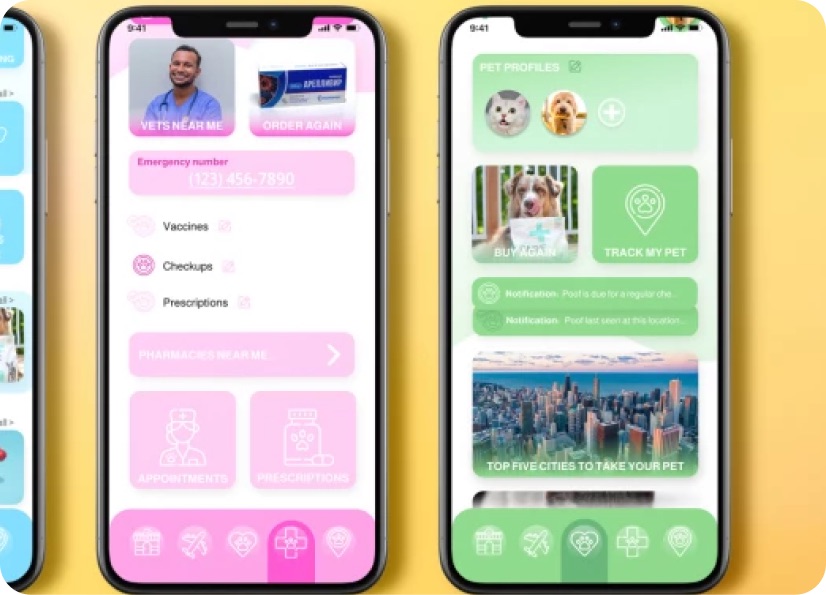
Meet your instructor
Daniel Walter Scott
Founder of Bring Your Own Laptop & Chief Instructor
Figma | Illustrator | Premiere Pro | Lightroom
I discovered the world of design as an art student when I stumbled upon a lab full of green & blue iMac G3’s. My initial curiosity around using the computer to create ‘art’ developed into a full-blown passion, eventually leading me to become a digital designer and founder of Bring Your Own Laptop.
Sharing and teaching are a huge part of who I am. As a certified Adobe instructor, I've had the honor of winning multiple Adobe teaching awards at their annual MAX conference. I see Bring Your Own Laptop as the supportive community I wished for when I was first starting out and intimidated by design. Through teaching, I hope to bring others along for the ride and empower my students to bring their stories, labors of love, and art into the world.
True to my Kiwi roots, I've lived in many places, and currently, I reside in Ireland with my wife and kids.


Choose your membership plan.
Get unlimited access to every BYOL course and feature. Go monthly for flexibility, or choose yearly and save with our best value option.
Yearly | Best value
- 12 months access for the price of 7
- Save $60.00 vs monthly
- Just $7.00 per month when billed yearly
- Give yourself a full year to level up
- Unlimited access to 35+ design courses
- New course launches and updates
- Take as many courses as you like
- Learn at your own pace
- Class projects & certificates
- Design challenges
- BYOL Expert support
- Private student community
Pay $84.00 today.
Auto-renews annually at $84.00.
Cancel at any time before your renewal.
Monthly | Flexible
- Unlimited access to 35+ design courses
- New course launches and updates
- Take as many courses as you like
- Learn at your own pace
- Class projects & certificates
- Design challenges
- BYOL Expert support
- Private student community
Pay $12.00 today.
Auto-renews monthly at $12.00.
Cancel at any time before your renewal.
Take your design skills to the next level.
Join a private community of designers, with guaranteed feedback and small-group live sessions designed to accelerate your growth.

BYOL+ is for designers who:
- Work solo and want meaningful feedback from peers.
- Are building a freelance business and need guidance.
- Want thoughtful critique to strengthen their portfolio and unlock new opportunities.
"I love the live sessions, the advice has really helped me to move up in my career."
Charlie, BYOL+ student

Includes everything in BYOLCORE, plus:
- 💜 Exclusive BYOL+ Discord community
- ☕️ Live Office Hours with Dan
- ⚡️ Live portfolio review sessions
- 🧠 Live creative community sessions
- 🎬 Live session replay library
- ✏️ BYOL+ exclusive design challenges
- 🔥 Priority BYOL Expert support
- 💬 Priority Class Project feedback
- 📺 Download lessons to watch offline anytime
Pay $199.00 today.
Auto-renews yearly at $199.00.
Cancel at any time before your renewal
Pay $29.00 today.
Auto-renews monthly at $29.00.
Cancel at any time before your renewal
You might also like...

Be the first to hear about new courses and special offers!
