This course has been archived. See the updated course here.

After Effects - Animated Infographic Video & Data Visualisation
This hands-on After Effects - Animated Infographic Video & Data Visualisation course is perfect for beginners and anyone wanting to level up their skills. We've designed the course content so that anyone can start from scratch, and students with experience can expand their skills and create awesome projects for their portfolio.
You'll learn step-by-step, building confidence and professional design skills while working on real projects along with Daniel Walter Scott, and earn your certificate of achievement.
What’s in the course?
Hint: Get a feel for the course by watching the free lessons!
Why our students love learning with BYOL
“Great course! I thought after effects was hard but Dan made it look so easy and now I can use it with no problem. Thanks Dan!”
“Very clear and detailed. Easy to follow”
“Learned cool animation techniques that I will be applying to all my futur projects. THX Dan!”
“I learned so much from this course! Danial Scott is a great instructor. His teaching style is entertaining and full of great tips and insights on applying what is being learned in a professional capacity.”
“Yeh, great course, Dan is a brilliant teacher, easy to follow along and funny, I highly recommend.”
“Great Course!”
“So fun! I'm learning a lot. Great exercises. And good flow.”
“I'm an intermediate AE user who only studies an aspect of this complex program in depth as the need arises. Currently I'm tracking a migratory bird population—charting the data in Excel is frankly, very boring. This course is an absolute perfect fit—it will give me tools to present the data in a more engaging way.”
“Thanks again Dan for your excellent courses and I look forward to learning more about Adobe.”
“This is great! I'm really learning After Effects, and I know for certain this will make me more marketable as a graphic designer.”
“Daniel is always an amazing instructor! #1 for Adobe products. I wish he would do all the Adobe products!”
“5 days off and all spent on another After Effect curse. Thanks Dan, for another exciting journey. I am a big fan of your courses. Time for more advanced AE training.”
“Dan is so engaging to watch. I'd absolutely take his other courses.”
“This is already the third course I've taken with Daniel Walter Scott. The content is clear and highly practical. I can recommend the courses of Daniel to anyone who's serious about learning and growing.”
“This is an excellent course! Very practical, very easy to follow and engaging!”
“This course exceeded all my expectations. As a complete beginner to After Effects—with only prior experience in similar software—I was initially quite nervous about diving in. The interface can be intimidating at first, but Dan’s teaching style immediately put me at ease. From the very beginning, he guides you step by step, introducing valuable tricks and techniques that make the learning process...”
“Super didático, fácil de entender e o professor traz exemplos claros, dinâmicos e divertidos.”
“So, I have been working in AE for longer than I care to admit. Getting updated in the latest versions and in new styles through this class has been fun. One tends to get a little stuck in their lane when work is consistent. This course is not only refreshing and chock full of good reminders, but it is also inspiring and provides a new way to look at this program. It also allows me to play with a d...”
“This was my third course with Dan, and it's another corker. I went from knowing flap-all about After Effects to creating some respectable animations in just a couple of days. And there are vignettes!”
“As usual, Dan goes into the depths of each course he makes. I buy a lot of tutorials from all kinds of platforms, but no one does it better than Dan. Thank you for creating all these courses.”
Class projects & community

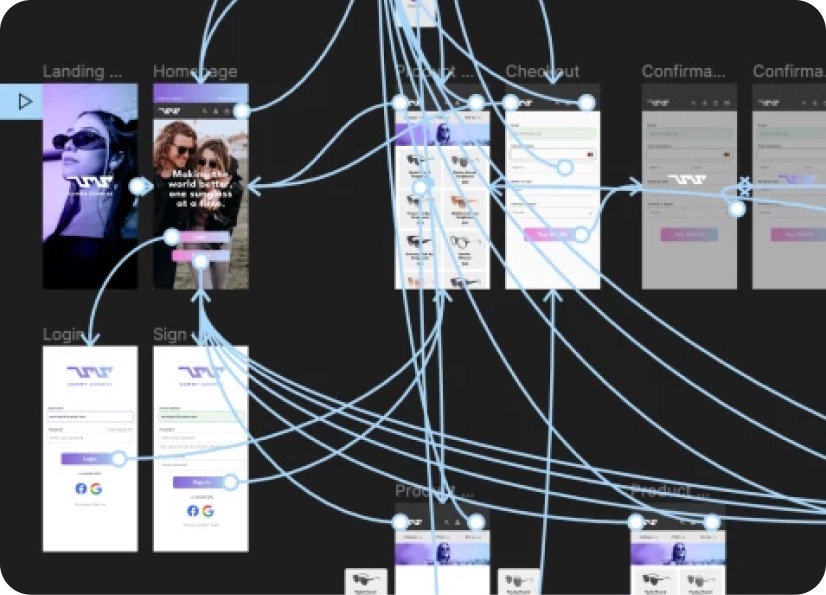
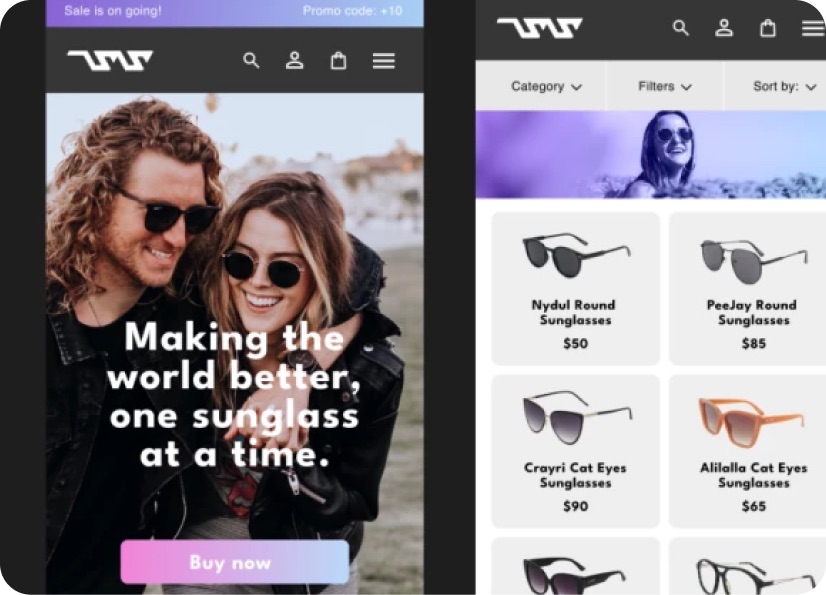
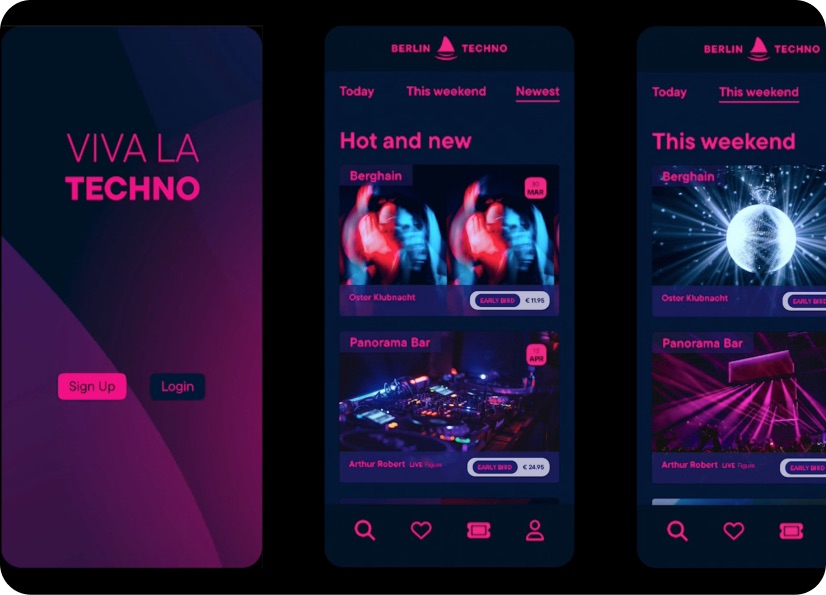
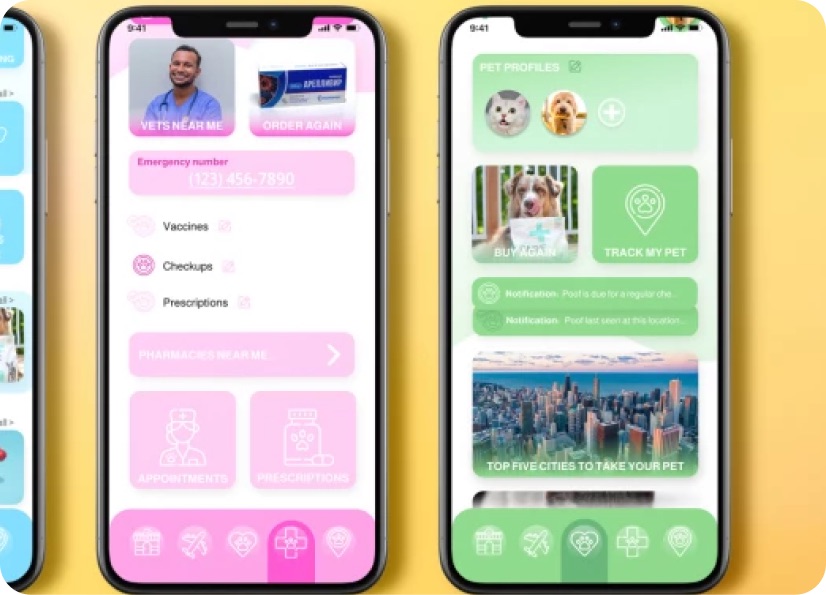
Build real world projects as you learn, create portfolio worthy work, and gain practical experience by doing - not just watching. Share your work with our global creative community, get feedback and support, and learn alongside other students every step of the way.


Meet your instructor
Daniel Walter Scott
Founder of Bring Your Own Laptop & Chief Instructor
Figma | Illustrator | Premiere Pro | Lightroom
I discovered the world of design as an art student when I stumbled upon a lab full of green & blue iMac G3’s. My initial curiosity around using the computer to create ‘art’ developed into a full-blown passion, eventually leading me to become a digital designer and founder of Bring Your Own Laptop.
Sharing and teaching are a huge part of who I am. As a certified Adobe instructor, I've had the honor of winning multiple Adobe teaching awards at their annual MAX conference. I see Bring Your Own Laptop as the supportive community I wished for when I was first starting out and intimidated by design. Through teaching, I hope to bring others along for the ride and empower my students to bring their stories, labors of love, and art into the world.
True to my Kiwi roots, I've lived in many places, and currently, I reside in Ireland with my wife and kids.


Choose your membership plan.
Get unlimited access to every BYOL course and feature. Go monthly for flexibility, or choose yearly and save with our best value option.
Yearly | Best value
- 12 months access for the price of 7
- Save $60.00 vs monthly
- Just $7.00 per month when billed yearly
- Give yourself a full year to level up
- Unlimited access to 35+ design courses
- New course launches and updates
- Take as many courses as you like
- Learn at your own pace
- Class projects & certificates
- Design challenges
- BYOL Expert support
- Private student community
Pay $84.00 today.
Auto-renews annually at $84.00.
Cancel at any time before your renewal.
Monthly | Flexible
- Unlimited access to 35+ design courses
- New course launches and updates
- Take as many courses as you like
- Learn at your own pace
- Class projects & certificates
- Design challenges
- BYOL Expert support
- Private student community
Pay $12.00 today.
Auto-renews monthly at $12.00.
Cancel at any time before your renewal.
Take your design skills to the next level.
Join a private community of designers, with guaranteed feedback and small-group live sessions designed to accelerate your growth.
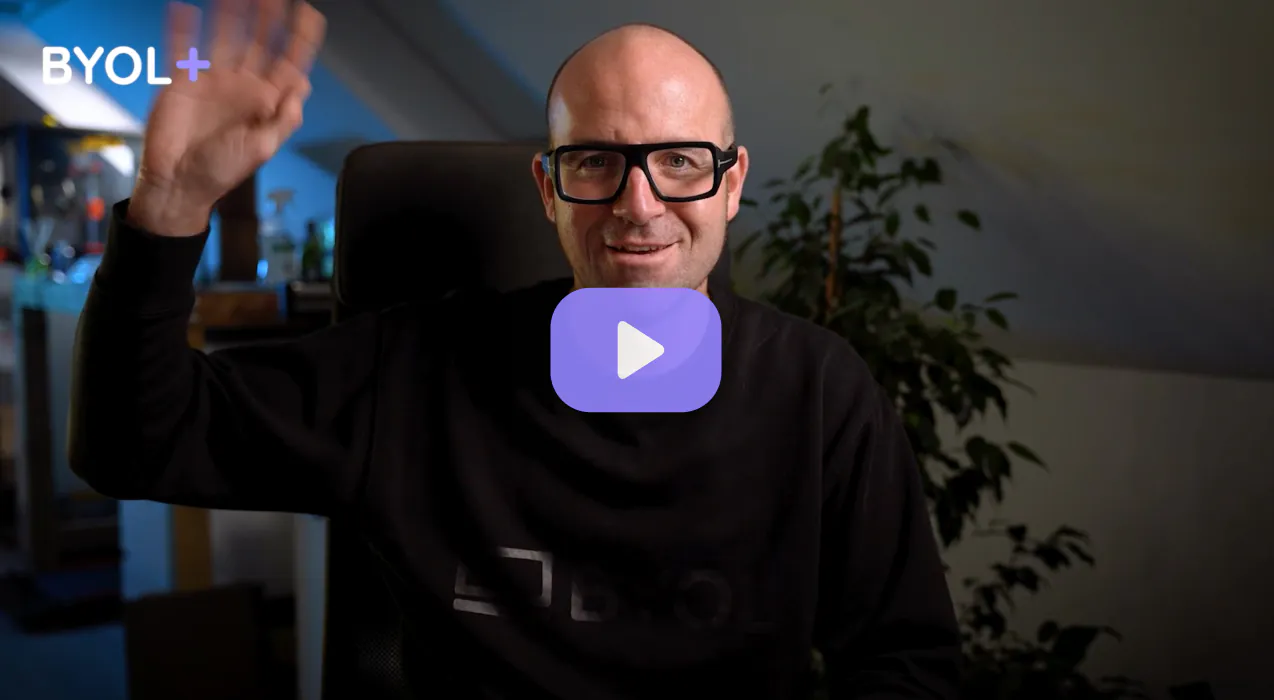

BYOL+ is for designers who:
- Work solo and want meaningful feedback from peers.
- Are building a freelance business and need guidance.
- Want thoughtful critique to strengthen their portfolio and unlock new opportunities.
"I love the live sessions, the advice has really helped me to move up in my career."
Charlie, BYOL+ student

Includes everything in BYOLCORE, plus:
- 💜 Exclusive BYOL+ Discord community
- ☕️ Live Office Hours with Dan
- ⚡️ Live portfolio review sessions
- 🧠 Live creative community sessions
- 🎬 Live session replay library
- ✏️ BYOL+ exclusive design challenges
- 🔥 Priority BYOL Expert support
- 💬 Priority Class Project feedback
- 📺 Download lessons to watch offline anytime
Pay $199.00 today.
Auto-renews yearly at $199.00.
Cancel at any time before your renewal
Pay $29.00 today.
Auto-renews monthly at $29.00.
Cancel at any time before your renewal
You might also like...
Be the first to hear about new courses and special offers!
