Class Project 02 - Icons Using the Shape Builder
Questions




Student class projects




















































Course info
Overview
Join Adobe Certified Professional and Adobe MAX Master Award winner Dan Scott on an incredible journey into Adobe Illustrator! This course is tailor-made for anyone new to Illustrator and the world of design. Dan starts from scratch and unravels the secrets and techniques that let you create anything your creative heart desires, from icons, logos, and postcards to beautifully hand-drawn illustrations.
It's a relaxed, well-paced introduction, and Dan's approach is simple: start with shapes. A surprising amount of professional vector work begins as a few basic shapes combined and subtracted with the Shape Builder. Once that clicks, you'll be ready to conquer the Pen, Pencil, and Curvature tools like a pro and dive into the wonderful world of fonts.
Together with Dan, you'll learn how to:
- Master the art of drawing with simple shapes and lines
- Combine and subtract shapes to build custom logos and graphics
- Draw with confidence using the Pen, Pencil, and Curvature tools
- Pair fonts and style type that suits your design
- Choose color combinations with a designer's eye
- Export your creations for print, web, social media, and more
You'll practice on real-world projects from icons and logos to postcards and hand-drawn illustrations, then bring everything together in a complete Farmers' Market brand built from your own mini-brief. You'll gather inspiration with a mood board, design the logo and graphics, and present it all in realistic mockups. Dan also walks through Illustrator's hidden gems, including the mind-blowing Generative AI and AI Assist features. Turn rough sketches into polished vectors with Concept to Vector, generate artwork from a text prompt, get AI feedback before you share your designs, and keep your layers tidy. Dan shows you where these tools save you time, and where they're not worth the effort.
Plus, you'll get a handy printable PDF cheat sheet, forum support from the BYOL Teaching Assistant team, and a treasure trove of additional resources and websites to supercharge your career. Whether you've never even opened Illustrator or you've struggled with it in the past, Dan is here to show you the easy way to create breathtaking artwork and portfolio projects you'll be proud of. Let's go from Illustrator zero to Illustrator hero!
Requirements
- Adobe Illustrator installed (sign up for a free trial here)
- No prior Illustrator, design, or drawing experience required
- Basic computer skills (if you can send an email and browse the web, you're ready)
Who this course is for
- Absolutely no previous Adobe Illustrator experience is required
- This course is designed for newcomers to Illustrator and design in general, so no prior design, drawing, or illustration experience is necessary
- This is a relaxed, well-paced introduction, perfect for producing a wide range of drawings, illustrations, logos, and portfolio projects
- Only basic computer skills are necessary; if you can send emails and surf the internet, you're more than capable of mastering this course!
What you'll learn
- Drawing with shapes and lines
- Combining and subtracting shapes with the Shape Builder tool
- Designing custom logos and vector graphics
- Mastering the Pen, Pencil, and Curvature tools
- Working with brushes, strokes, and the Width tool
- Working confidently with type and fonts
- Curving and warping text
- Picking fonts faster with AI Assist
- Choosing effective color combinations
- Embedding and masking images and graphics
- Removing image backgrounds with one click
- Tracing images and converting hand-drawn artwork into vectors
- Creating stencil-style artwork from real drawings
- Creating overlapping artwork with Intertwine
- Distorting, bending, warping, and liquefying artwork
- Creating simple 3D illustrations
- Viewing 2D artwork from new angles with Turntable
- Designing seamless repeating patterns
- Turning rough sketches into polished vectors with Concept to Vector
- Generating vector artwork from a text prompt with Generate Vector
- Getting AI feedback on your designs before you share them
- Organizing layers automatically with AI Assist
- Gathering inspiration with mood boards
- Building a complete Farmers' Market brand from your own mini-brief
- Presenting your work with realistic mockups
- Exporting artwork for print, web, social media, and clients
- Multiple hands-on class projects you can add straight to your portfolio
- Practical workflows, shortcuts, and techniques used by professional graphic designers

Daniel Walter Scott
Founder of Bring Your Own Laptop & Chief Instructor
I discovered the world of design as an art student when I stumbled upon a lab full of green & blue iMac G3’s. My initial curiosity around using the computer to create ‘art’ developed into a full-blown passion, eventually leading me to become a digital designer and founder of Bring Your Own Laptop.
Sharing and teaching are a huge part of who I am. As a certified Adobe instructor, I've had the honor of winning multiple Adobe teaching awards at their annual MAX conference. I see Bring Your Own Laptop as the supportive community I wished for when I was first starting out and intimidated by design. Through teaching, I hope to bring others along for the ride and empower my students to bring their stories, labors of love, and art into the world.
True to my Kiwi roots, I've lived in many places, and currently, I reside in Ireland with my wife and kids.
Downloads & Exercise files
Transcript
Hi everyone in this video is class project time, not homework time.
Fun drawing icons time.
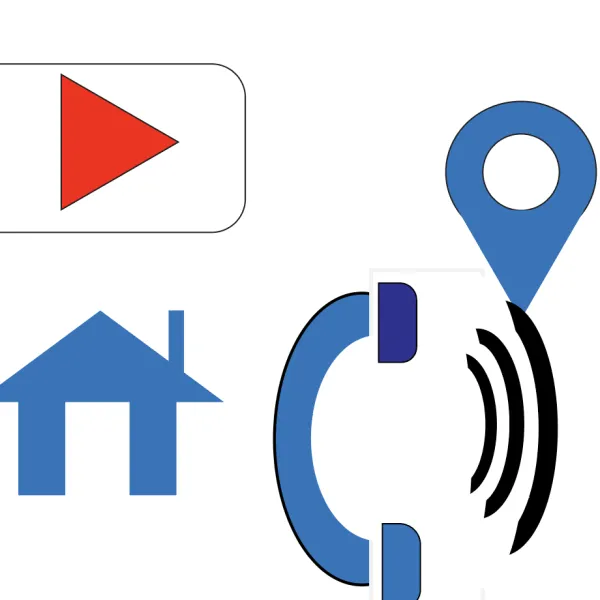
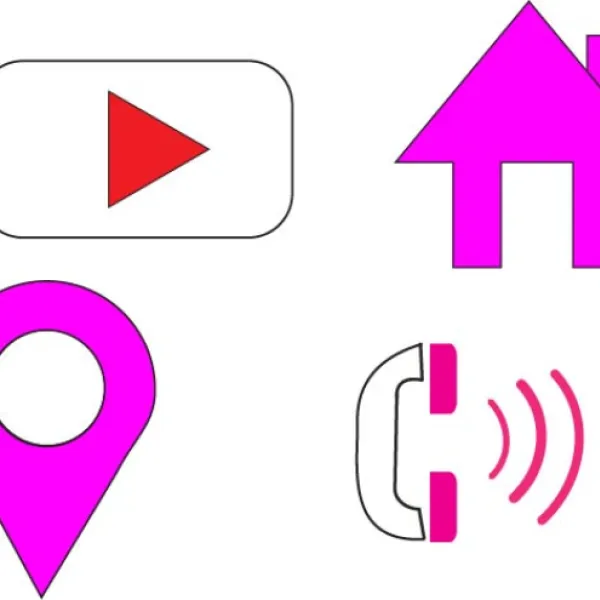
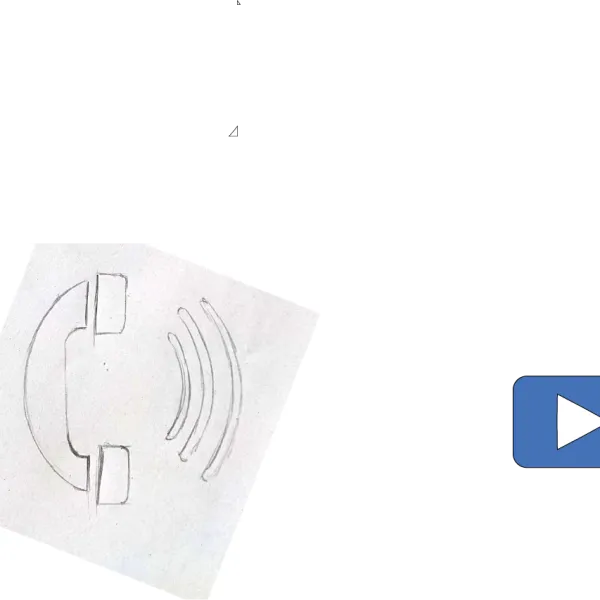
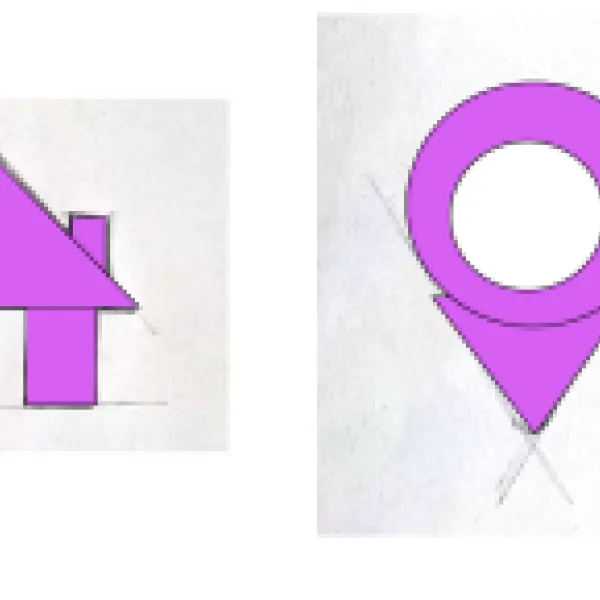
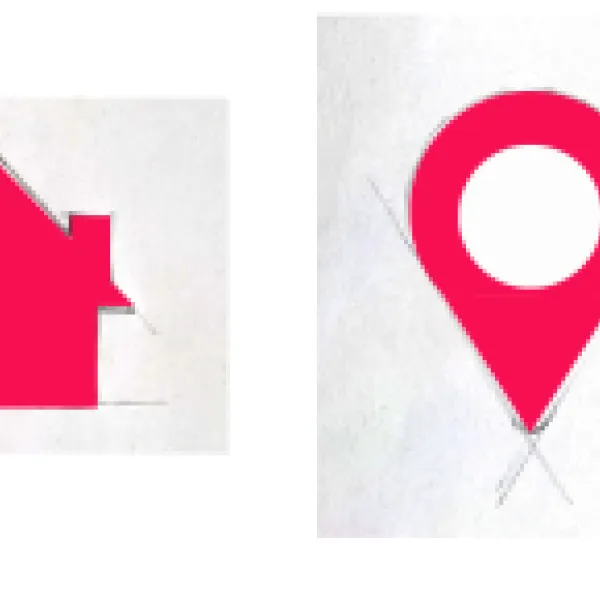
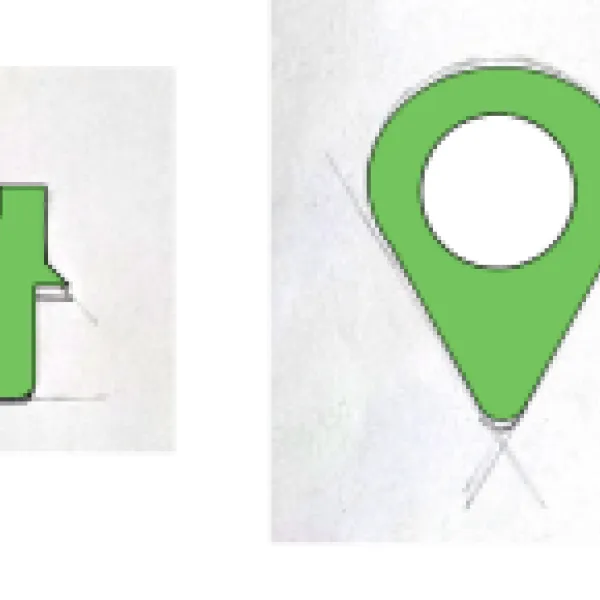
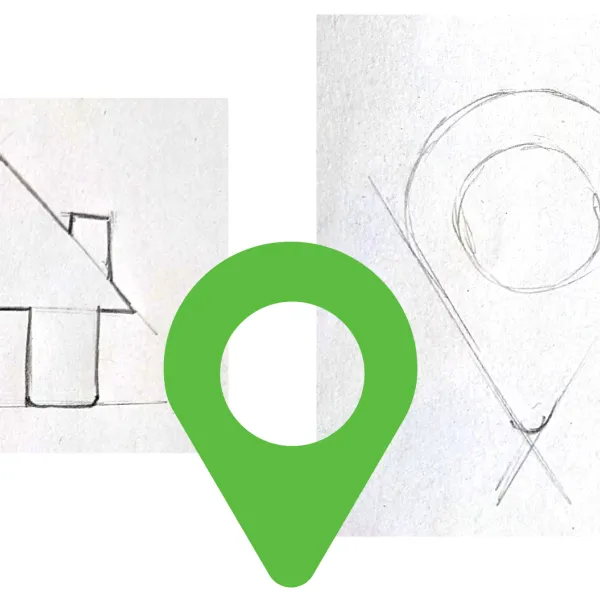
What I've done is I've drawn like hand-drawn.
Some icons.
Okay, just so that you can redraw them using the skills
that you've learned so far, mainly the Shape Builder tool.
Okay.
And I want you to redraw over the top
in the lined up something like this that don't have to look perfect.
Okay.
I'm not worried about with the things are balanced and perfect
and there will be a little notch probably in this.
And this kind of looks more like a beach hut.
And this is a phone.
I had to add the little rays here.
because no phones
look like that anymore and I don't know, I simplified mine for this task.
So it's a phone.
I want you to try and redraw it, but they go from easy to hard.
Don't worry if you don't get the whole way through.
What I've done is the very next video is the completed version of this,
where I just go through and redraw it.
But I don't want you to skip the I want you to start here.
Make sure on your layers panel
you're on the drawing layer, not the background layer.
Sometimes that happens, and if I use my line tool
on the locked background layer and work, it's going to make sure on
drawing layer bigger properties, start using any of the shapes okay.
Like we did with the sleeping fox.
So rectangles and triangles and lines okay to start drawing it.
And then start kind of like adding and subtracting so that we can
sorry, using the Shape Builder tool so that we can get to here.
But again doesn't have to be perfect.
You don't even have to get the whole way through.
You might give up halfway through.
It's totally okay.
See how far you get on your own.
Then in the next video, you can compare your way of doing stuff
to my way of doing stuff. It is in the class projects.
Okay, where are we?
There's class project doc, so open that document.
Use any of the tools we've used so far, especially the Shape Builder.
Give them colors, pick one color from them all and the deliverables.
I'm just going to say save an image.
Now I'm going to assume that, you know web png
export as okay, so save an image like we did in the last one.
Upload it to the assignment section.
You don't need to share this
on social media because they're all going to look the same okay.
So if you're doing the class projects do that okay.
Upload it to that section.
But don't post it. Social media you can if you want.
If you're really proud of it or you do it better.
but for the moment though, it's just a practice for us to do on our own.
All right, my friends, good luck drawing icons take as much time as you need
and I will see you in the next video where I reveal what I did.
All right. It's been a bit.
