
Adobe InDesign CC – Advanced Training
This hands-on Adobe InDesign CC – Advanced Training course is perfect for beginners and anyone wanting to level up their skills. We've designed the course content so that anyone can start from scratch, and students with experience can expand their skills and create awesome projects for their portfolio.
You'll learn step-by-step, building confidence and professional design skills while working on real projects along with Daniel Walter Scott, and earn your certificate of achievement.
What’s in the course?
Hint: Get a feel for the course by watching the free lessons!
Why our students love learning with BYOL
“I am getting a great deal from this InDesign course. I really like this instructor's teaching style.”
“I work as a graphic designer in an agency and this course for sure teached me some new stuff. Sometimes, we never use certain Id-Tools or miss some new update functions. Liked the calm and structured way everything was shown!”
“Taking this advanced InDesign course was honestly such an amazing experience! It taught me how to skip all the tedious manual work and design faster with technical precision. The lessons were so practical and engaging that it totally changed how much I enjoy the design process.”
“Dan packs the lessons with incredibly useful information, tips, and real‑world processes. As long as you follow along and use the provided files to practice, you’ll learn a ton. In the end, I stand corrected—this course is excellent. At this point, I should probably just trust that anything Dan puts out will be worth my time. Thanks again, Dan.”
“Przyjemnie prowadzony kurs, przystępnie przedstawiona wiedza. Polecam dla osób mających podstawy w Id i chcących poszerzyć swoje umiejętności w tym programie.”
“These perspectives and insights are helping me improve my work flows”
“I enjoy Dan's teaching style. I progressed from not knowing anything about using InDesign to being able to create books, presentations, brochures, name tags and various other items based on the techniques learnt in this course and the Essentials course”
“I've been using InDesign for years, but knew there was a lot more to learn, and this was the perfect course. I've done a few courses by Daniel Scott and he never disappoints! Easy to follow, explains things clearly, and is engaging. I also love how he always strives to give a practical application for each and every nugget of knowledge: why X feature is useful (even if you didn't immediately think...”
“I’ve been a graphic designer for 25+ years and honestly thought I already knew InDesign inside and out, but Daniel proved me wrong in the best way. I picked up so many clever tips and workflow tricks that immediately made me faster. I was genuinely surprised by how much “hidden” functionality I had never used before.”
“Great course! The course is packed with practical techniques and smart workflows. It’s not just for learning, it’s also a fantastic reference to return to whenever you need a refresher or don’t want to memorize every feature like a robot, or waste time googling and searching YouTube tutorials. This course is a must-have for anyone who wants to truly understand InDesign and master the program.”
“Dan is easily my favourite teacher. I've learnt so much from his courses and this helped me get my first graphic design role. I've noe purchased 7 of his courses!”
“Like every other course by Dan, the quality is outstanding. The modules are always clear, well-structured, and easy to follow. You can truly learn and absorb everything to the fulles. Every lesson feel purposeful and perfectly executed. Highly recommended!”
“Another fantastic course! I’ve just completed the Advanced InDesign course after taking the Beginner one, and it was just as great as before. Dan’s teaching style and sense of humor make learning so enjoyable, he explains everything clearly and keeps things engaging throughout. I’ve learned so much and feel much more confident using InDesign now. I’ll definitely be back for more courses with Dan!”
“Great instruction and loads of information. Easy to understand and work along side Dan. He's the best :)”
“I love this course. The instructor really knows what hes talking about and makes sure you understand with repetition.”
“Great course, a must-have for mastering InDesign!”
“What a brilliant course! I've been using InDesign for a few years now, but learned so much from Daniel. He's such an engaging teacher, too. An excellent learning experience.”
“As someone who uses InDesign everyday for work purposes I could instantly see the value of this course. Learned so many nice tips and tricks to help improve my workflow. Would always recommend Daniel's videos - he teaches in such a fluid way that keeps you engaged and interactive throughout!”
“I purchased the Essential course and was so impressed that I decided to try the Advanced one. It was the best decision I have made. Dan takes everything to the next level, explaining every detail with clarity. His fun, friendly teaching style made learning enjoyable, and I now feel completely confident using Adobe InDesign. I highly recommend this course to anyone ready to advance their InDesign s...”
“Ha sido una buena elección. Aunque algunas cosas al principio parecía que necesitaban actualización, más adelante estaban actualizadas y explicadas. El profesor ha hecho un gran esfuerzo por procurar ir comentando todas las novedades de las nuevas versiones de InDesign. En resumen, el curso es muy bueno y muy completo. Mejor de lo que me imaginaba.”
Class projects & community

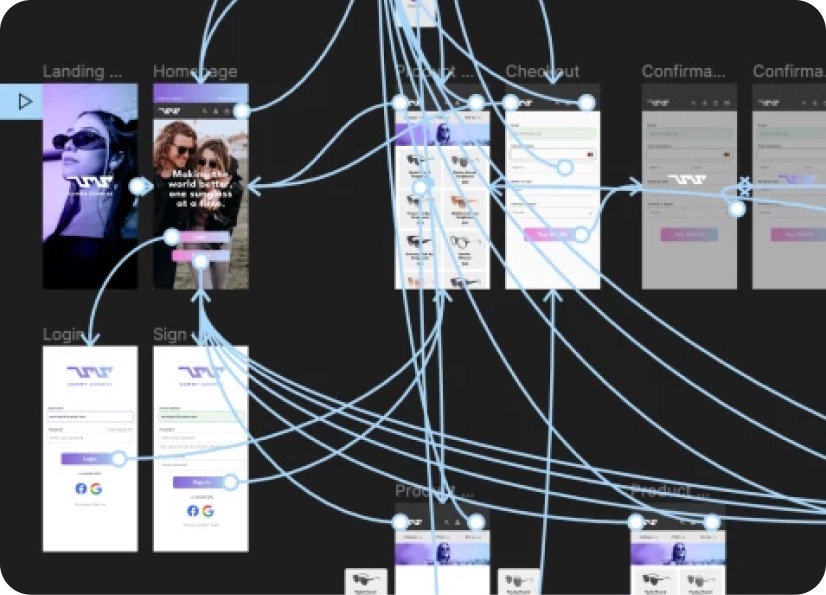
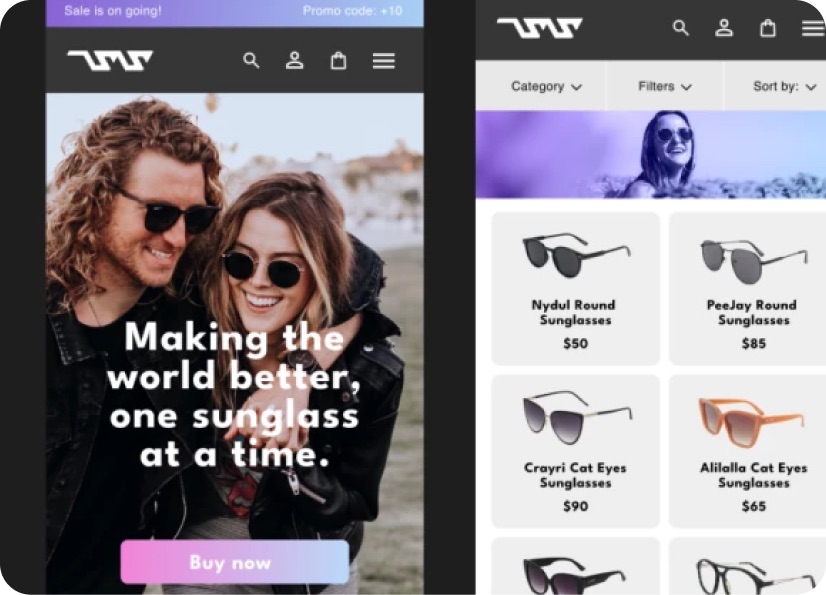
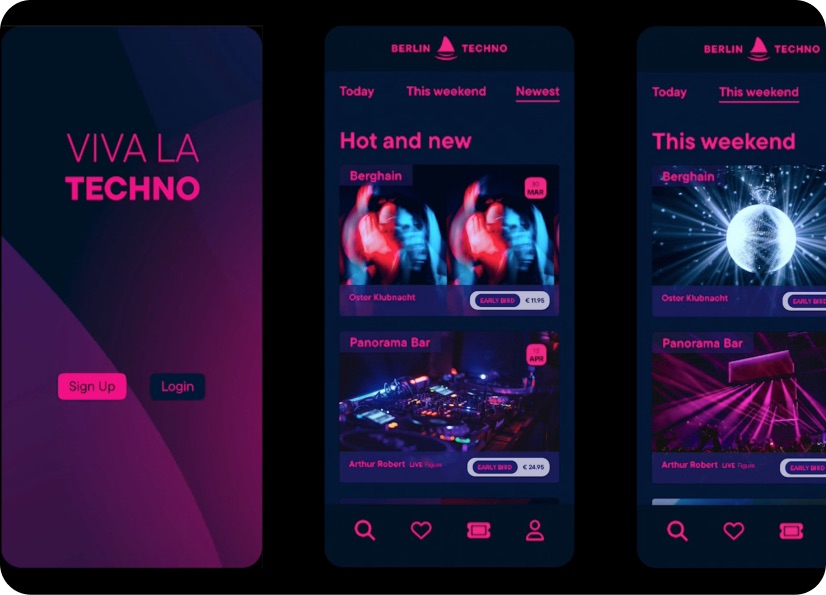
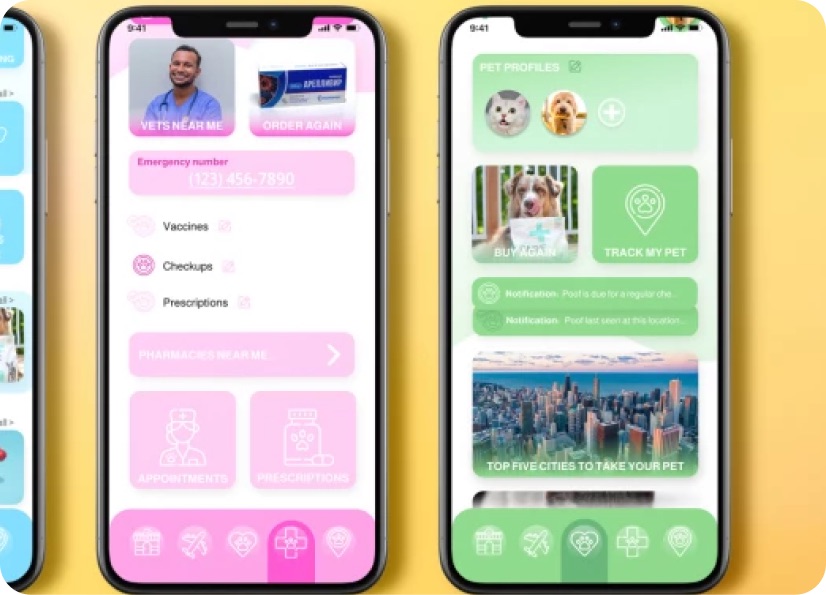
Build real world projects as you learn, create portfolio worthy work, and gain practical experience by doing - not just watching. Share your work with our global creative community, get feedback and support, and learn alongside other students every step of the way.


Meet your instructor
Daniel Walter Scott
Founder of Bring Your Own Laptop & Chief Instructor
Figma | Illustrator | Premiere Pro | Lightroom
I discovered the world of design as an art student when I stumbled upon a lab full of green & blue iMac G3’s. My initial curiosity around using the computer to create ‘art’ developed into a full-blown passion, eventually leading me to become a digital designer and founder of Bring Your Own Laptop.
Sharing and teaching are a huge part of who I am. As a certified Adobe instructor, I've had the honor of winning multiple Adobe teaching awards at their annual MAX conference. I see Bring Your Own Laptop as the supportive community I wished for when I was first starting out and intimidated by design. Through teaching, I hope to bring others along for the ride and empower my students to bring their stories, labors of love, and art into the world.
True to my Kiwi roots, I've lived in many places, and currently, I reside in Ireland with my wife and kids.


Choose your membership plan.
Get unlimited access to every BYOL course and feature. Go monthly for flexibility, or choose yearly and save with our best value option.
Yearly | Best value
- 12 months access for the price of 7
- Save $60.00 vs monthly
- Just $7.00 per month when billed yearly
- Give yourself a full year to level up
- Unlimited access to 35+ design courses
- New course launches and updates
- Take as many courses as you like
- Learn at your own pace
- Class projects & certificates
- Design challenges
- BYOL Expert support
- Private student community
Pay $84.00 today.
Auto-renews annually at $84.00.
Cancel at any time before your renewal.
Monthly | Flexible
- Unlimited access to 35+ design courses
- New course launches and updates
- Take as many courses as you like
- Learn at your own pace
- Class projects & certificates
- Design challenges
- BYOL Expert support
- Private student community
Pay $12.00 today.
Auto-renews monthly at $12.00.
Cancel at any time before your renewal.
Take your design skills to the next level.
Join a private community of designers, with guaranteed feedback and small-group live sessions designed to accelerate your growth.
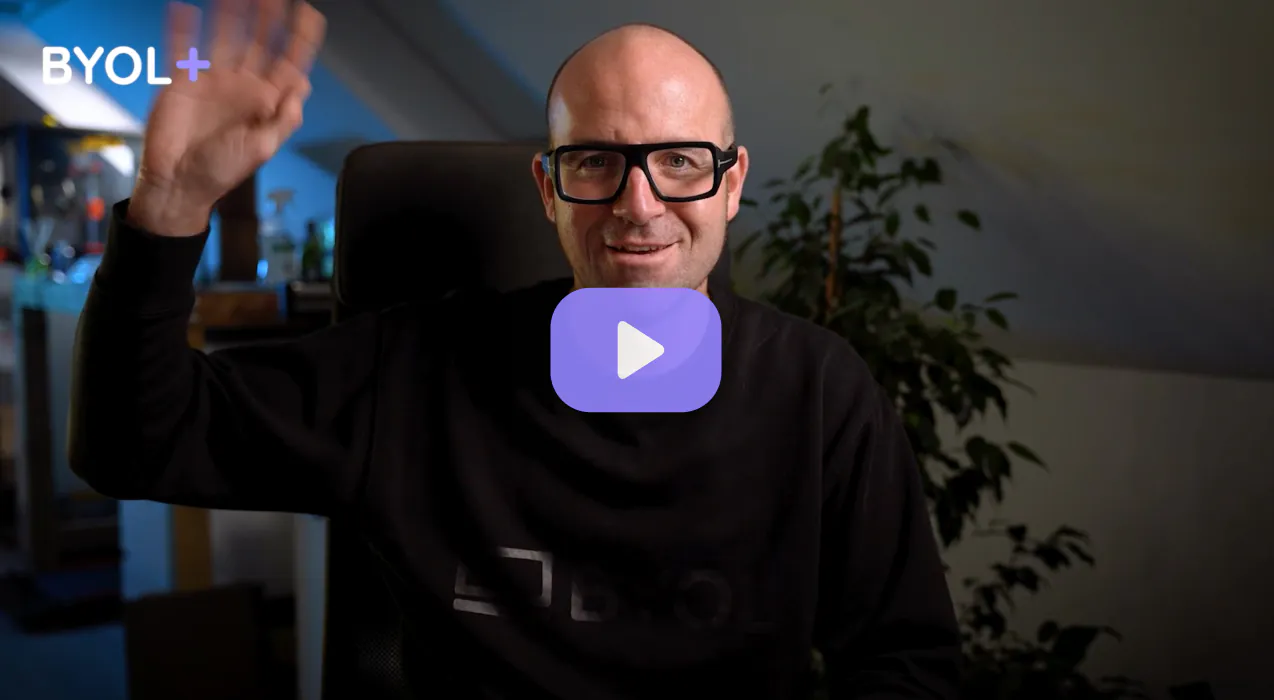

BYOL+ is for designers who:
- Work solo and want meaningful feedback from peers.
- Are building a freelance business and need guidance.
- Want thoughtful critique to strengthen their portfolio and unlock new opportunities.
"I love the live sessions, the advice has really helped me to move up in my career."
Charlie, BYOL+ student

Includes everything in BYOLCORE, plus:
- 💜 Exclusive BYOL+ Discord community
- ☕️ Live Office Hours with Dan
- ⚡️ Live portfolio review sessions
- 🧠 Live creative community sessions
- 🎬 Live session replay library
- ✏️ BYOL+ exclusive design challenges
- 🔥 Priority BYOL Expert support
- 💬 Priority Class Project feedback
- 📺 Download lessons to watch offline anytime
Pay $199.00 today.
Auto-renews yearly at $199.00.
Cancel at any time before your renewal
Pay $29.00 today.
Auto-renews monthly at $29.00.
Cancel at any time before your renewal
You might also like...

Be the first to hear about new courses and special offers!
